Everything you can make
Mockups, store listings and screenshots in every language, all from your own app’s screens.
Mockups
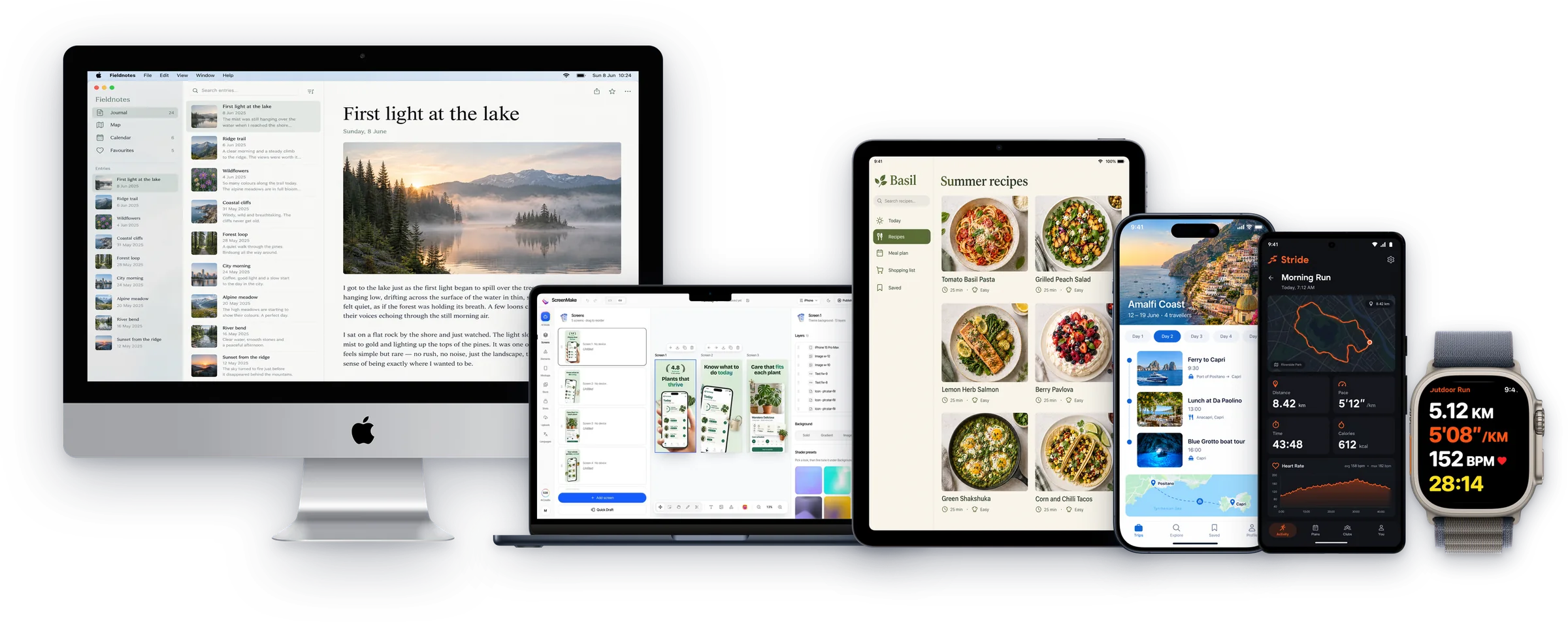
Your app’s screens on real devices: held, flat, tilted or in 3D.
iPhone mockups
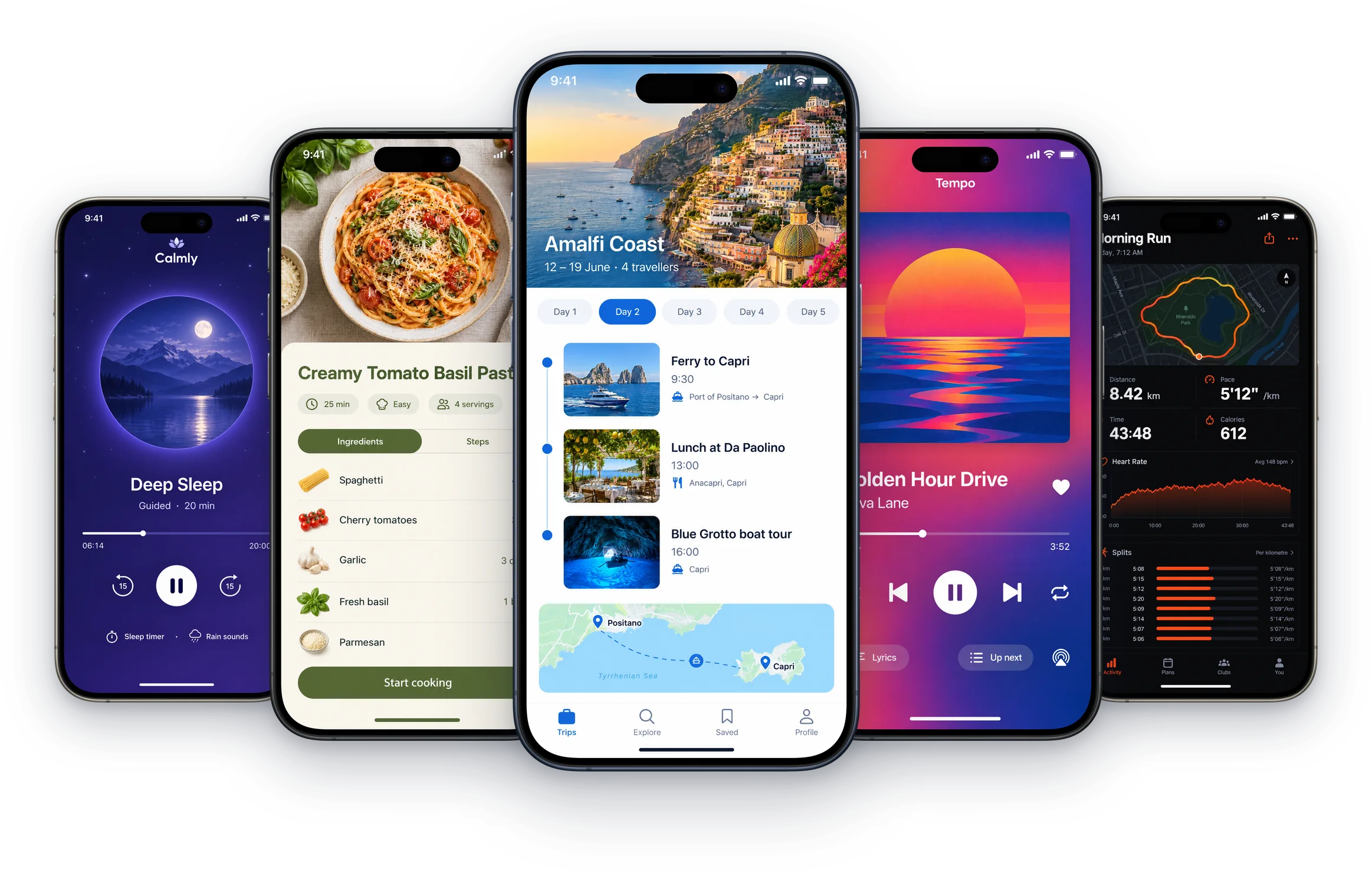
Put your app's screens into real iPhone mockups, from iPhone SE to iPhone 17 Pro, flat, in a hand or in 3D. Then turn them into App Store screenshots in the same place.
iPhone 17 mockups
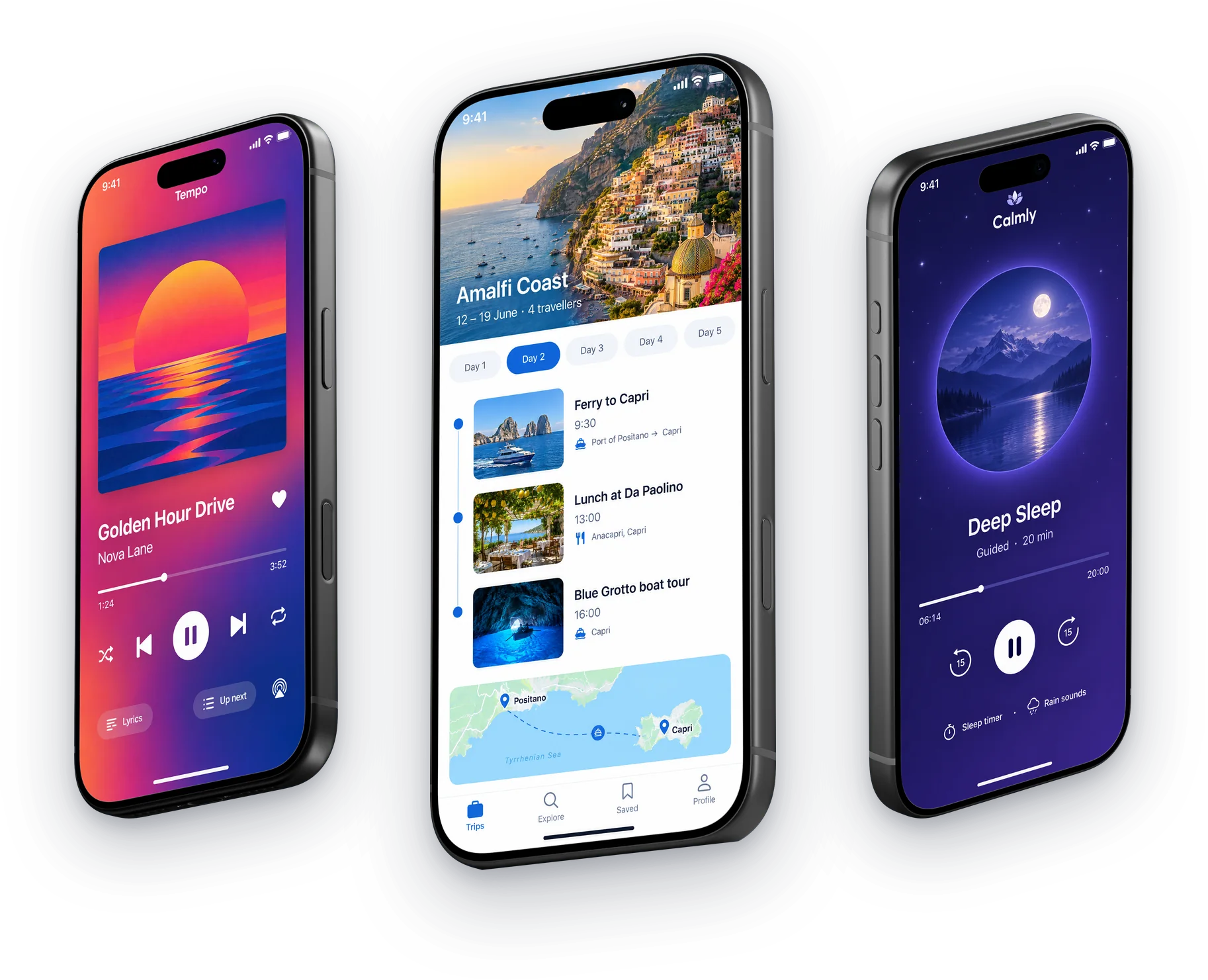
iPhone 17 Pro and iPhone 17 Pro Max mockups with your app on screen: in 3D, at any angle, or held in a hand. Free to design, exported at App Store size.
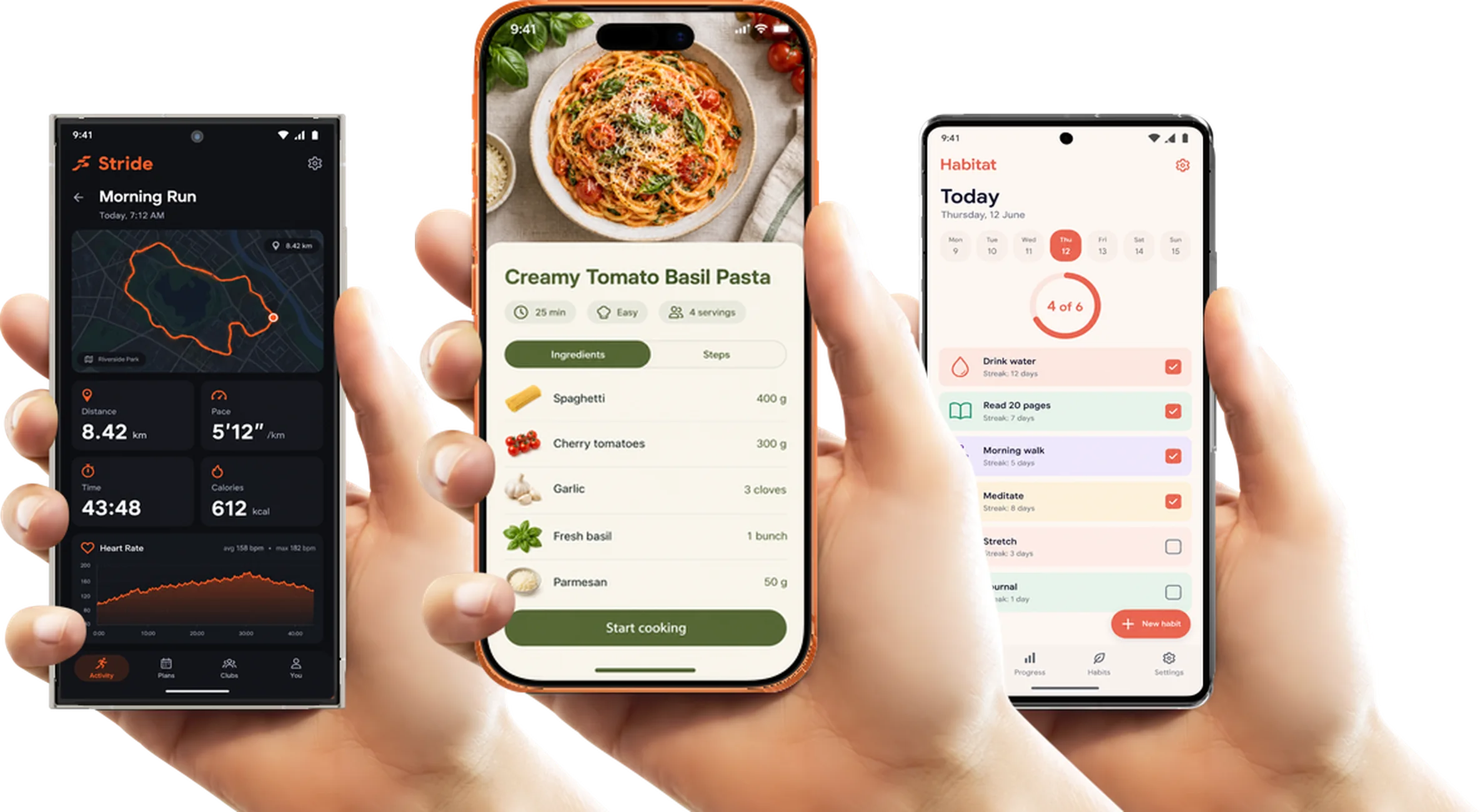
Phone mockups
Make phone mockups with your app on screen: iPhones, Pixels and Galaxys held in real hands, flat or in 3D. Free to design, ready for App Store and Google Play.
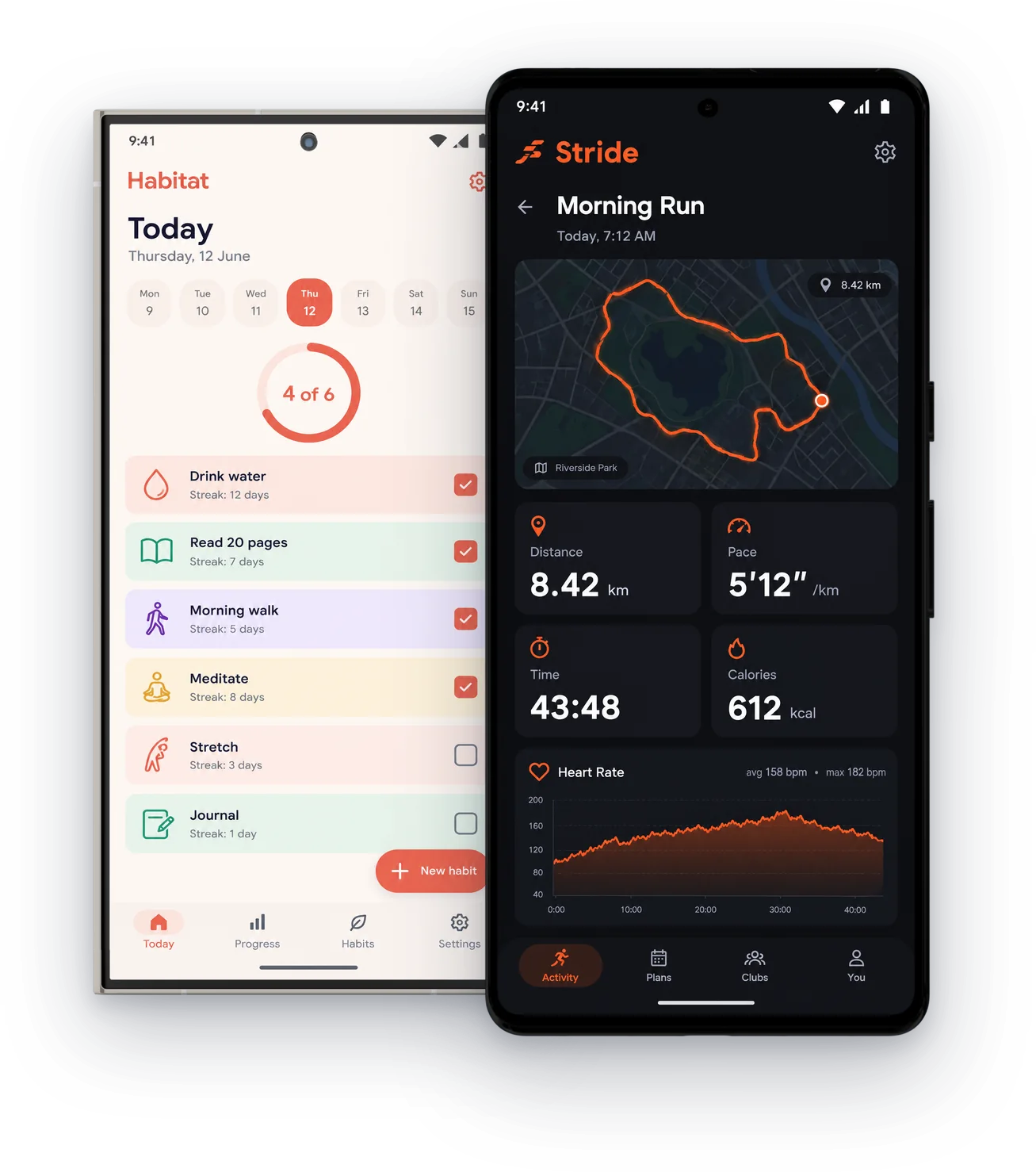
Android mockups
Put your Android app into real Google Pixel, Samsung Galaxy, OnePlus and Moto mockups, flat or in a hand, and export at every Google Play size.
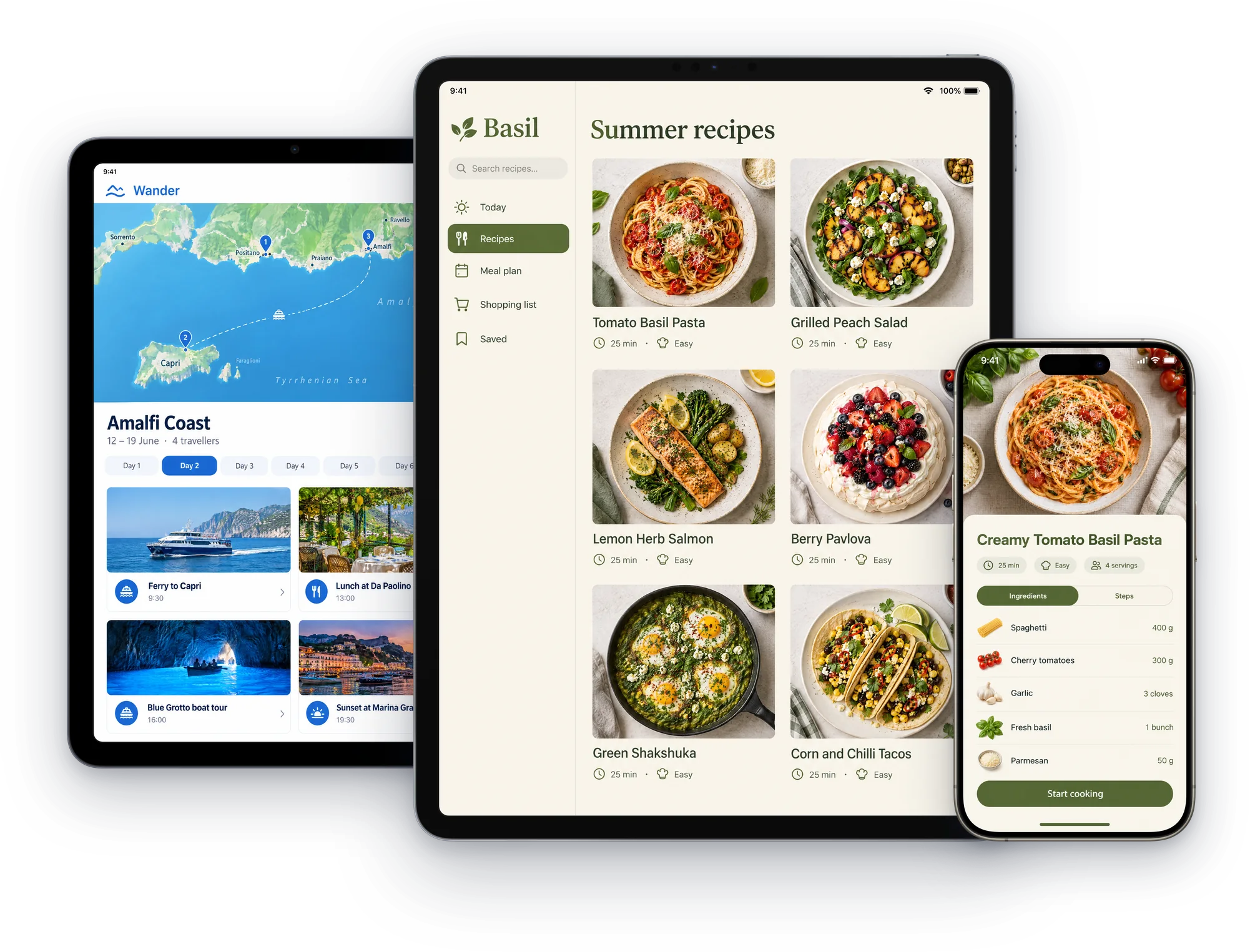
iPad mockups
Put your app into real iPad mockups: iPad Pro 13 and 11 inch, iPad Air, iPad and iPad mini. Turn an iPhone set into an iPad set and export at App Store size.
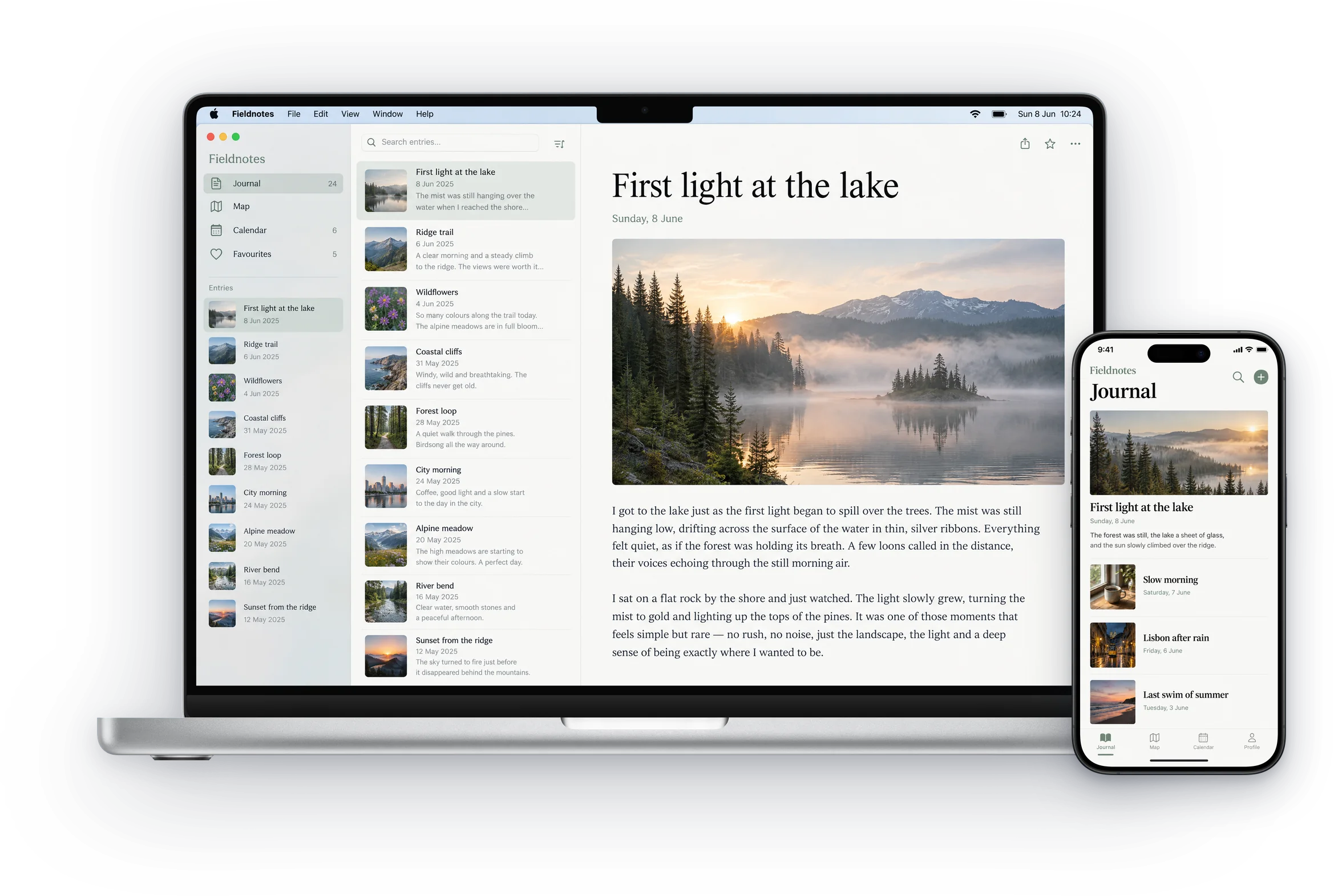
MacBook mockups
Put your Mac app or website into real MacBook Pro, MacBook Air and iMac mockups, and make Mac App Store screenshots at 2880 × 1800. Free to start.
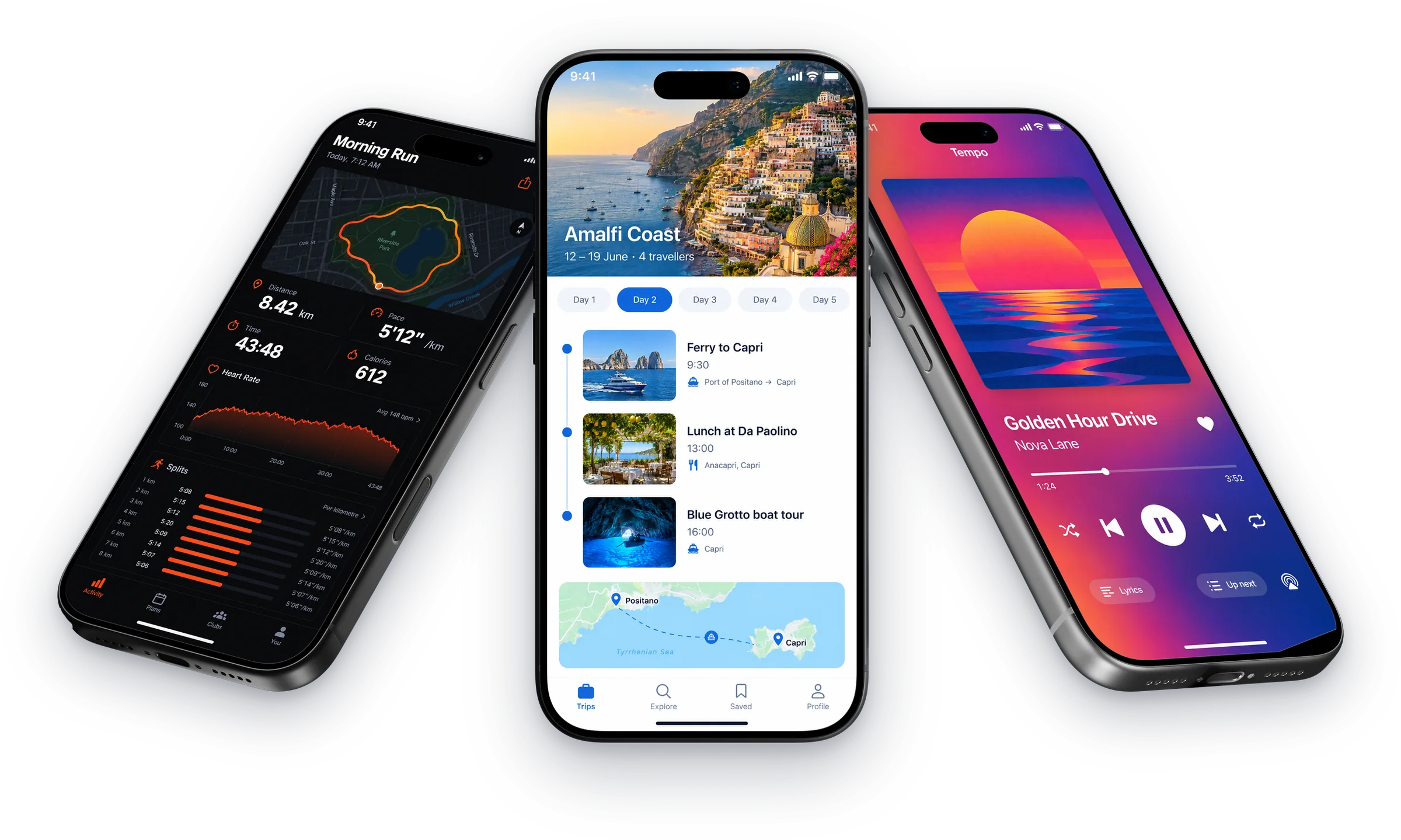
3D mockups
Put your app into 3D phone mockups: iPhone 17 Pro turned, tilted or lying flat, isometric phones and iPhone Duo, lit like product photography. Free to start.
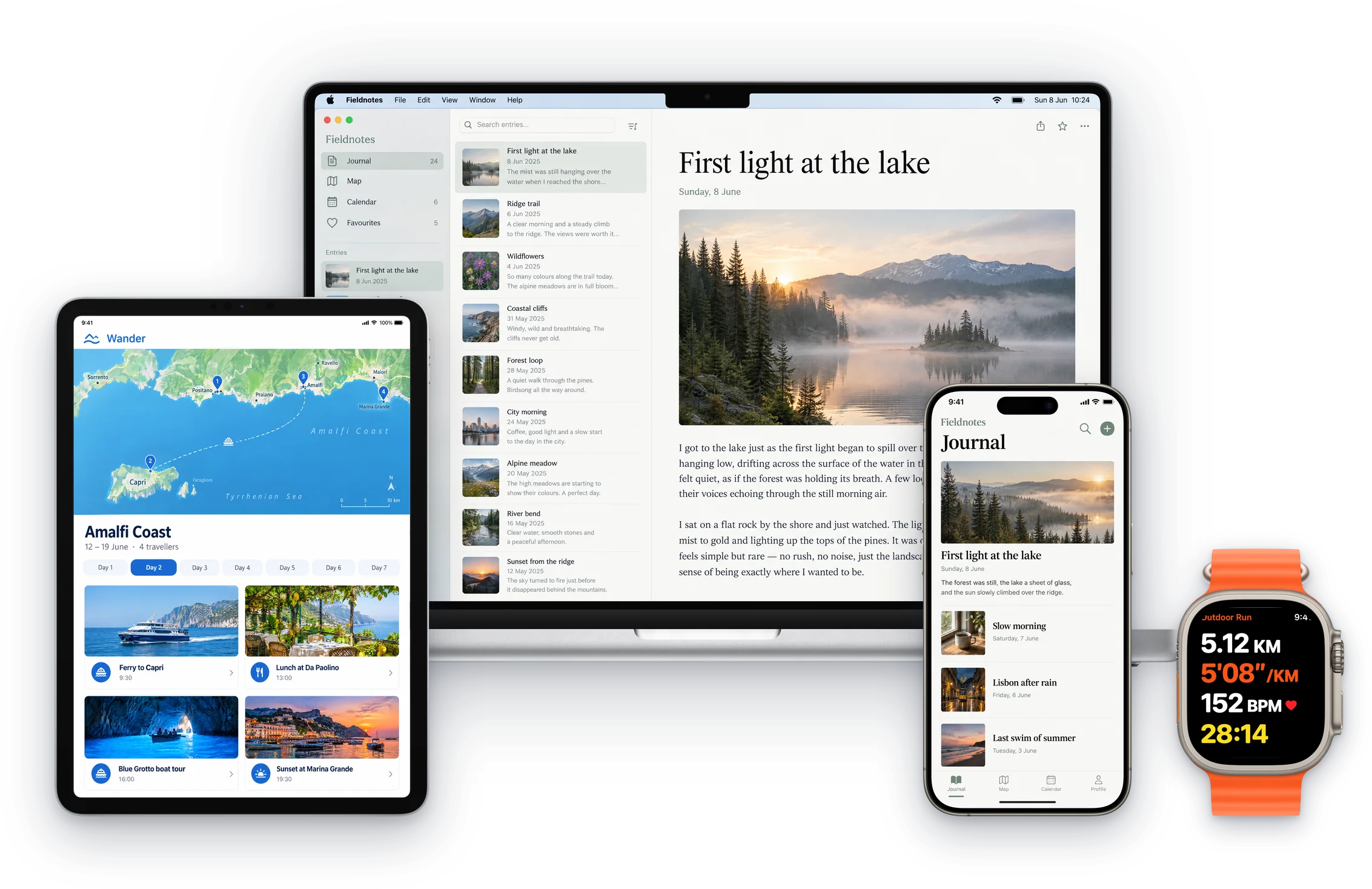
App mockups
Make app mockups on iPhone, Android, iPad, Mac and Apple Watch from your own screens, in real device frames, then turn them into App Store screenshots.
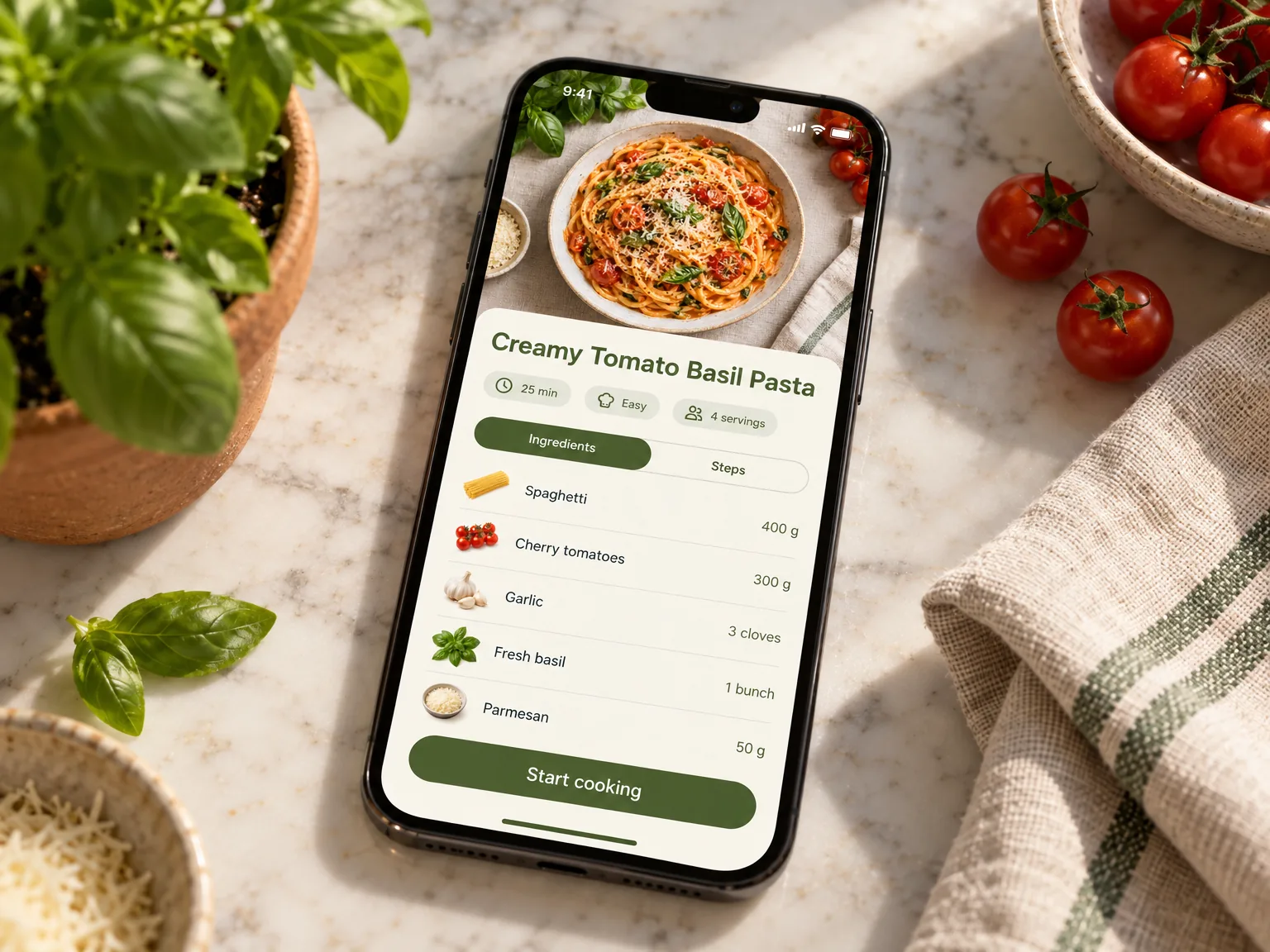
AI mockups
Describe a scene and ScreenMake's AI mockup generator puts your own app screenshot into it: a kitchen counter, a cafe table, a mountain trail. Free to start.
Device mockups
More than 380 device mockups for your app: iPhone, Google Pixel, Samsung Galaxy, iPad, MacBook, iMac and Apple Watch, flat, in a hand or in 3D. Free to start.
Store listings
Finished screenshot sets for the App Store and Google Play, in every language.

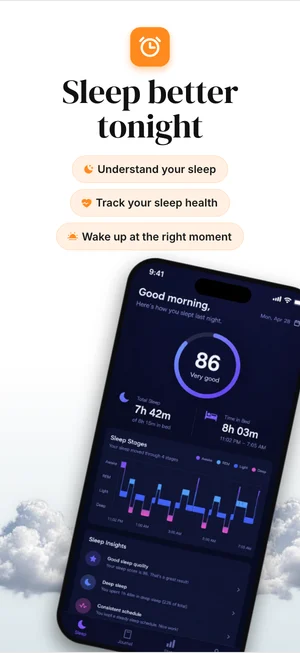
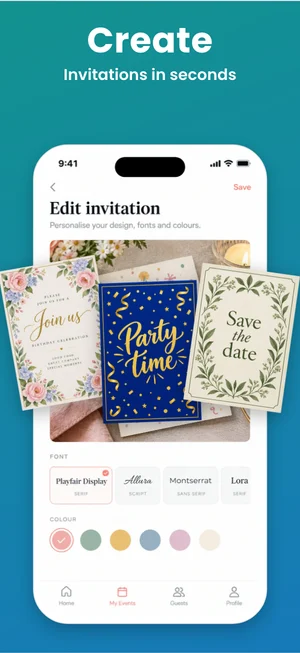
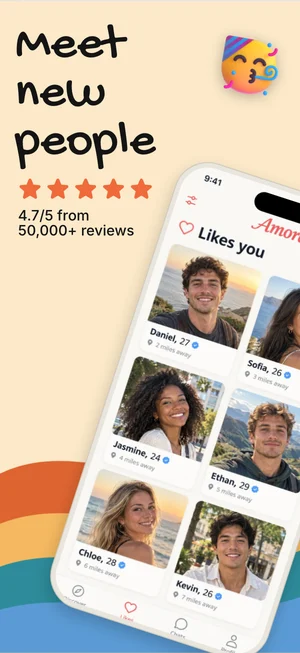
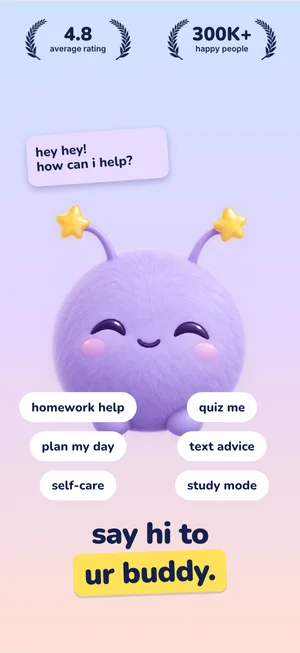
Screenshot templates
App Store screenshot templates that start from your own screens: pick a direction and get a designed set, then change any layer. iPhone, iPad and Google Play.
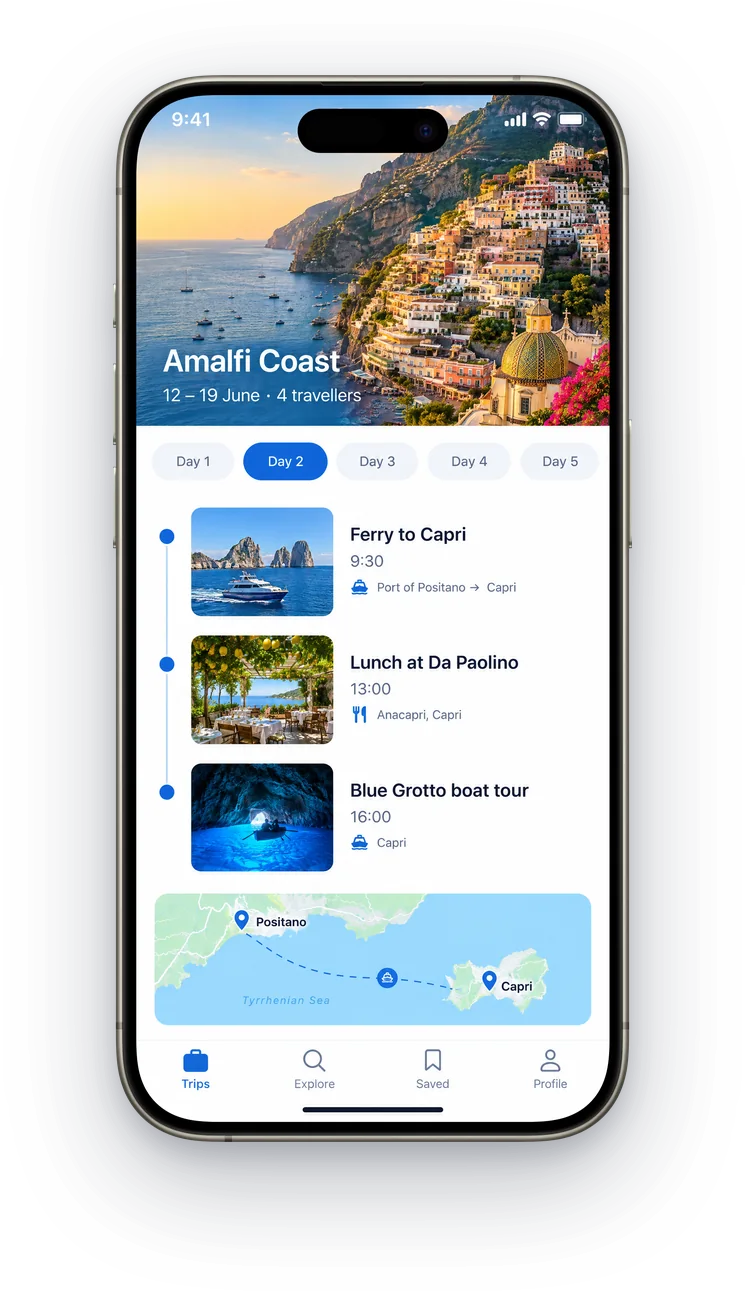
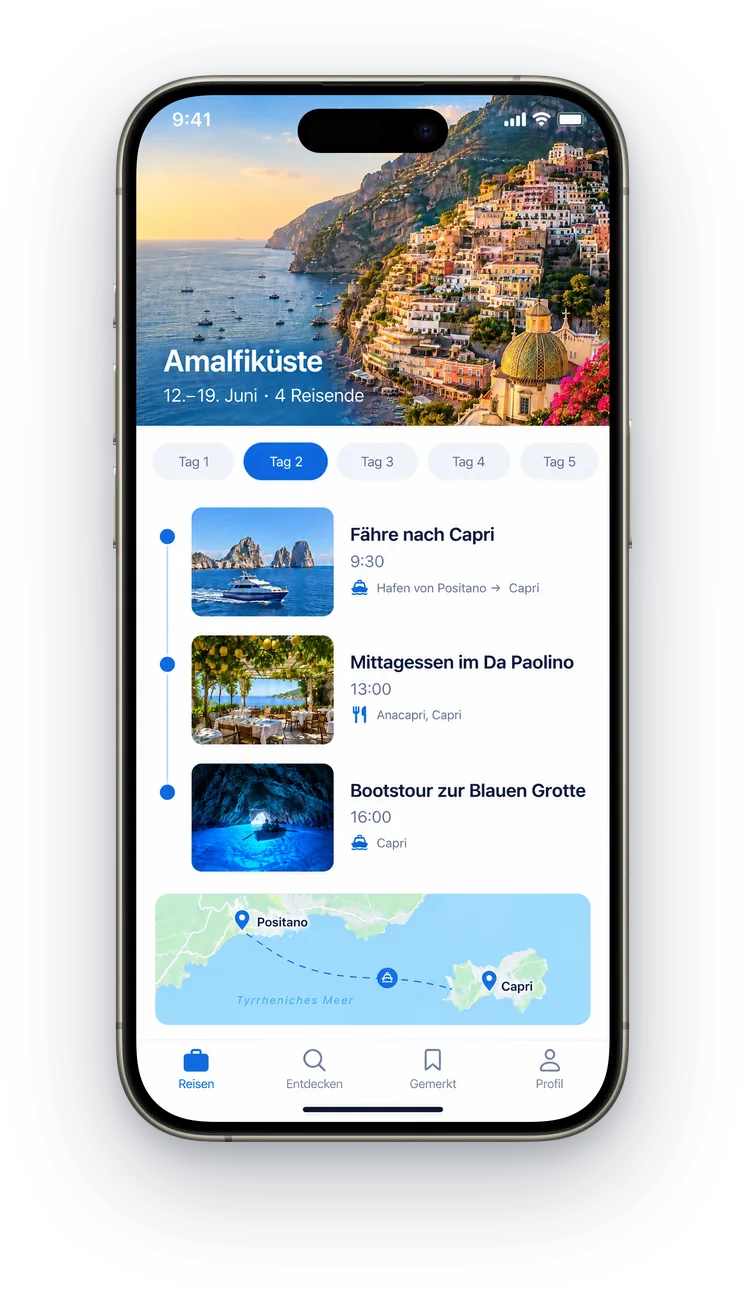
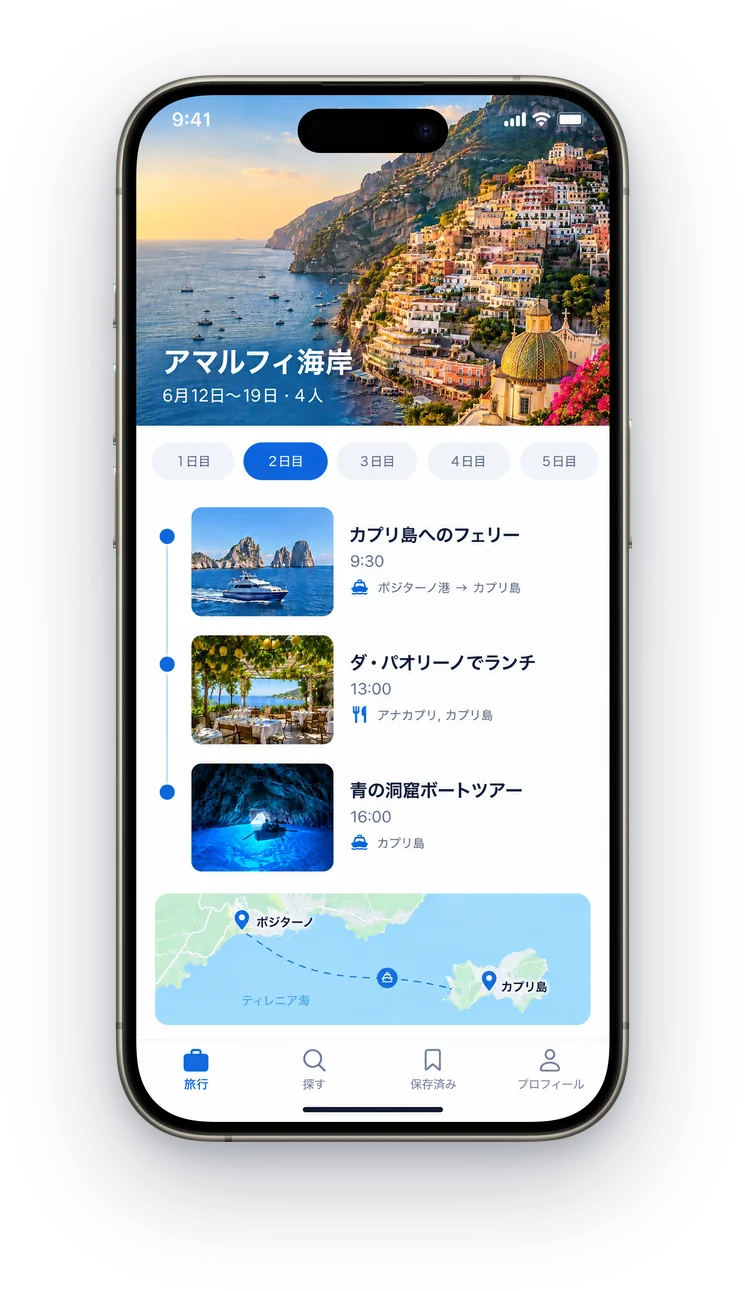
Screenshot localization
Translate your App Store and Google Play screenshots into 39 languages in one click, with layouts that fit and right to left mirroring for Arabic and Hebrew.
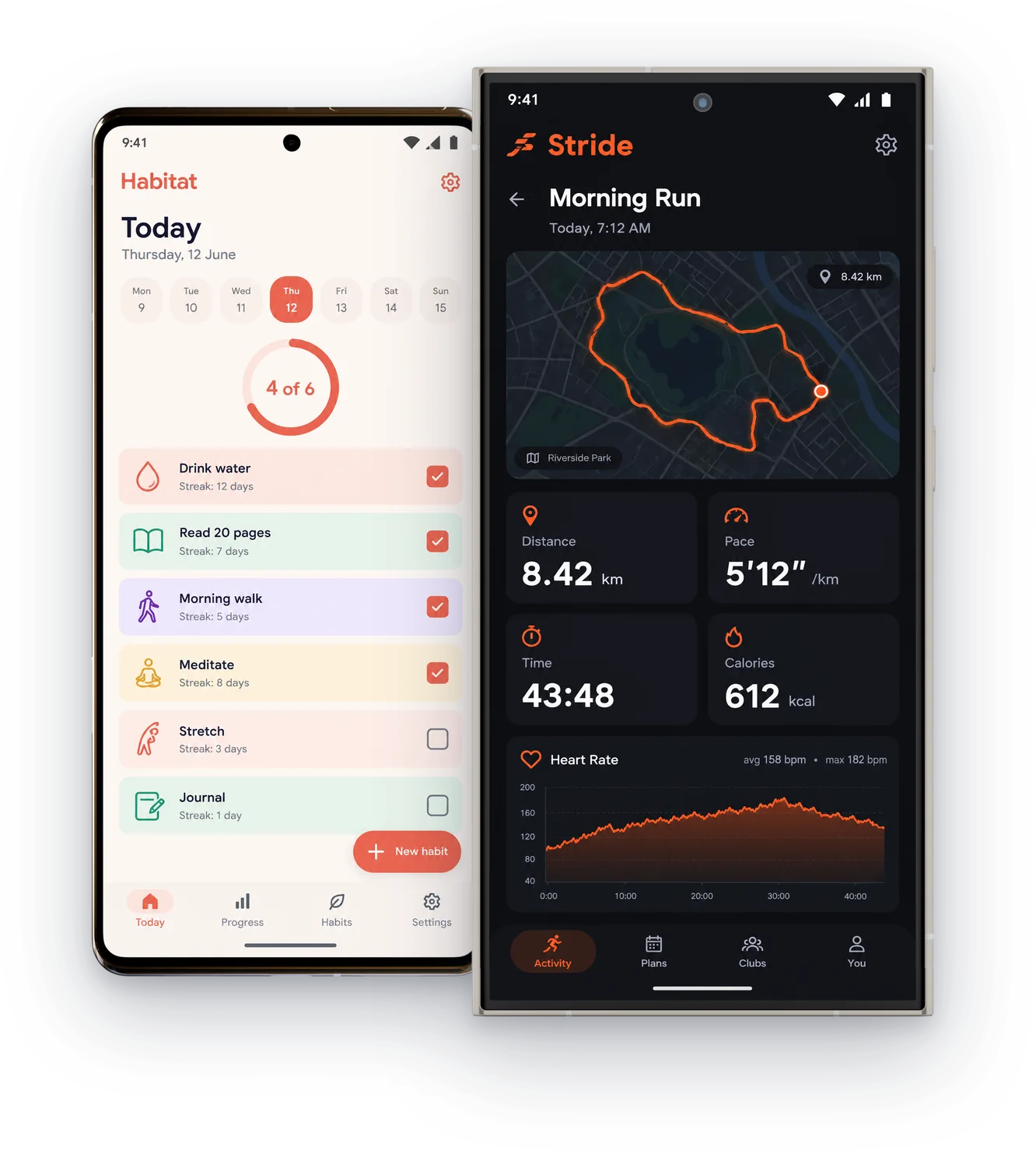
Google Play screenshots
Design Google Play screenshots and Play Store images for phones, tablets, Chromebooks, Wear OS and TV, plus the 1024 × 500 feature graphic. Free to start.

Feature graphics
Make a Google Play feature graphic at exactly 1024 × 500: your app's artwork, a clear headline and the right file type, designed in minutes and free to start.
Guides
- App Store screenshot sizesEvery screenshot size App Store Connect accepts in 2026, for iPhone, iPad, Mac, Apple TV, Vision Pro and Apple Watch, and the one set you really need to upload.
- Google Play screenshot sizesThe screenshot sizes and rules Google Play uses in 2026 for phones, tablets, Chromebooks, Wear OS, TV and XR, plus the feature graphic and what makes your listing eligible for promotion.
- App Store icon sizesThe app icon sizes Apple and Google ask for in 2026: one 1024 × 1024 icon for iPhone, iPad and Mac, 1088 × 1088 for Apple Watch, and 512 × 512 for Google Play.