iPhone mockups that look real
Drop in a capture of your app and pick an iPhone. It fits the screen, the rounded corners and the Dynamic Island for you, in the frame's real colour.
Free to design. Pay only when you’re ready to ship.
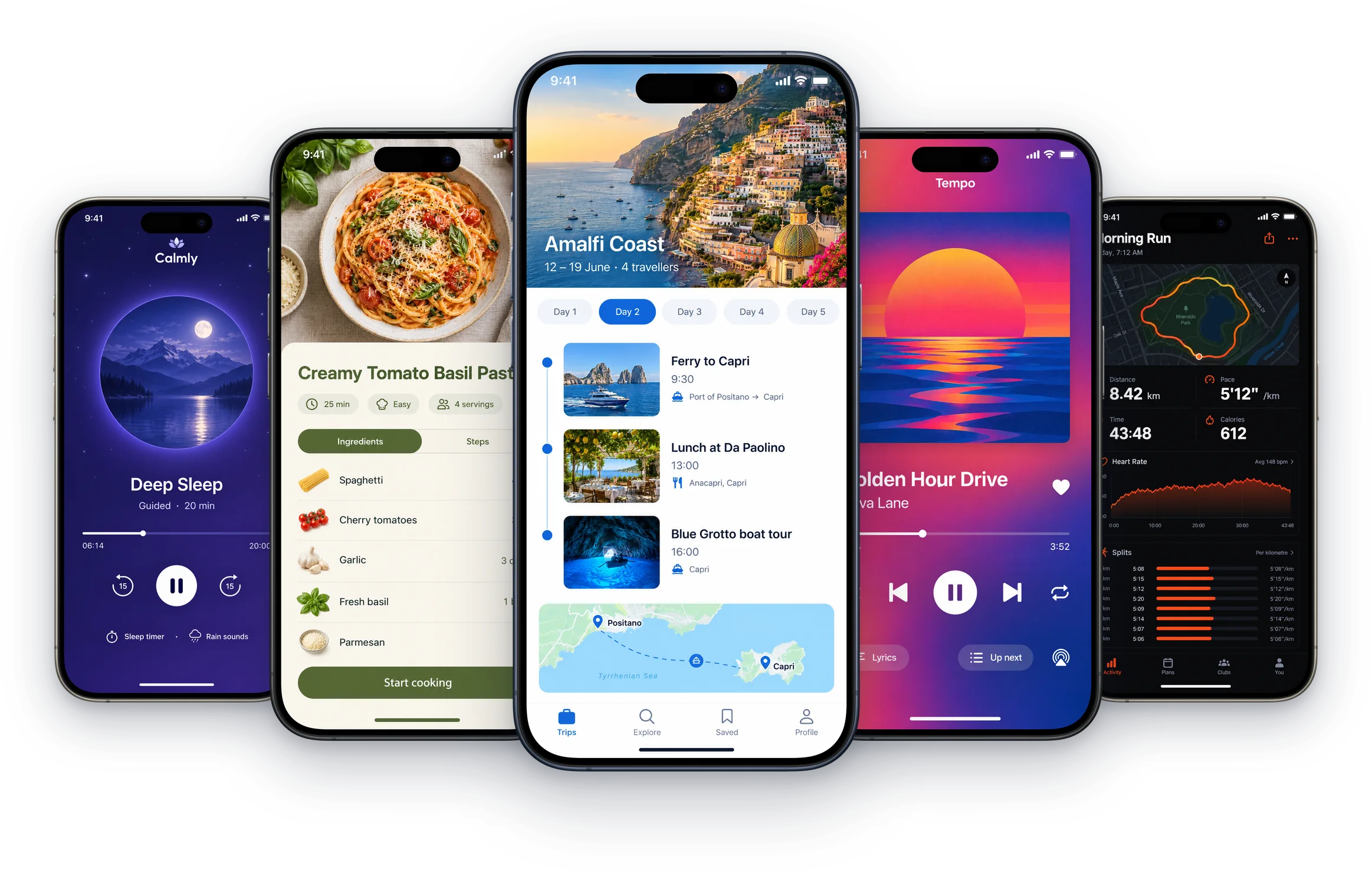
380+ device mockups · Every App Store and Google Play size · 39 languages
How to make an iPhone mockup
Add your screens
Upload captures straight from the simulator or your phone. They live in Shots, ready for any frame.
Pick an iPhone
Open Mockups and choose a model: flat, held in a hand, in 3D, or the new iPhone Duo.
Place it and export
Move, resize and tilt the frame, add a headline, then export a PNG or JPEG at the size the App Store asks for.
Every iPhone, every angle
Official frames in their real colours, hands, 3D scenes and both iPhone Duo displays.
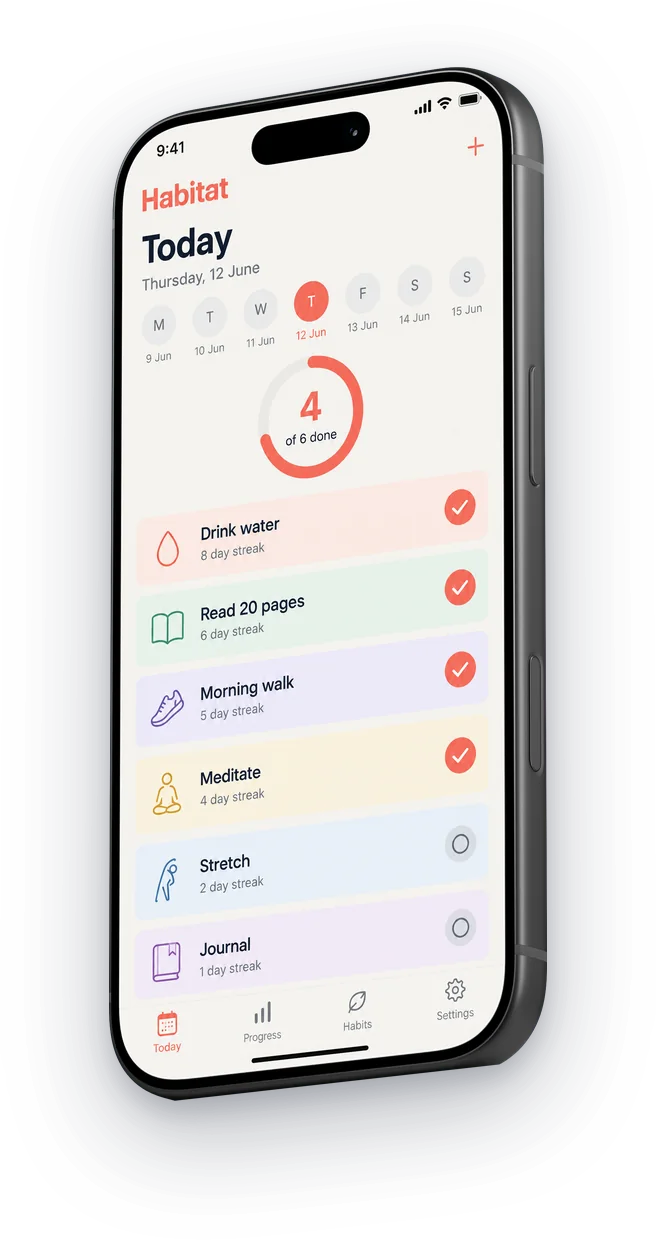
iPhone 17 Pro in 3D
Turned, tilted or lying flat, lit like a product shot.
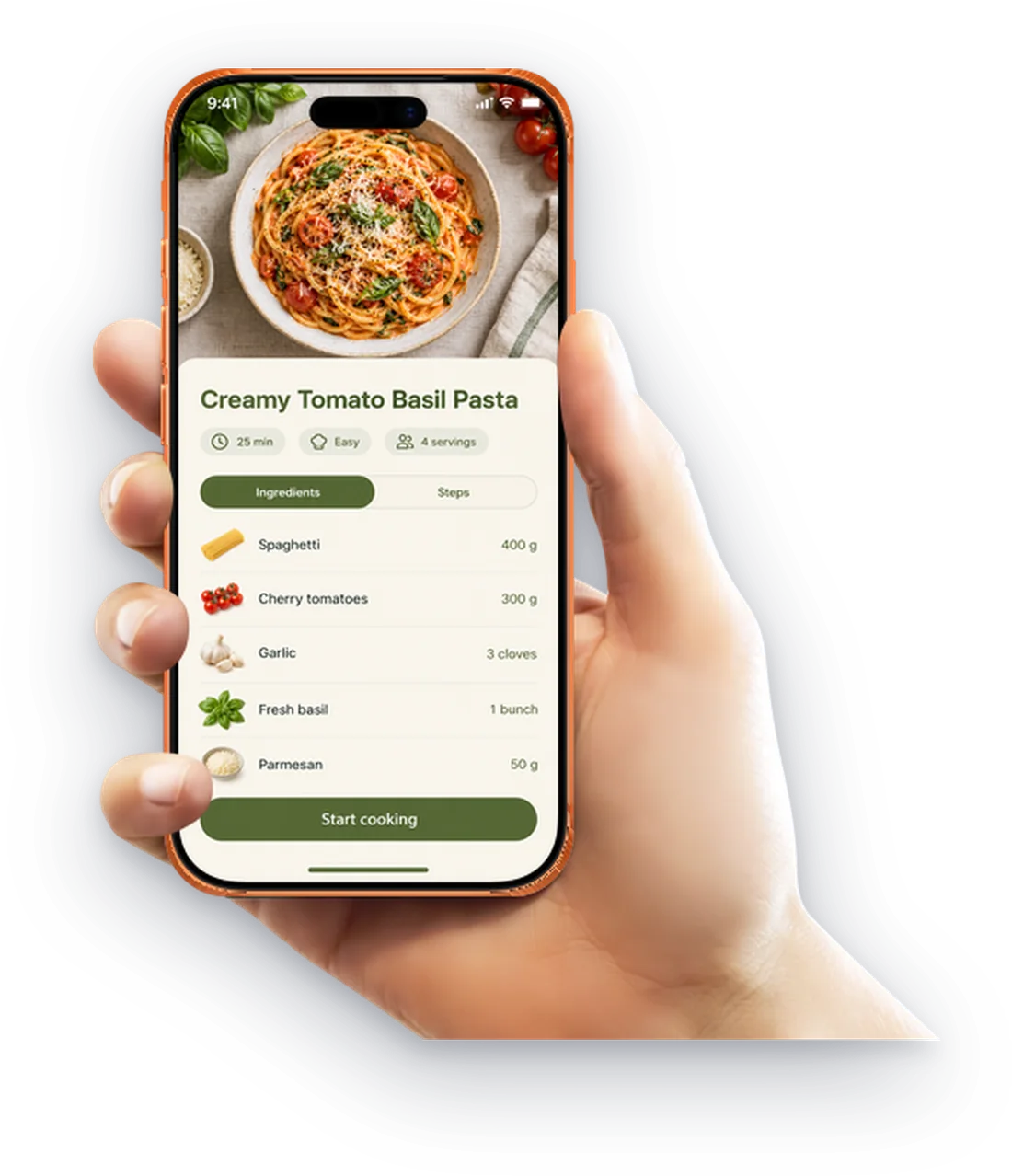
In a hand
iPhone 17 Pro Max in Cosmic Orange, and dozens more.
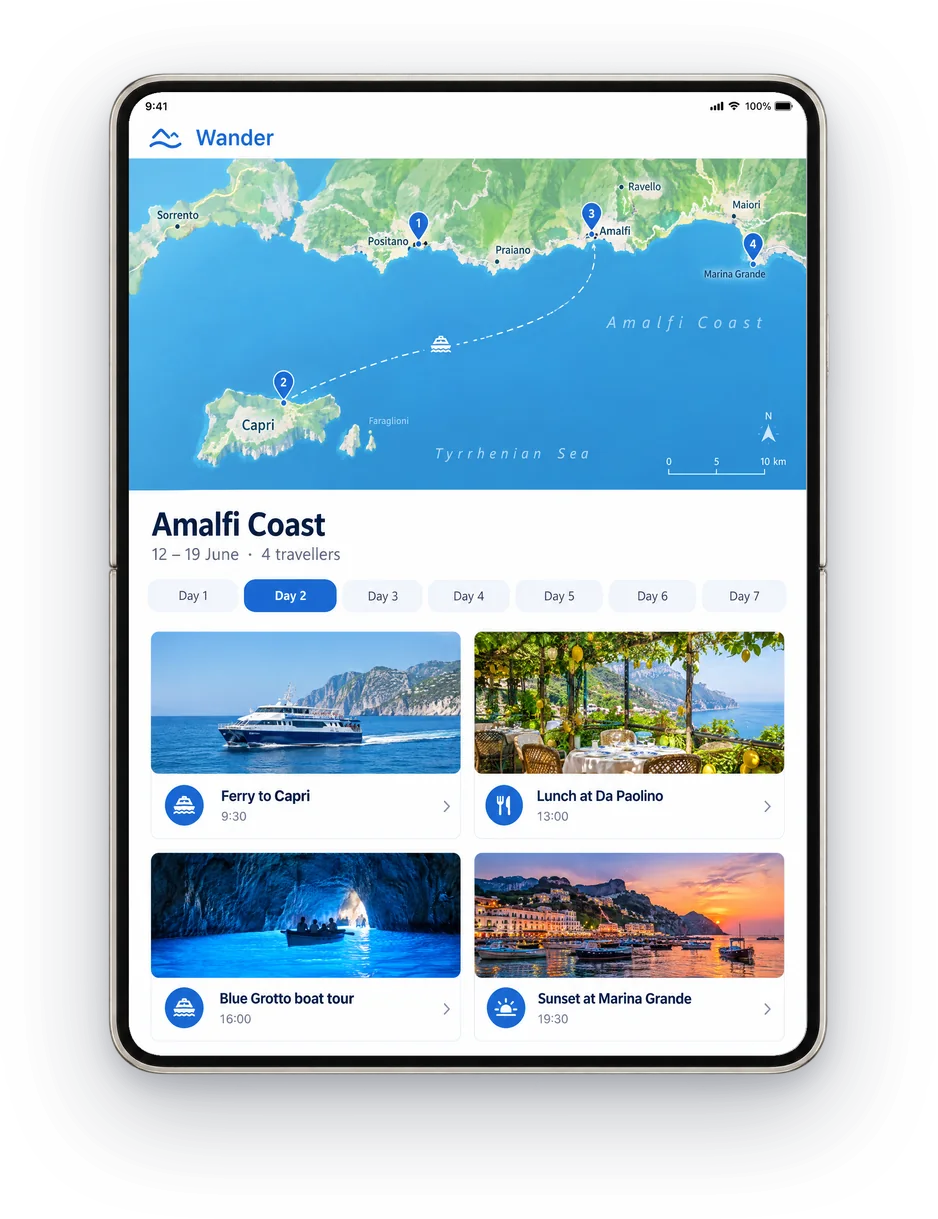
iPhone Duo
Open or closed, for both of its App Store screenshot sizes.
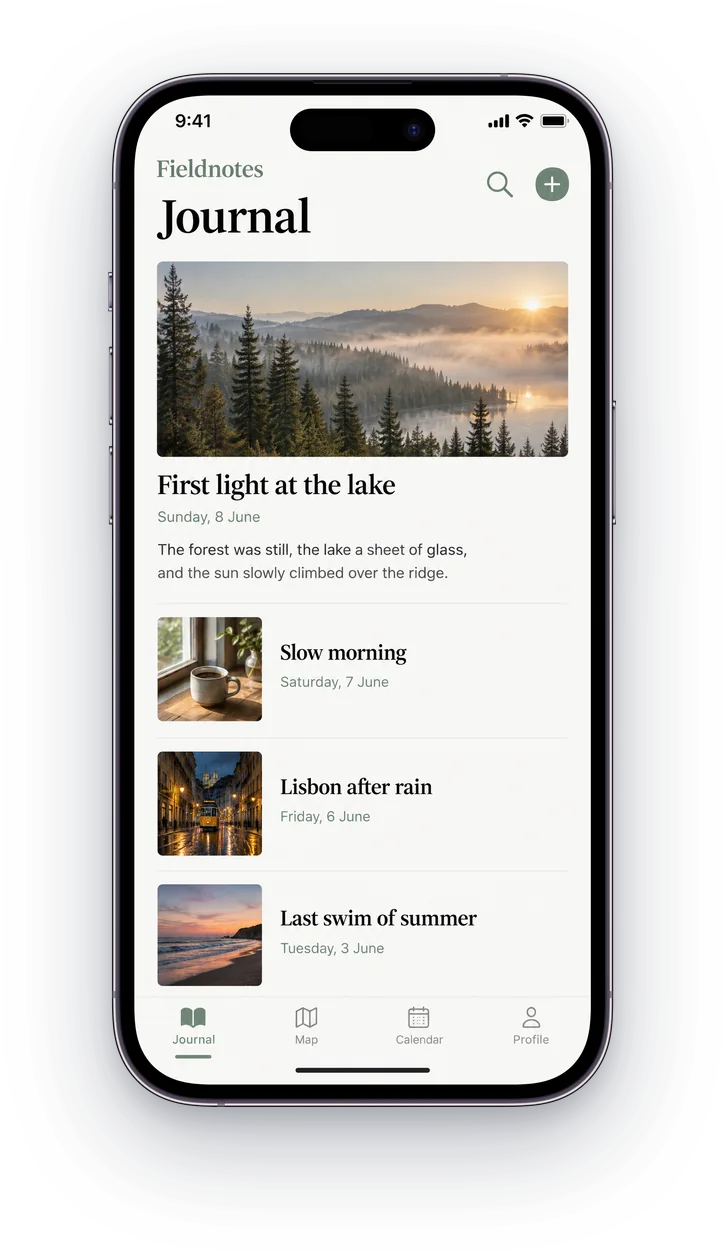
Since iPhone 8
iPhone 14 Pro in Deep Purple, 15 Pro in titanium, 13 mini and more.
Then finish the whole listing
ScreenMake is a full screenshot studio, so you don’t stop at one picture.
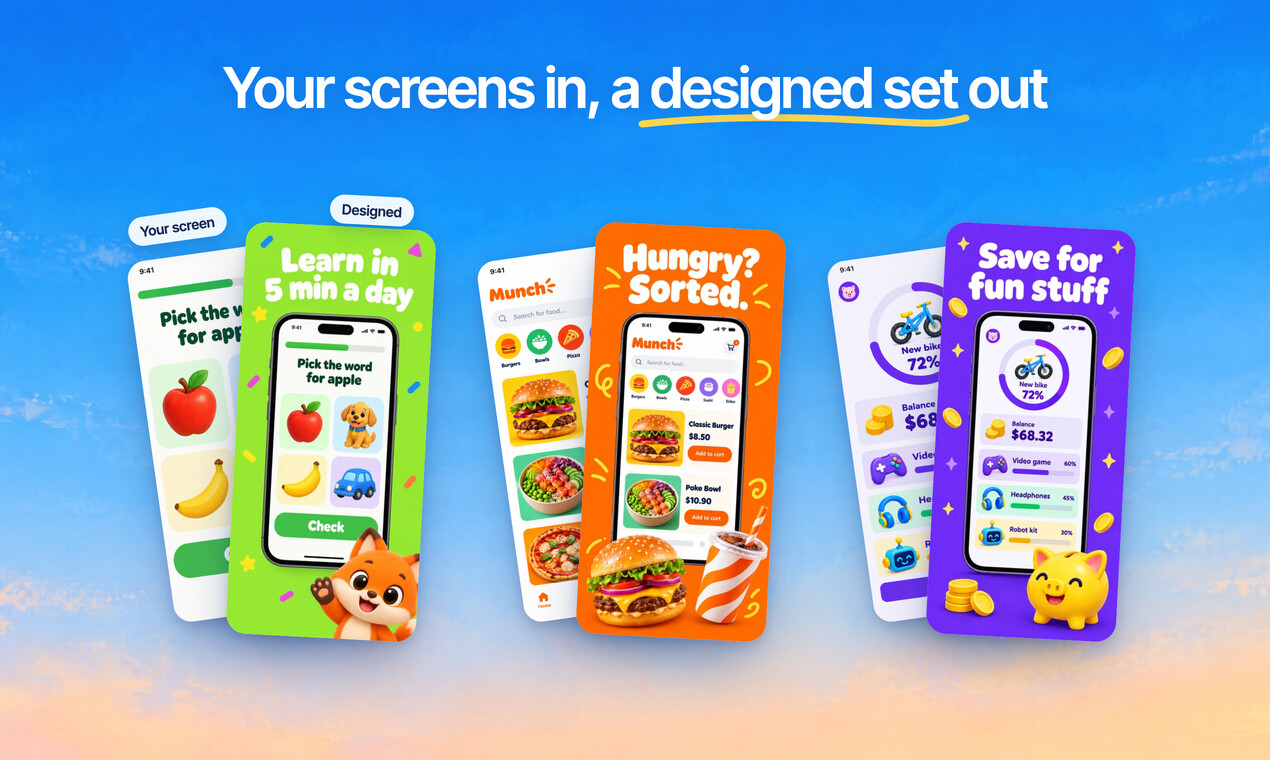
Quick Draft designs a full set of screenshots from your app’s screens, mockups and headlines included.
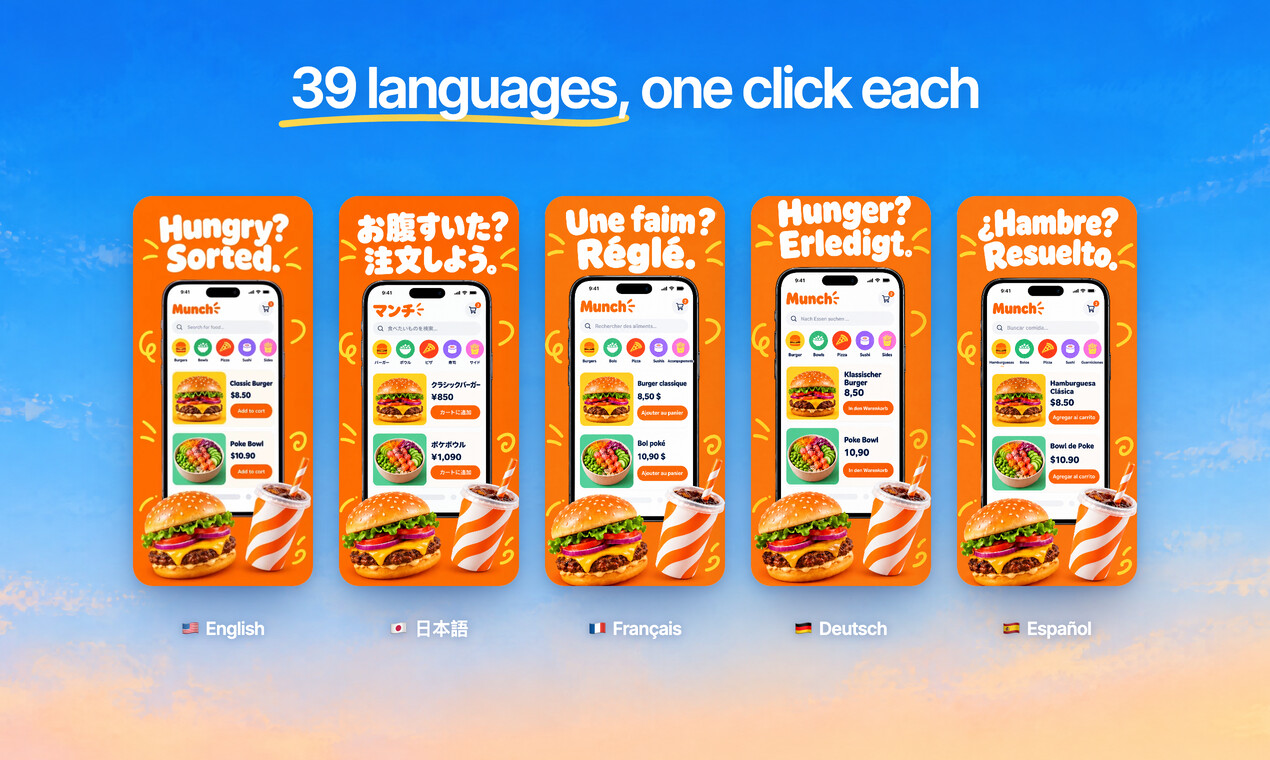
Translate every headline into 39 languages, and show your app in each one.
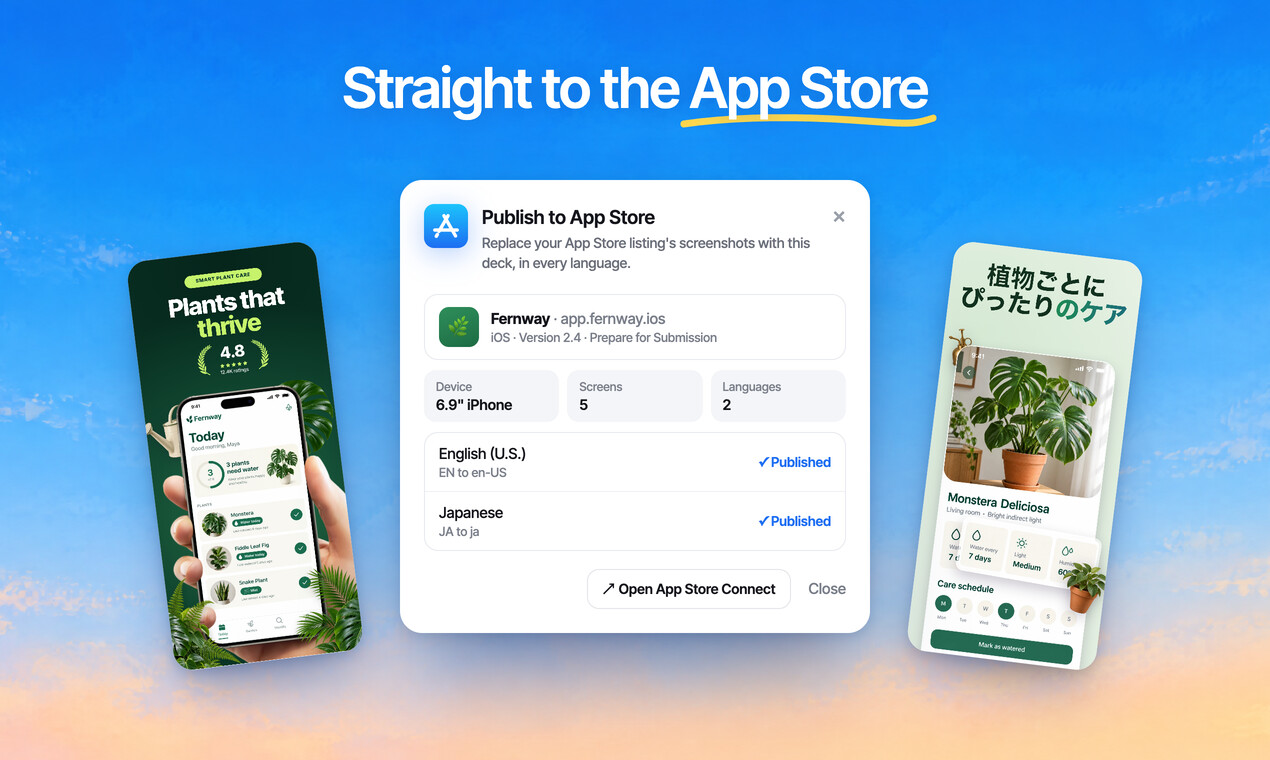
Publish the whole set to App Store Connect, every size and language, in one go.
Free to design. Pay only when you’re ready to ship.
Any app, any style
Bold, calm, playful or minimal: give your listing the look your app deserves.
Sample designs for apps invented for this page.
Questions, answered
Is the iPhone mockup generator free?
Designing is free, every mockup included, and no card is needed. Exports from a free account carry a small ScreenMake watermark; a paid plan removes it and adds publishing to App Store Connect.
Which iPhone models are there?
Official frames from iPhone 8 and iPhone SE to iPhone 15 Pro Max in their real colours, iPhone 16 Pro and iPhone 17 Pro in 3D and in a hand, and both displays of iPhone Duo. More than 200 iPhone mockups in all.
Can I use my own app screenshot?
Yes, that's the point. Add a capture of your app, pick a frame and choose the capture. The screen is fitted to the display, corners included, and you can swap it for another capture at any time.
Can I add a headline and a background?
Yes. Each mockup sits on a full design canvas: headlines, gradients, photos, icons and 3D objects, with every layer editable. That's how the mockup becomes an App Store screenshot.
What size is the export?
Whatever the App Store asks for: 1320 × 2868 for the largest iPhones, every smaller iPhone size, and iPad sizes too. PNG or JPEG.
Start with your own screens
Add a few captures of your app and see it in a designed set before your coffee gets cold.
Free to design. Pay only when you’re ready to ship.