Android mockups on real phones
Show your Android app on the phones your users carry: Google Pixel 8, Galaxy S24 Ultra and many more, each in its real colours, with your own screen inside.
Free to design. Pay only when you’re ready to ship.
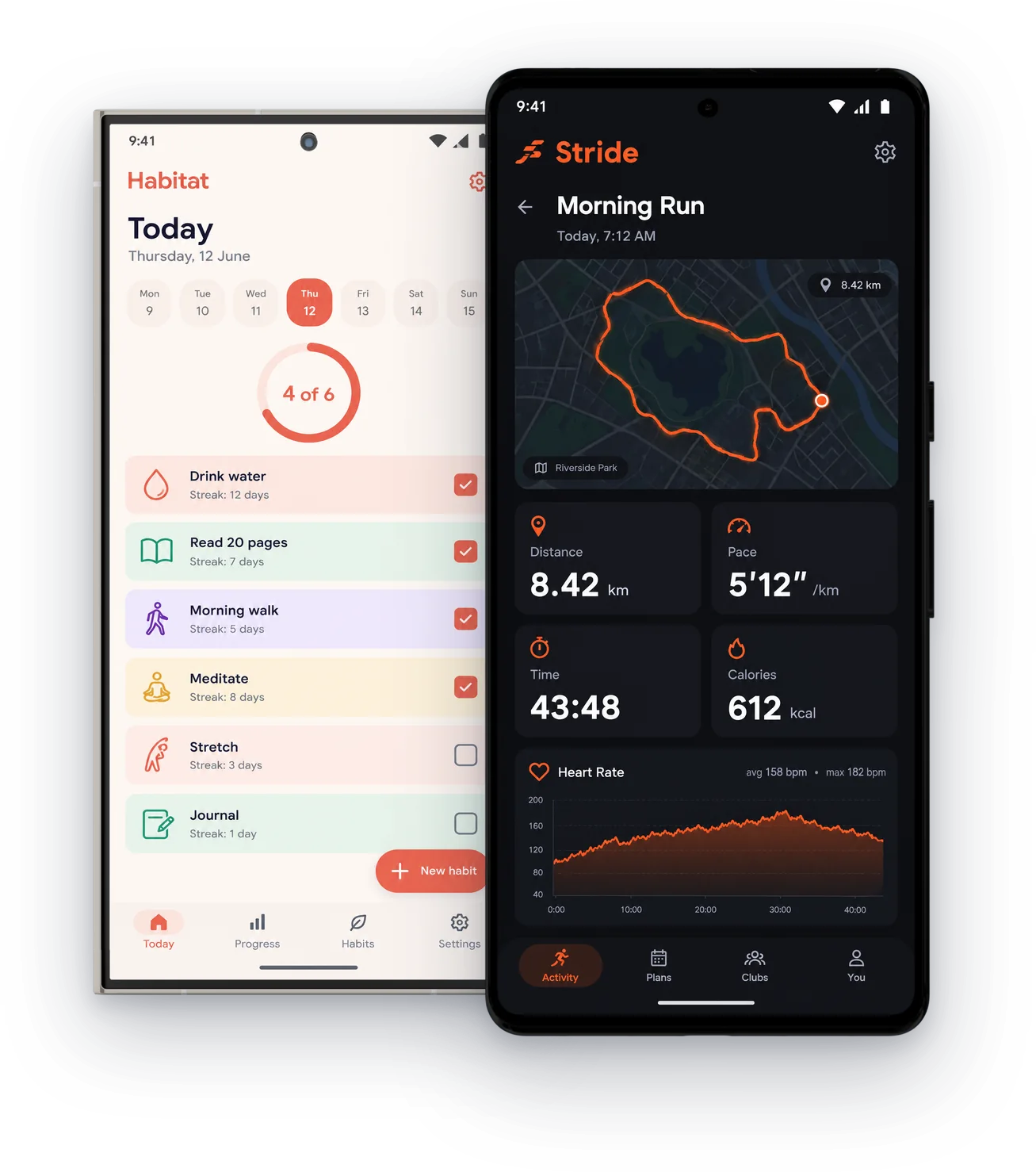
380+ device mockups · Every App Store and Google Play size · 39 languages
How to make an Android mockup
Add your Android captures
Screens from the emulator or a real phone.
Choose a Pixel or a Galaxy
Flat frames in every colour, or held in a hand.
Export for Google Play
1080 × 1920 for phones, tablet sizes, and the 1024 × 500 feature graphic.
Pixel, Galaxy and more
Official frames and photographed hands.
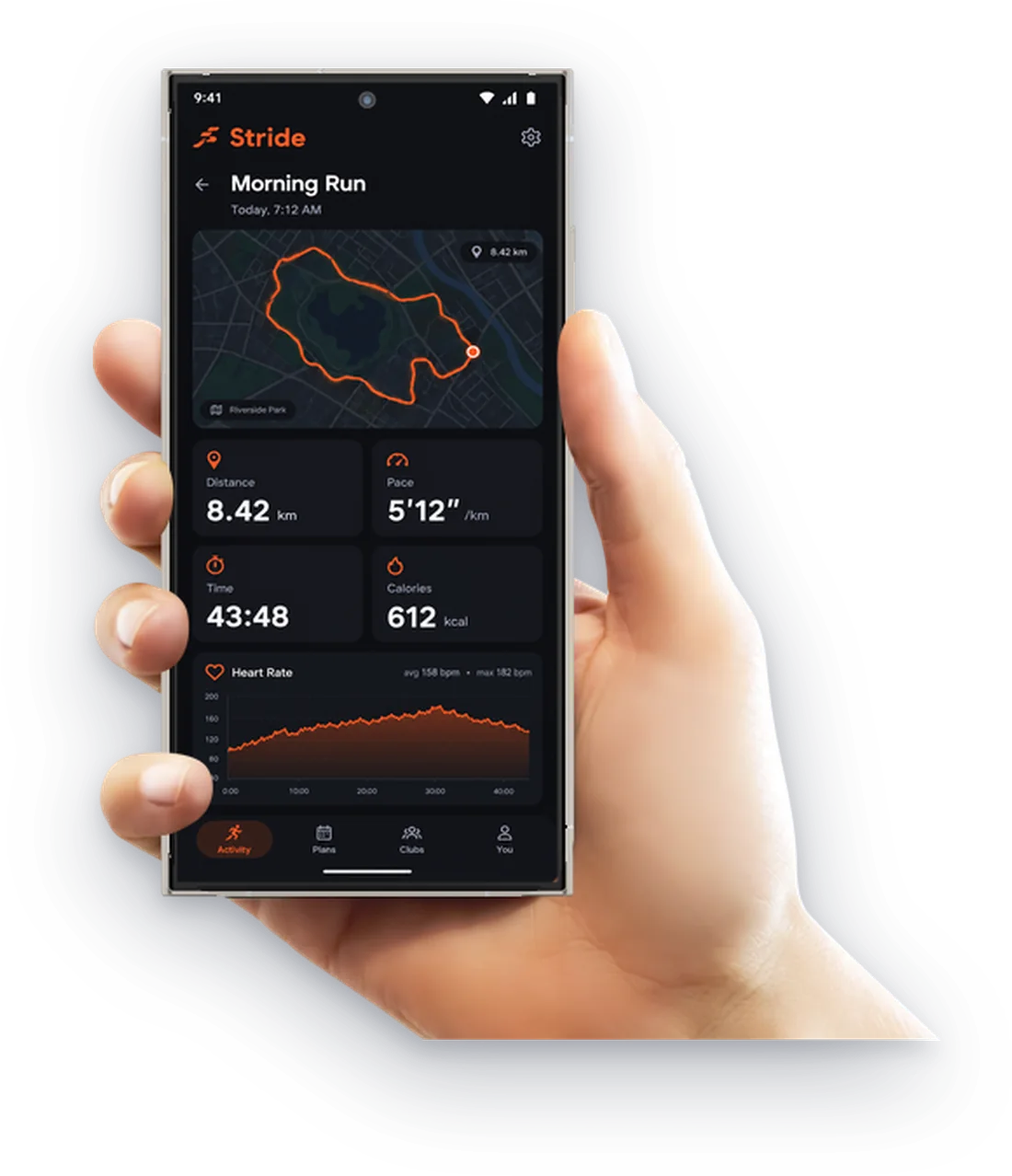
Galaxy S24 Ultra in hand
In Titanium Gray.
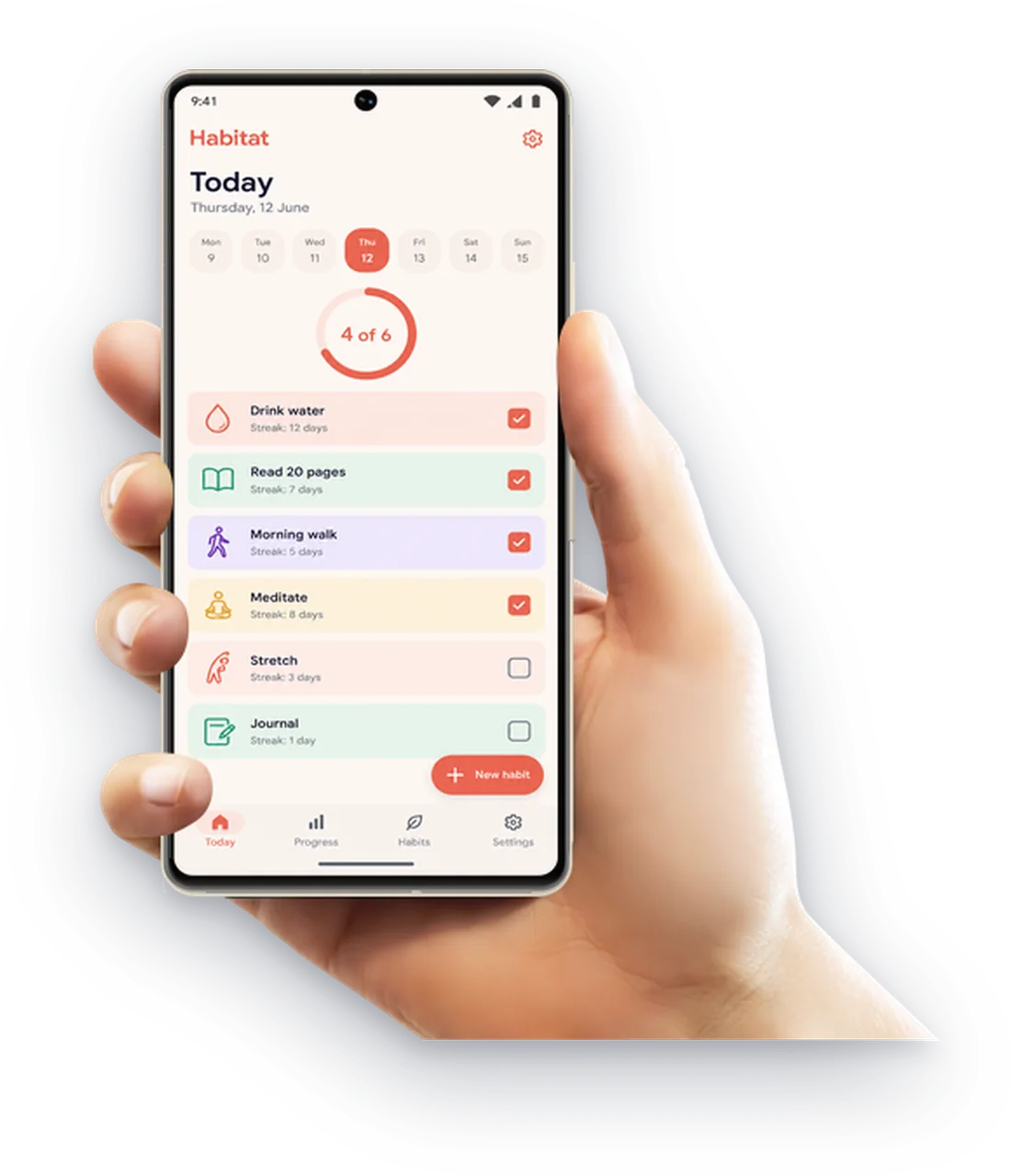
Pixel 7 in hand
In Lemongrass, with real shadows.
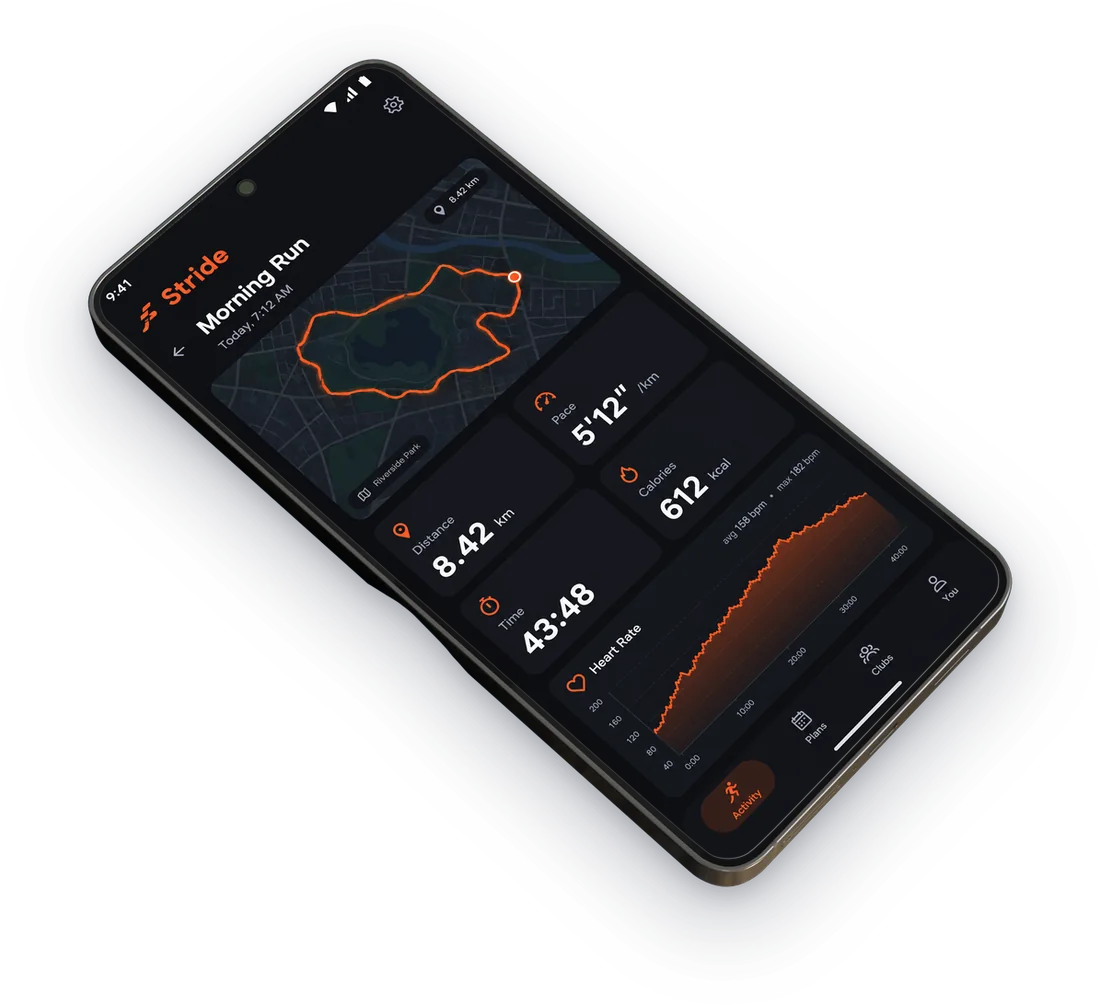
Galaxy S24, lying flat
For calm, product style sets.
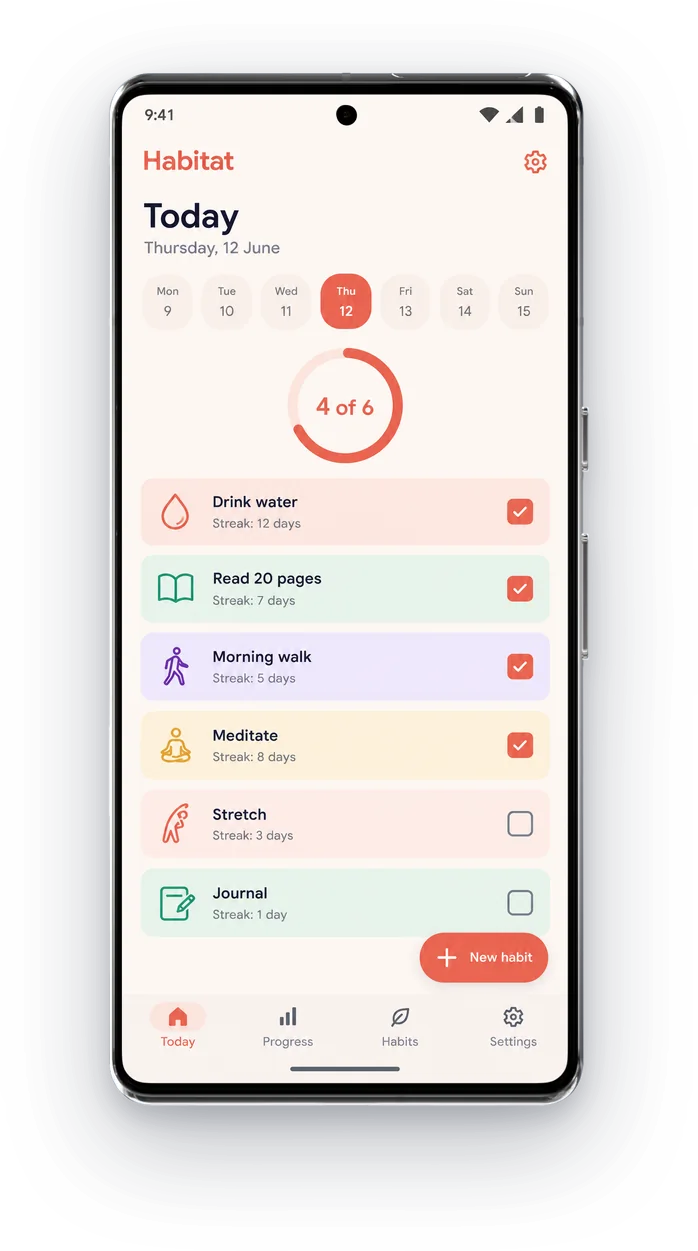
Pixel 8
In Hazel, Rose and Obsidian.
Then finish the whole listing
ScreenMake is a full screenshot studio, so you don’t stop at one picture.
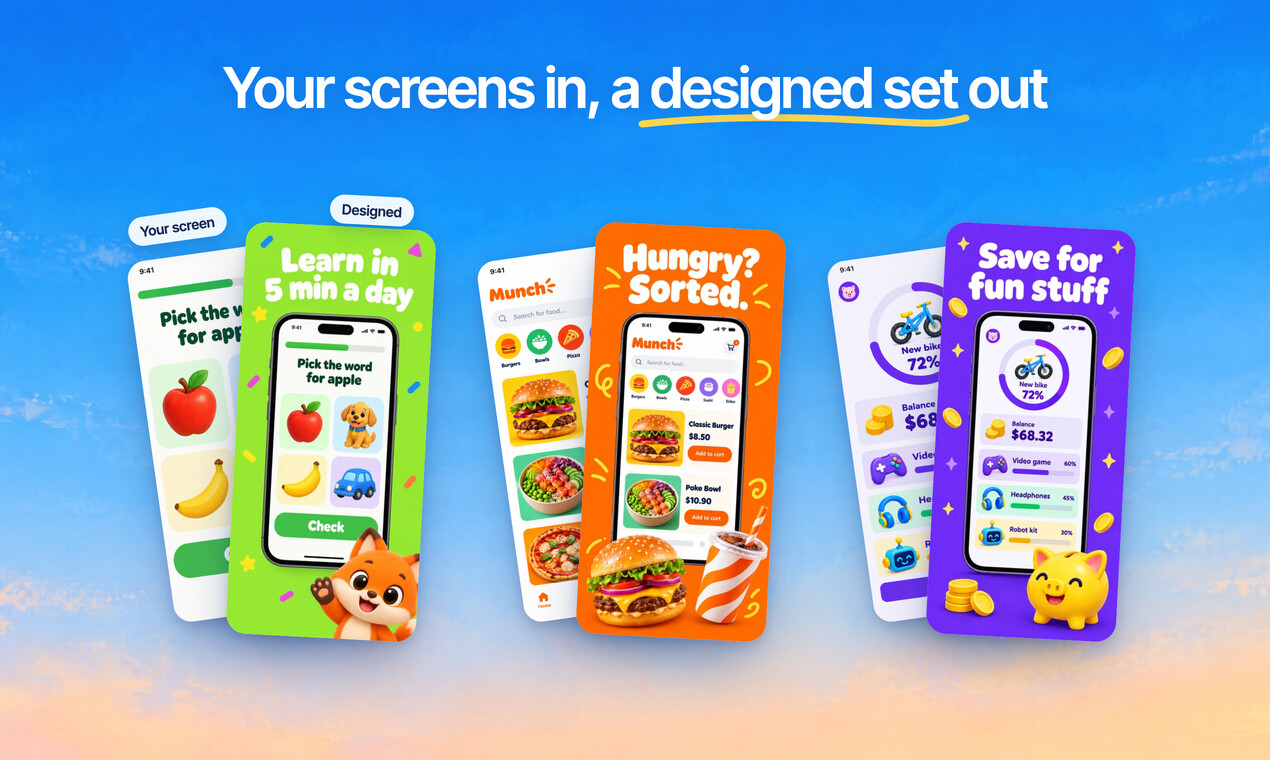
Quick Draft designs a full set of screenshots from your app’s screens, mockups and headlines included.
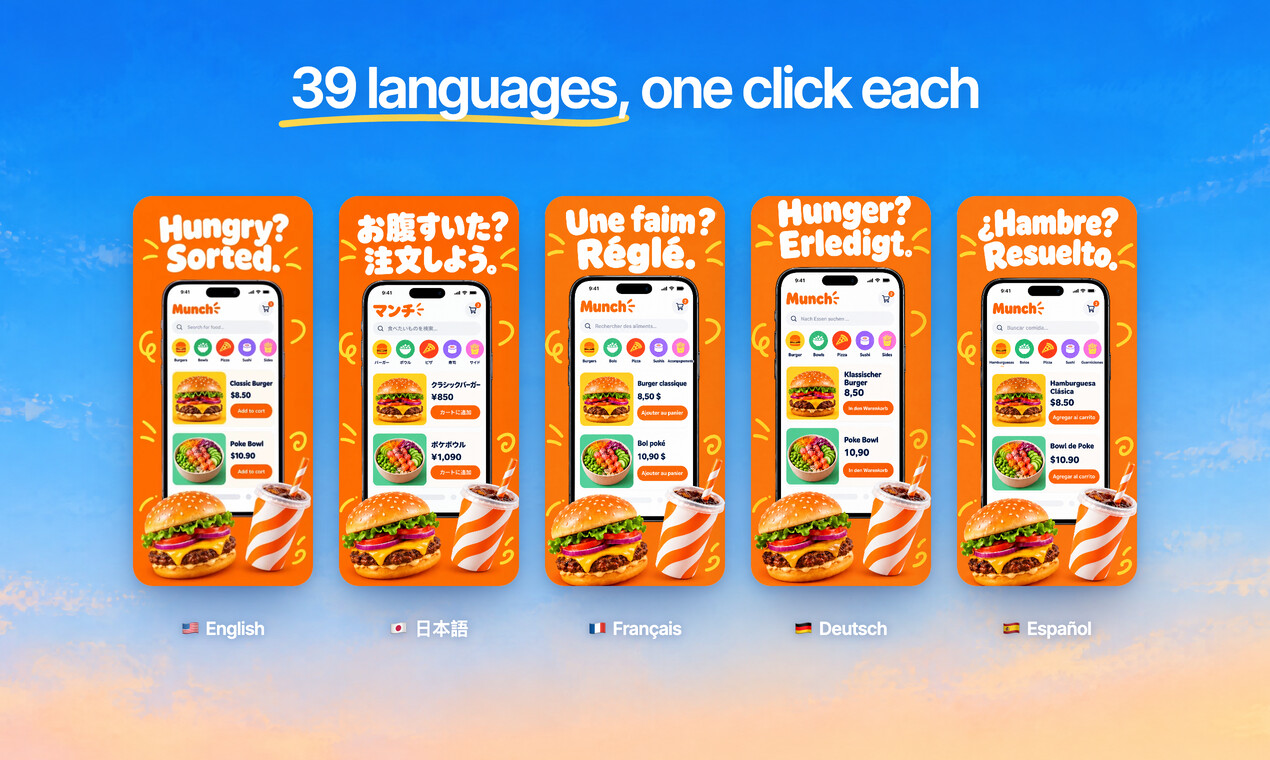
Translate every headline into 39 languages, and show your app in each one.
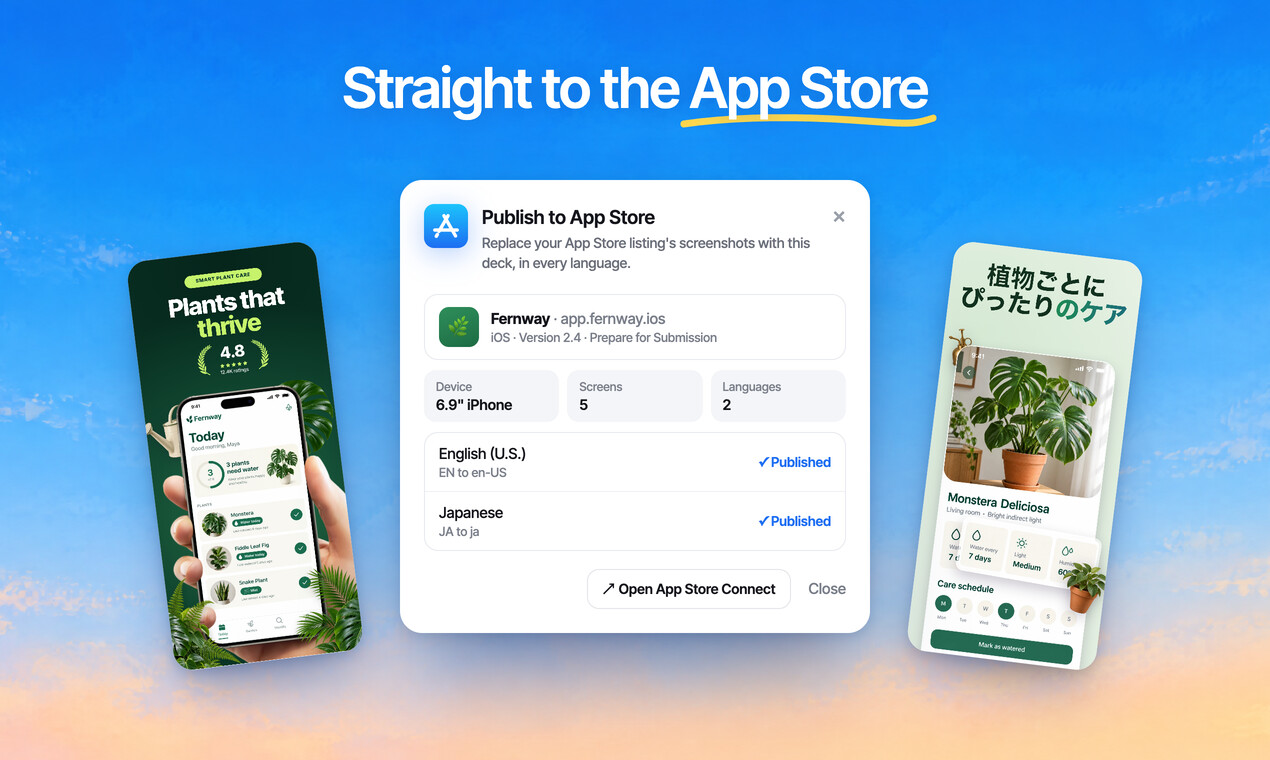
Publish the whole set to App Store Connect, every size and language, in one go.
Free to design. Pay only when you’re ready to ship.
Questions, answered
Is the Android mockup generator free?
Designing is free, every mockup included, and no card is needed. Exports from a free account carry a small ScreenMake watermark; a paid plan removes it and adds publishing to App Store Connect.
Which Android phones are there?
Google Pixel 4, 5, 7 and 8, Samsung Galaxy S20, S21, S24 Ultra and Note, OnePlus 8 Pro, Huawei P40 Pro and Moto, plus Pixel Slate and Galaxy Watch.
What size are Google Play screenshots?
1080 × 1920 for phones in portrait is the safe choice: it meets Google's minimum for promotion. ScreenMake exports every Play size.
Can I put an iPhone screenshot in an Android frame?
You can, but people notice. For Google Play, use captures of your Android app.
Can I make the feature graphic too?
Yes, at exactly 1024 × 500, in the same project.
Start with your own screens
Add a few captures of your app and see it in a designed set before your coffee gets cold.
Free to design. Pay only when you’re ready to ship.