Google Play screenshots that get installs
Your Play Store listing is a set of pictures before it's anything else. Design them from your own screens and export every size Google Play asks for.
Free to design. Pay only when you’re ready to ship.
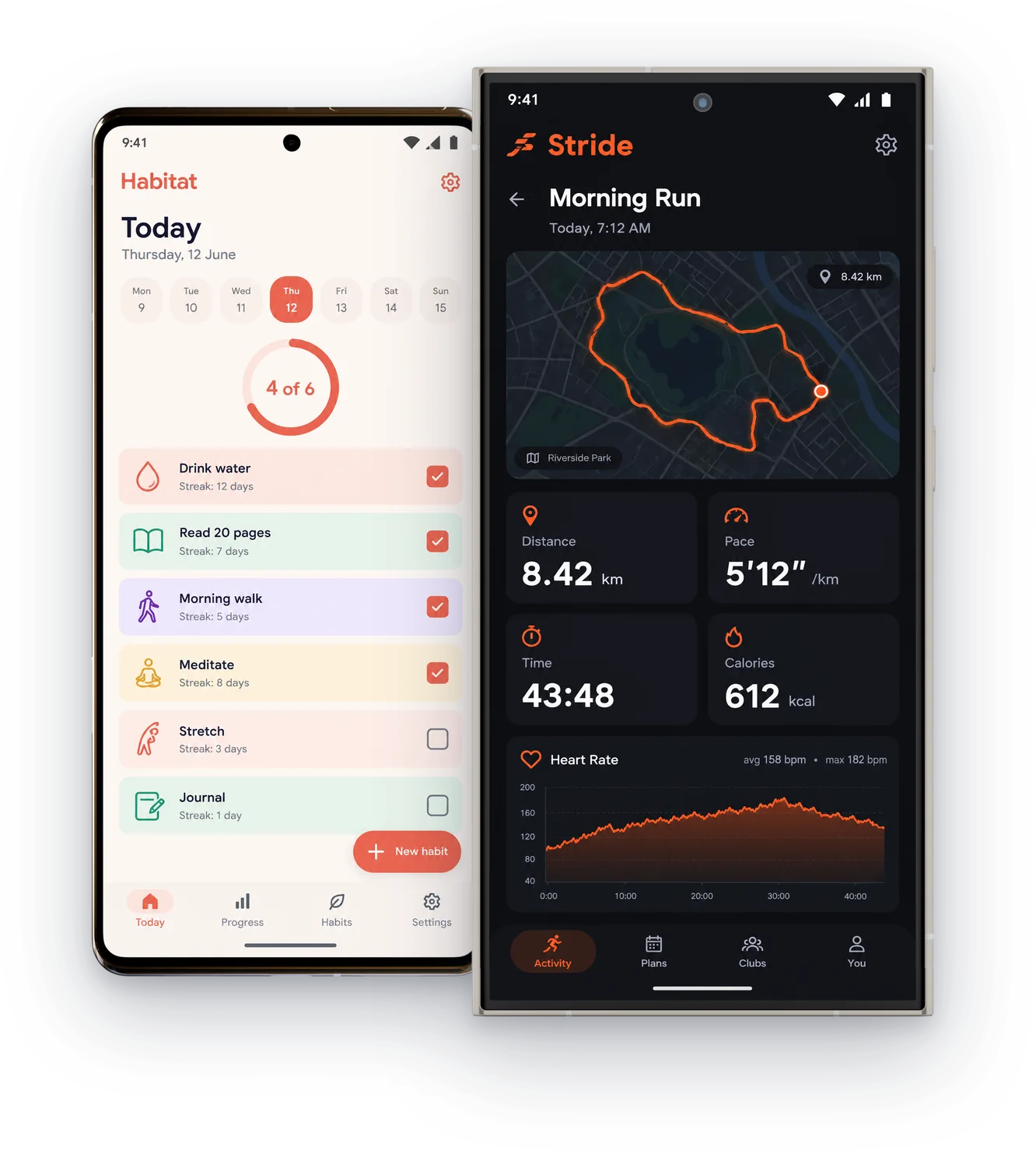
380+ device mockups · Every App Store and Google Play size · 39 languages
How to make Google Play screenshots
Choose Google Play
Pick the device: phone, 7 or 10 inch tablet, Chromebook, Wear OS, Android TV or the feature graphic.
Design from your screens
Add your Android captures, put them in a Pixel or Galaxy frame, and add a headline.
Export and upload
Get 1080 × 1920 for phones, and every other Play size, ready to upload in the Play Console.
The whole listing, in one place
Screenshots and the feature graphic, designed to match.

Feature graphic
1024 × 500, the banner at the top of your listing.
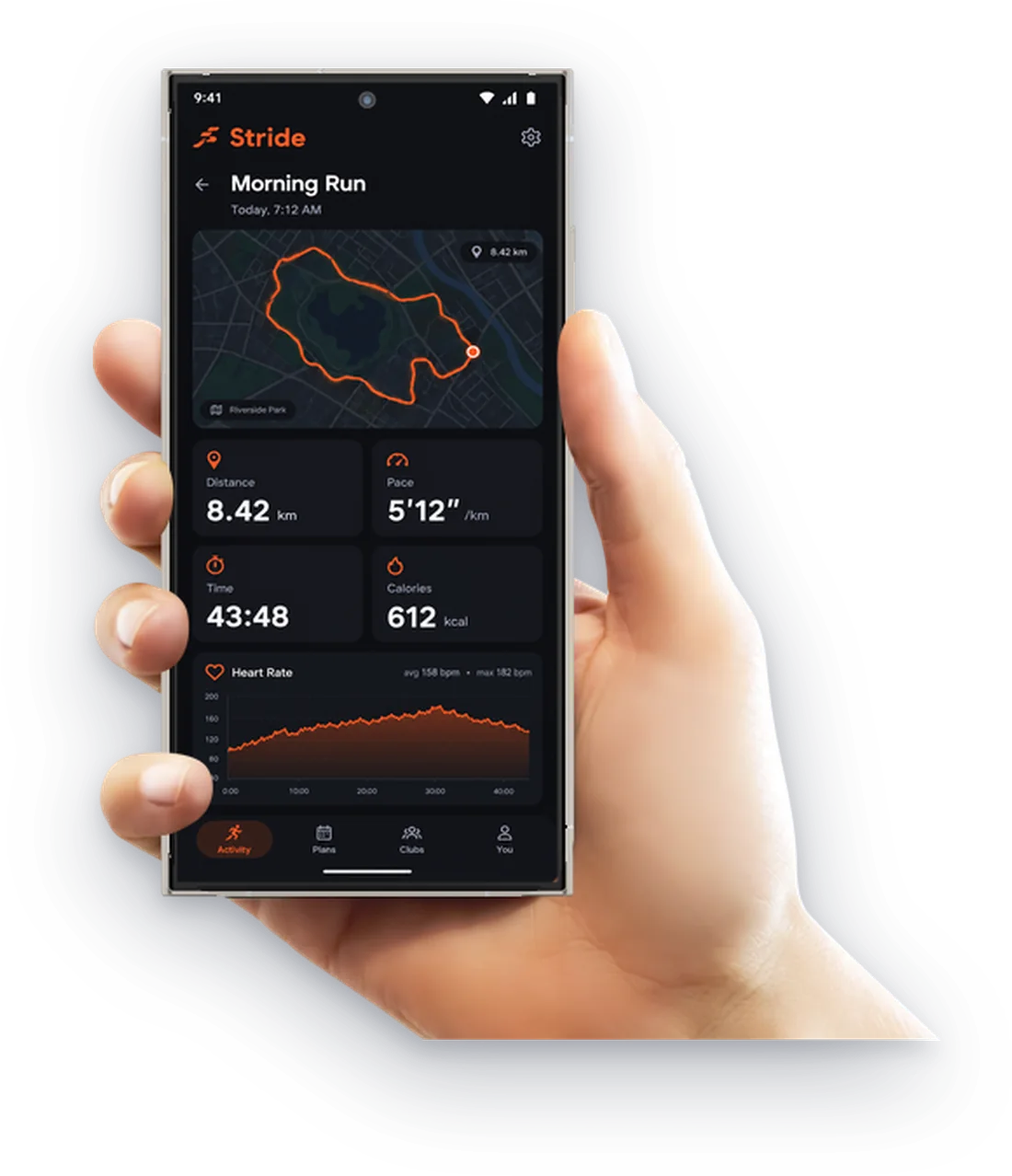
Phone screenshots
1080 × 1920, or larger, in 9:16.
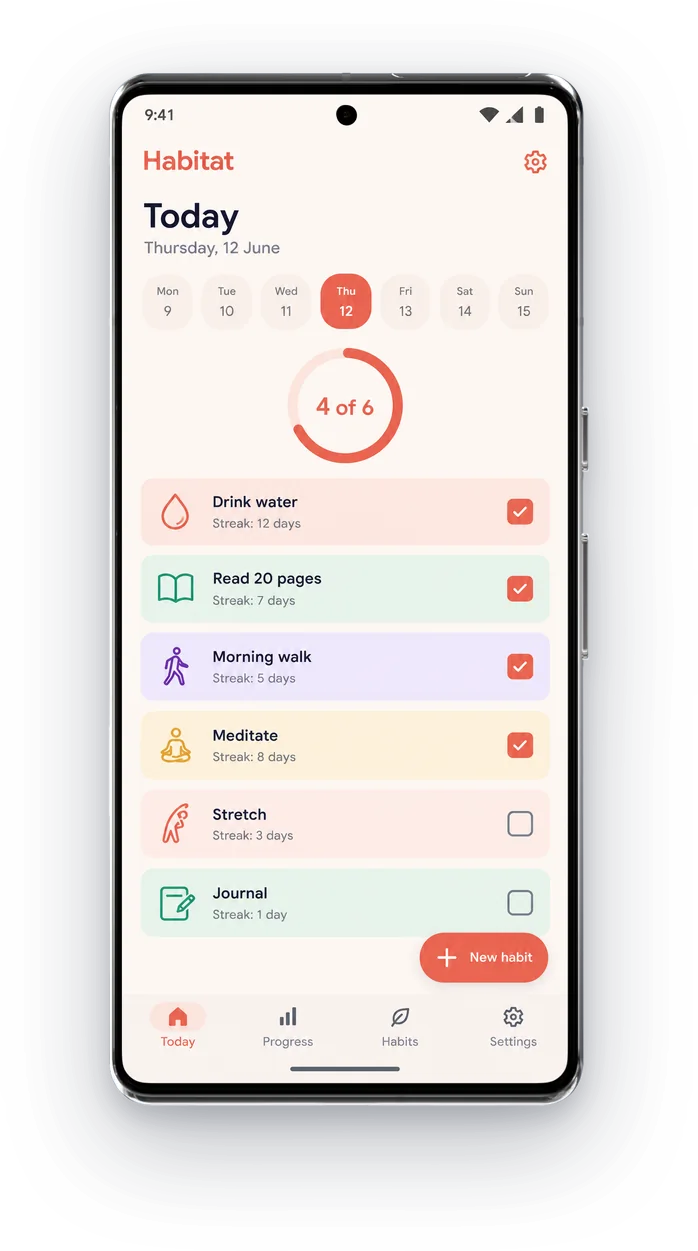
Pixel and Galaxy frames
Real Android phones for your Android screens.
Then finish the whole listing
ScreenMake is a full screenshot studio, so you don’t stop at one picture.
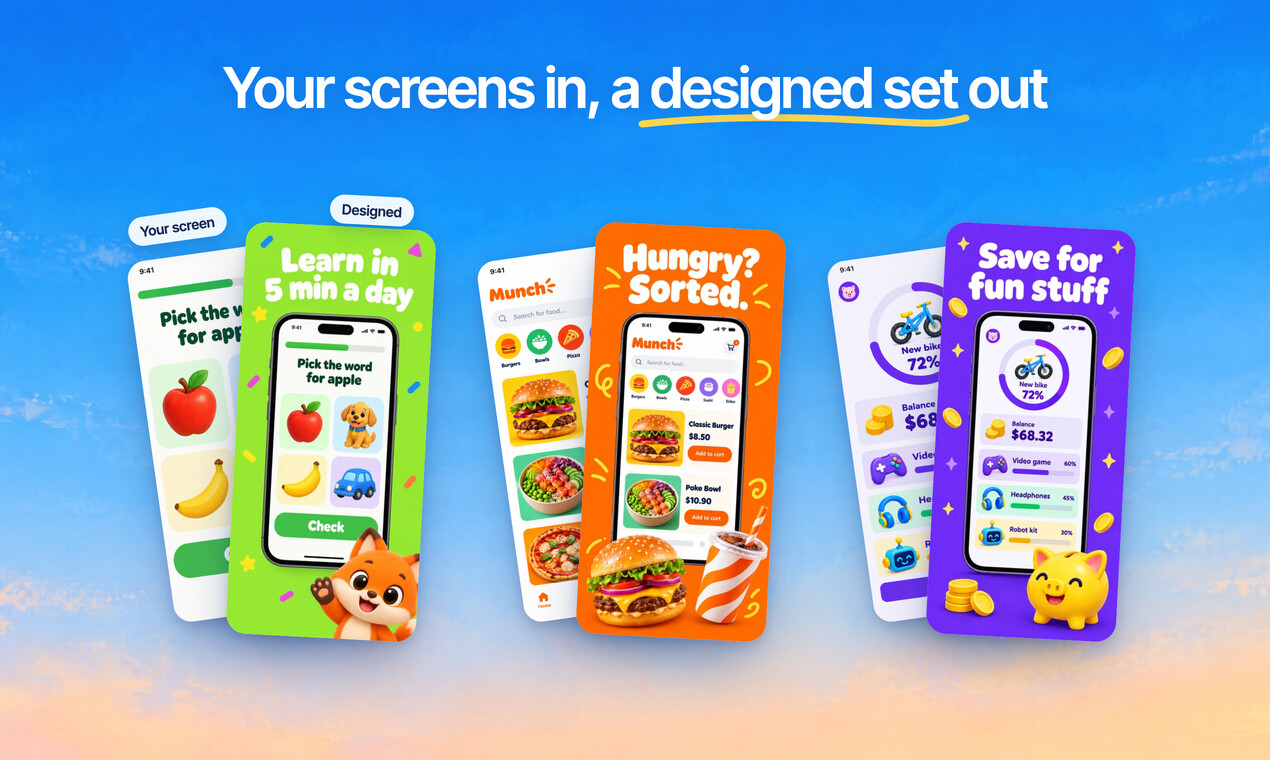
Quick Draft designs a full set of screenshots from your app’s screens, mockups and headlines included.
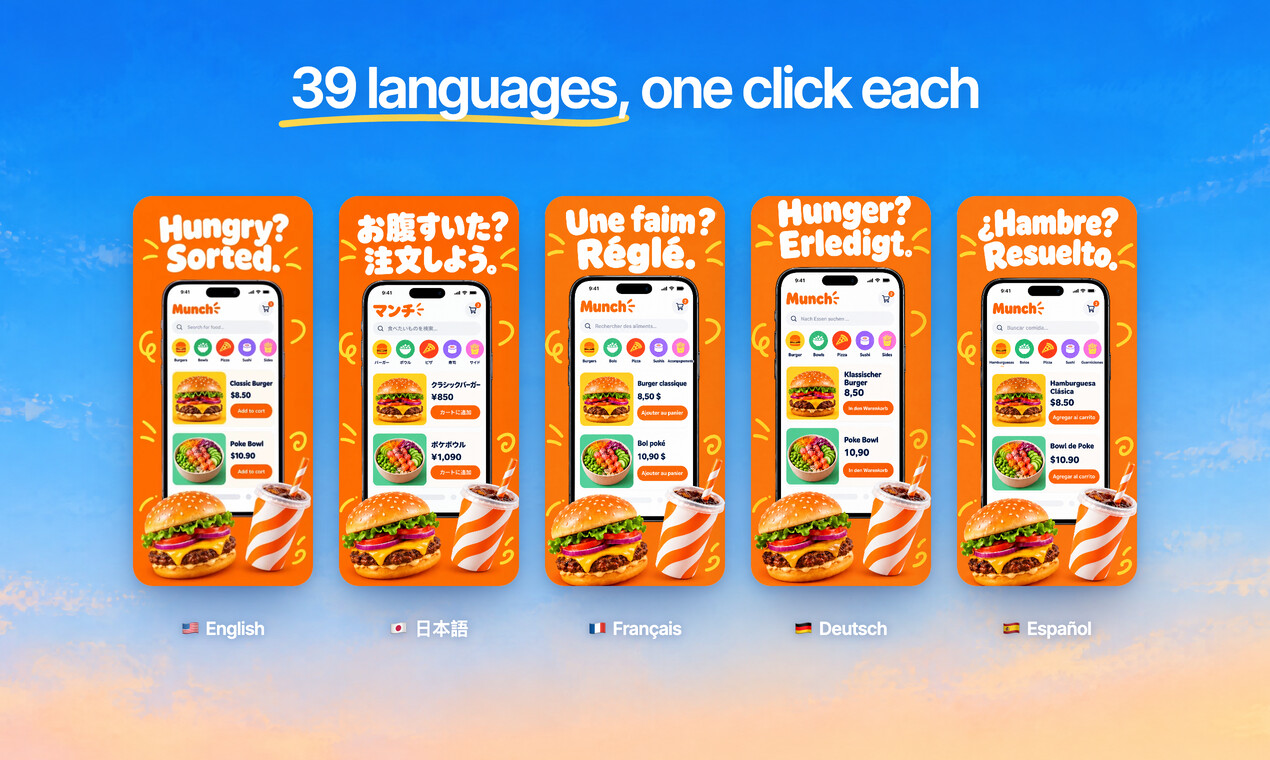
Translate every headline into 39 languages, and show your app in each one.
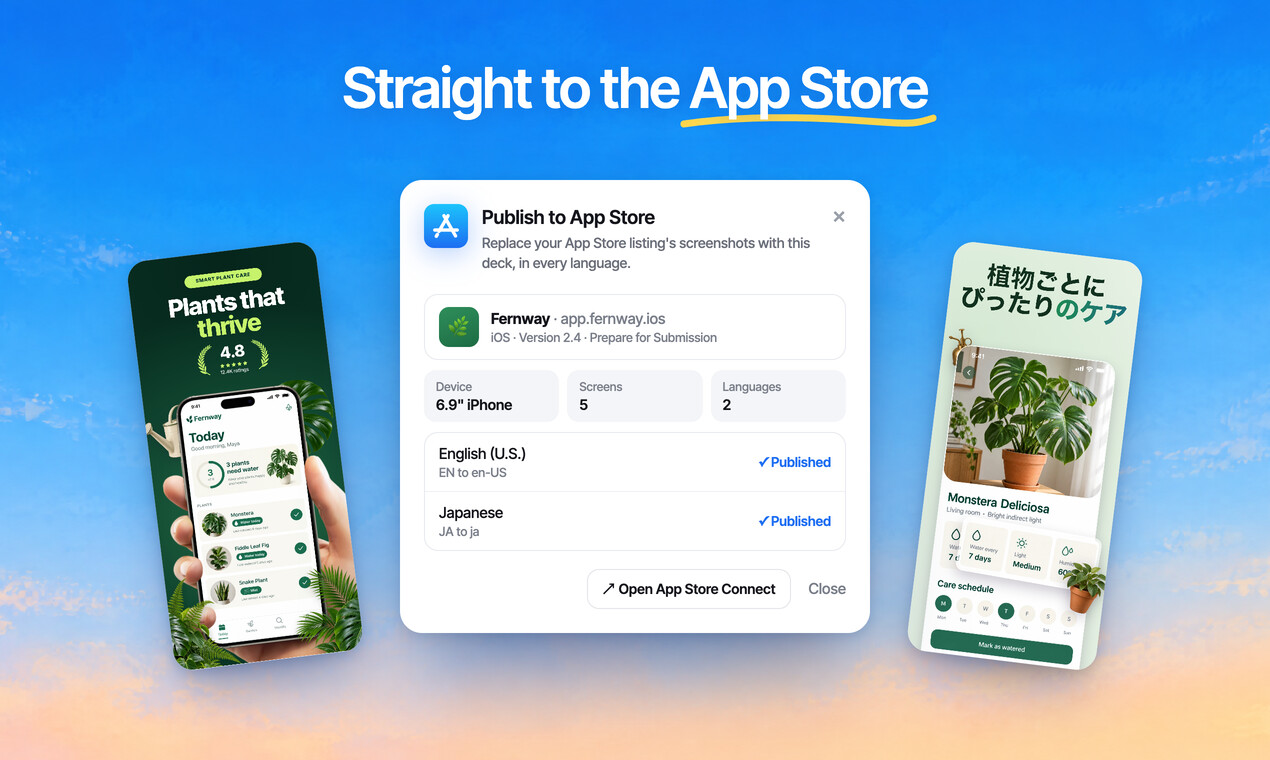
Publish the whole set to App Store Connect, every size and language, in one go.
Free to design. Pay only when you’re ready to ship.
Any app, any style
Bold, calm, playful or minimal: give your listing the look your app deserves.
Sample designs for apps invented for this page.
Questions, answered
What size are Google Play screenshots?
Use 1080 × 1920 for phones in portrait, or 1920 × 1080 in landscape. Google Play accepts 320 to 3840 pixels per side, and 1080 or more makes your app eligible for promotion.
How many screenshots does Google Play allow?
Up to 8 per device type. You need at least 2 to publish, and at least 4 to be eligible for promotion (3 for games).
Can ScreenMake publish to Google Play?
Not directly yet. Export your screenshots and upload them in the Play Console; publishing in one click is for the App Store.
Can I make App Store and Google Play screenshots from one design?
Yes. Switch the device and the design adapts, so one set covers iPhone, iPad and Android.
Is it free?
Designing is free, every mockup included, and no card is needed. Exports from a free account carry a small ScreenMake watermark; a paid plan removes it and adds publishing to App Store Connect.
Start with your own screens
Add a few captures of your app and see it in a designed set before your coffee gets cold.
Free to design. Pay only when you’re ready to ship.