Screenshot templates, drawn around your app
34 designed sets, each with its own look. Pick one and it’s drawn around your own screens and headlines, with every layer left yours to change.
Free to design. Pay only when you’re ready to ship.

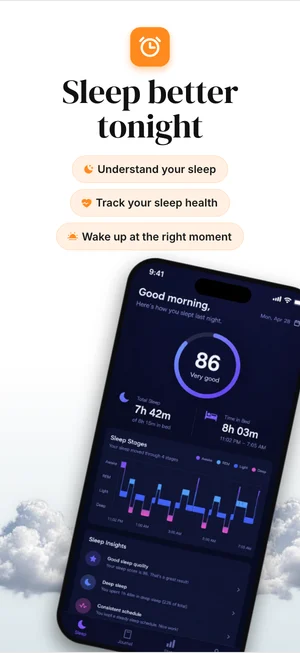
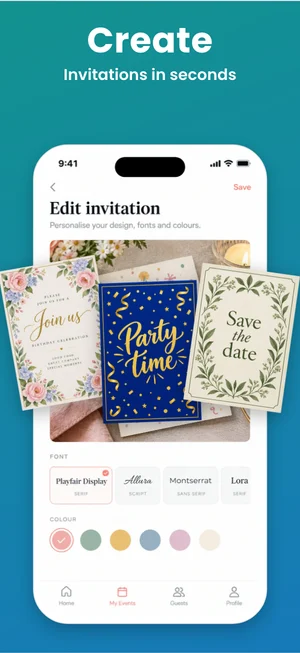
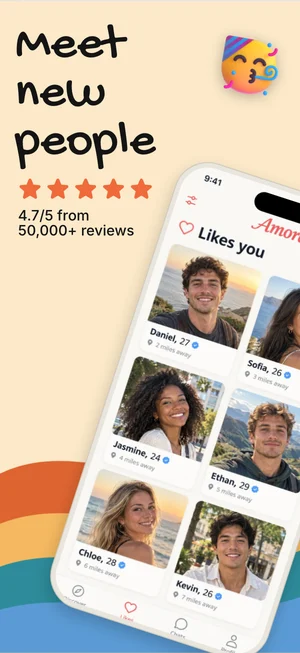
380+ device mockups · Every App Store and Google Play size · 39 languages
How to start from a template
Add your screens
A handful of captures of your app is all it needs.
Pick a template
Open Templates in the Studio and choose a set. Your screens and headlines move into it.
Make it yours
Change anything by hand or just ask: “make it dark green and bolder”.
All 34 templates
Shown here with sample apps. Yours get your own screens and headlines.
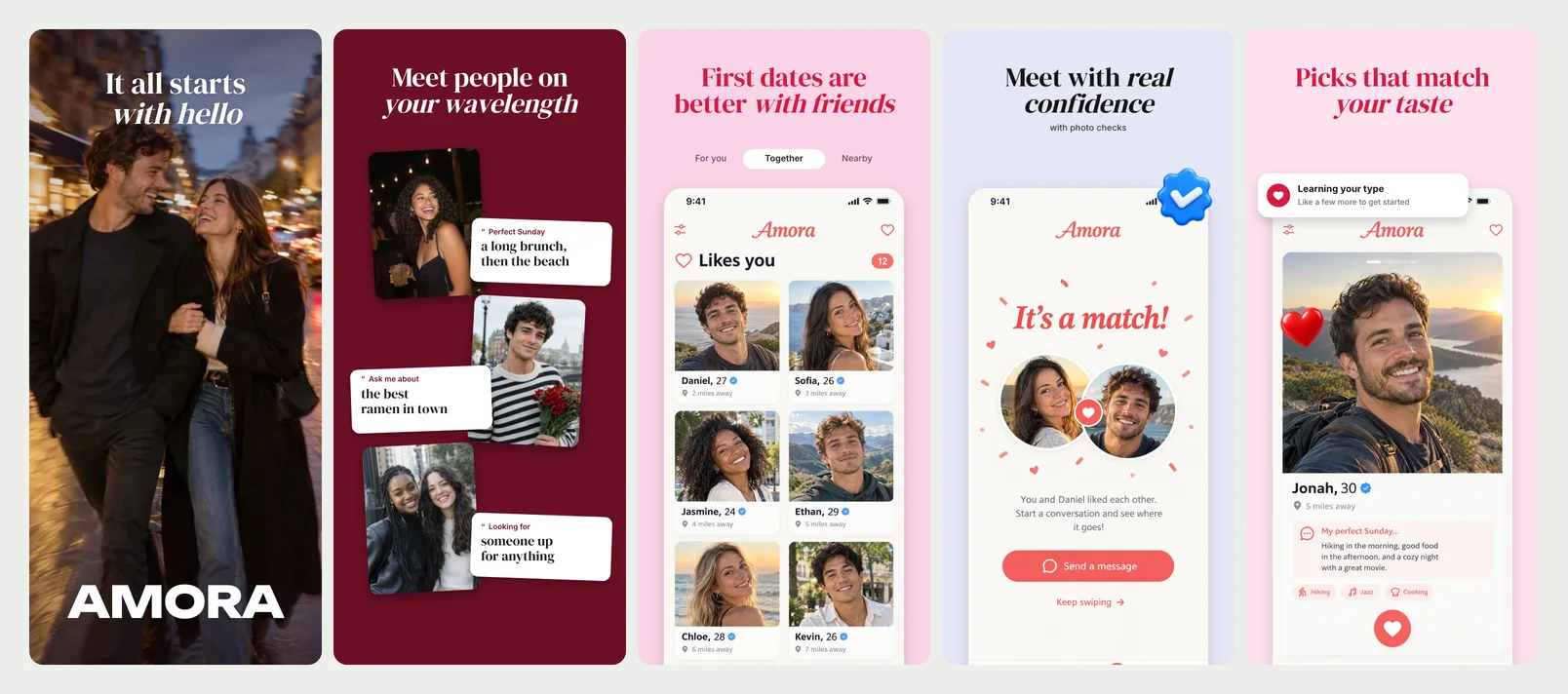
Spark
A full-bleed photo cover, serif headlines with an italic close, soft pinks and 3D stickers.
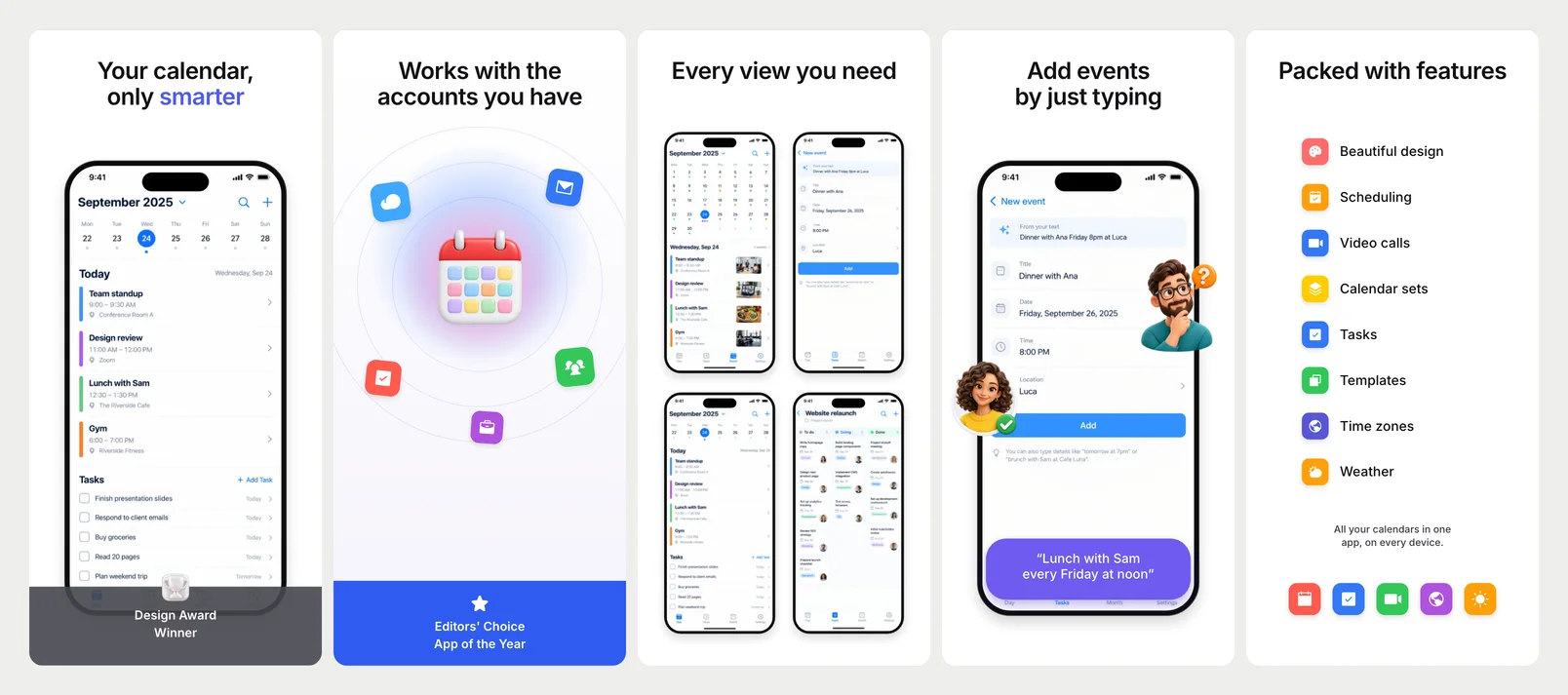
Planner Pro
Clean white, bold black headlines, the phone at one place, an award band and bright icon tiles.
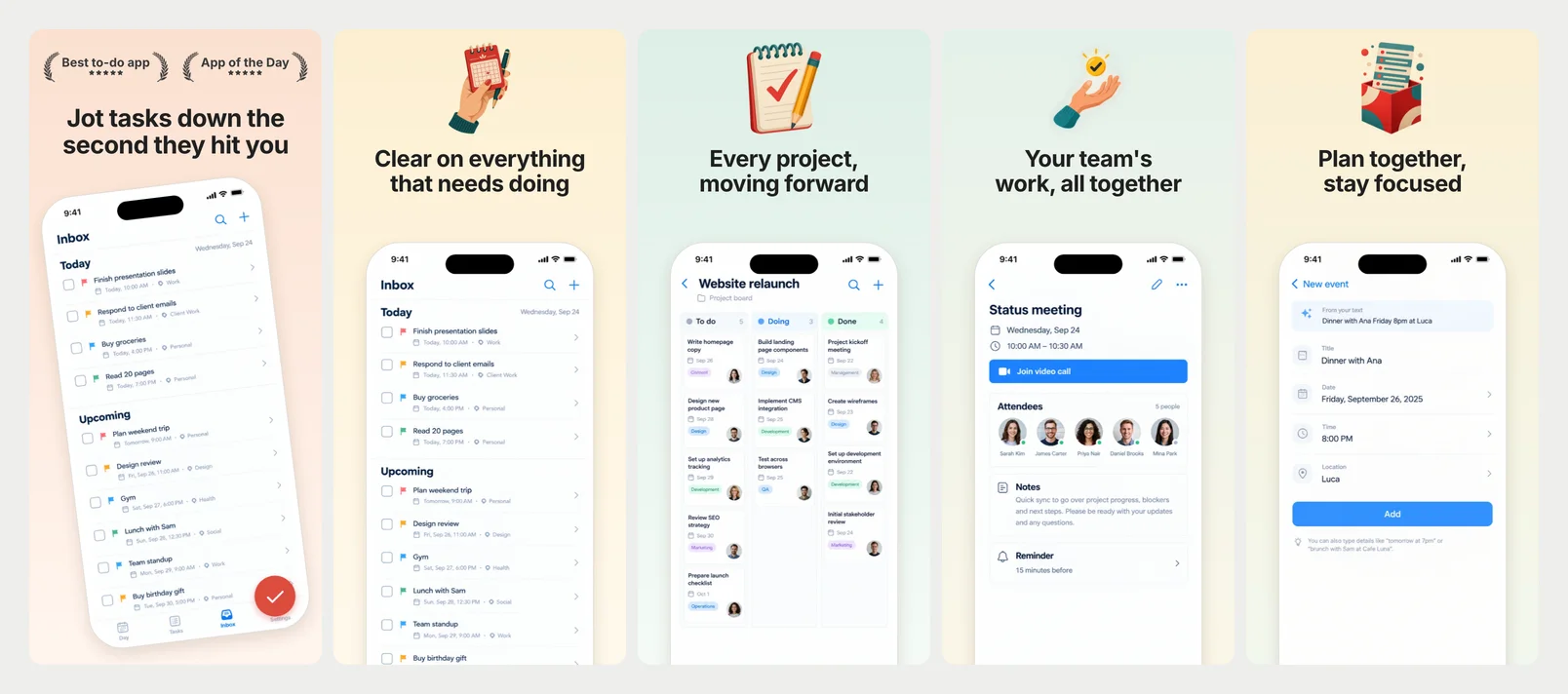
Checkmark
Warm pastels, a flat illustration over each headline, a light phone running off the bottom.
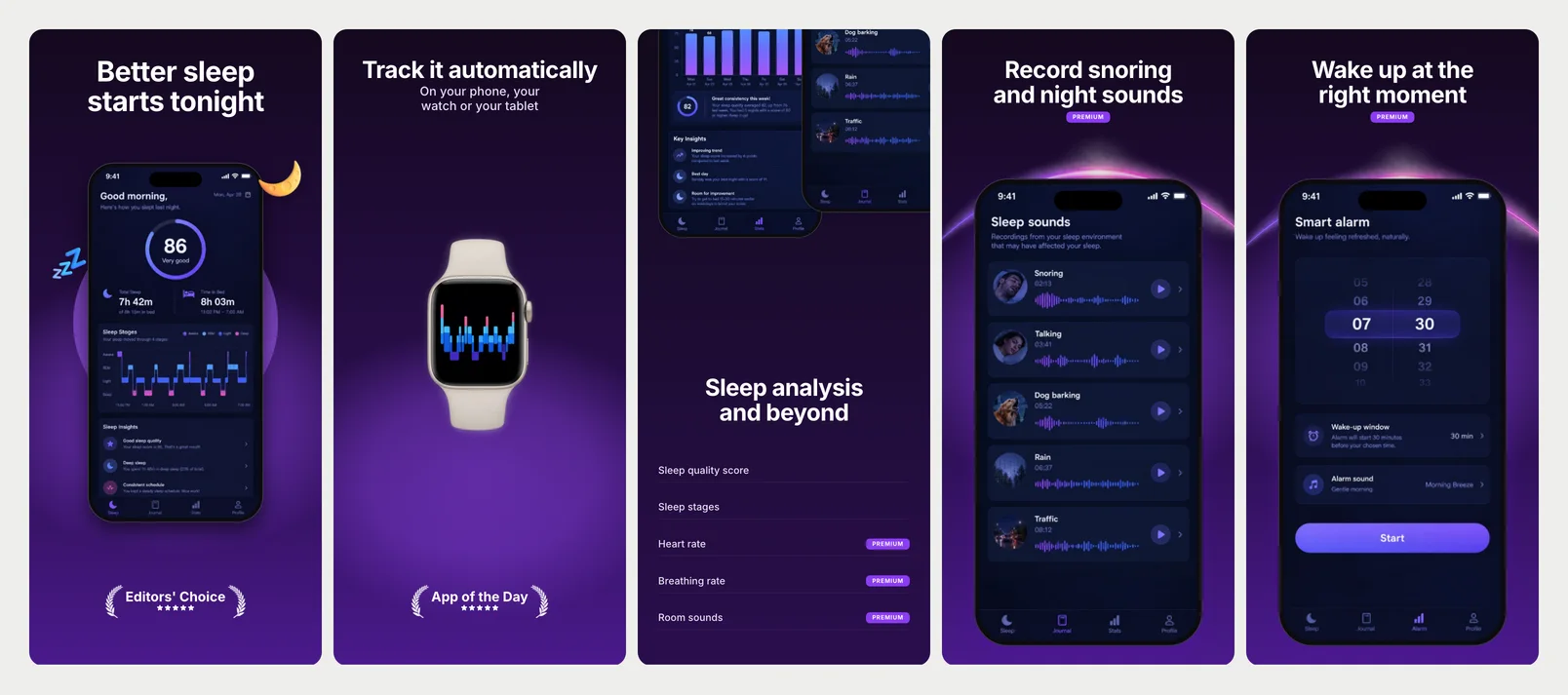
Night Shift
Black and violet with soft purple light, big centred white headlines, premium tags.
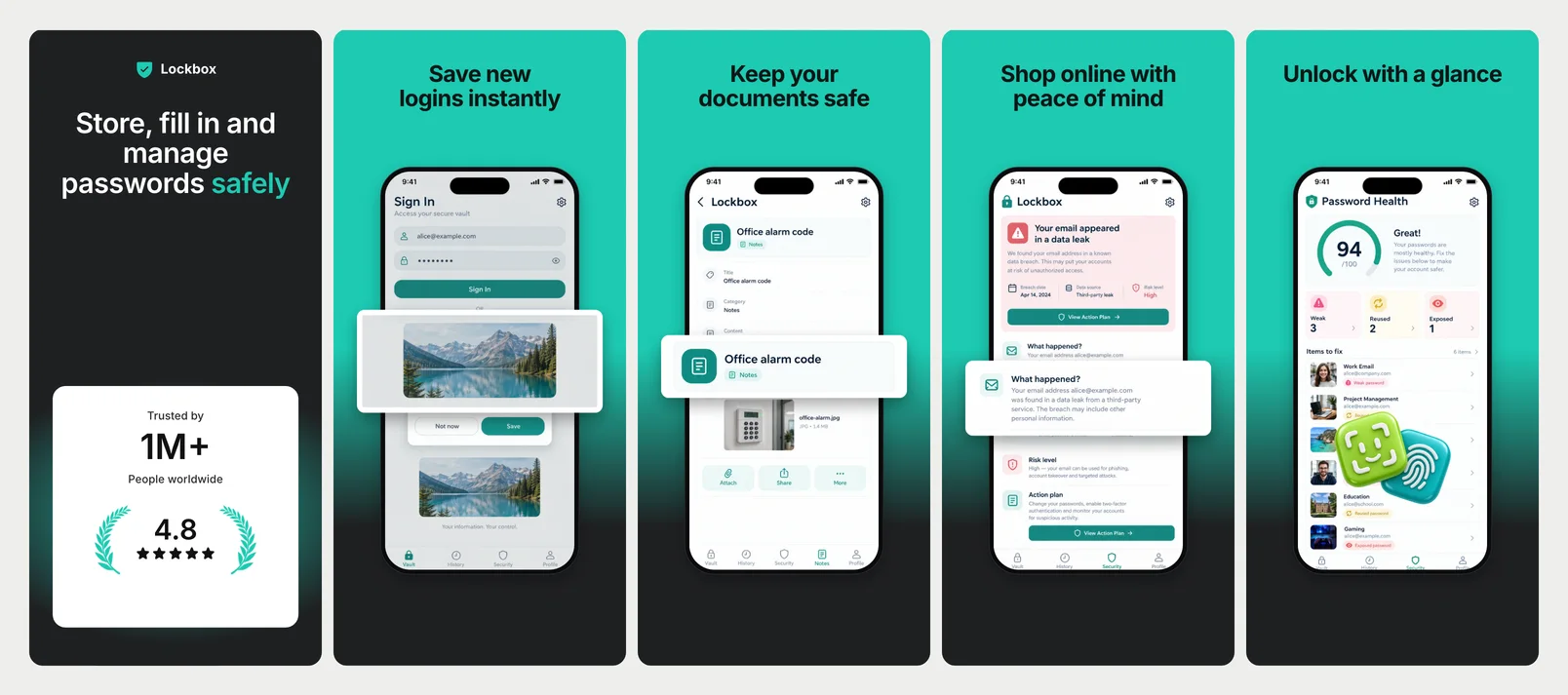
Vault
Teal fading into charcoal, bold headlines, the phone with a white card floating across it.
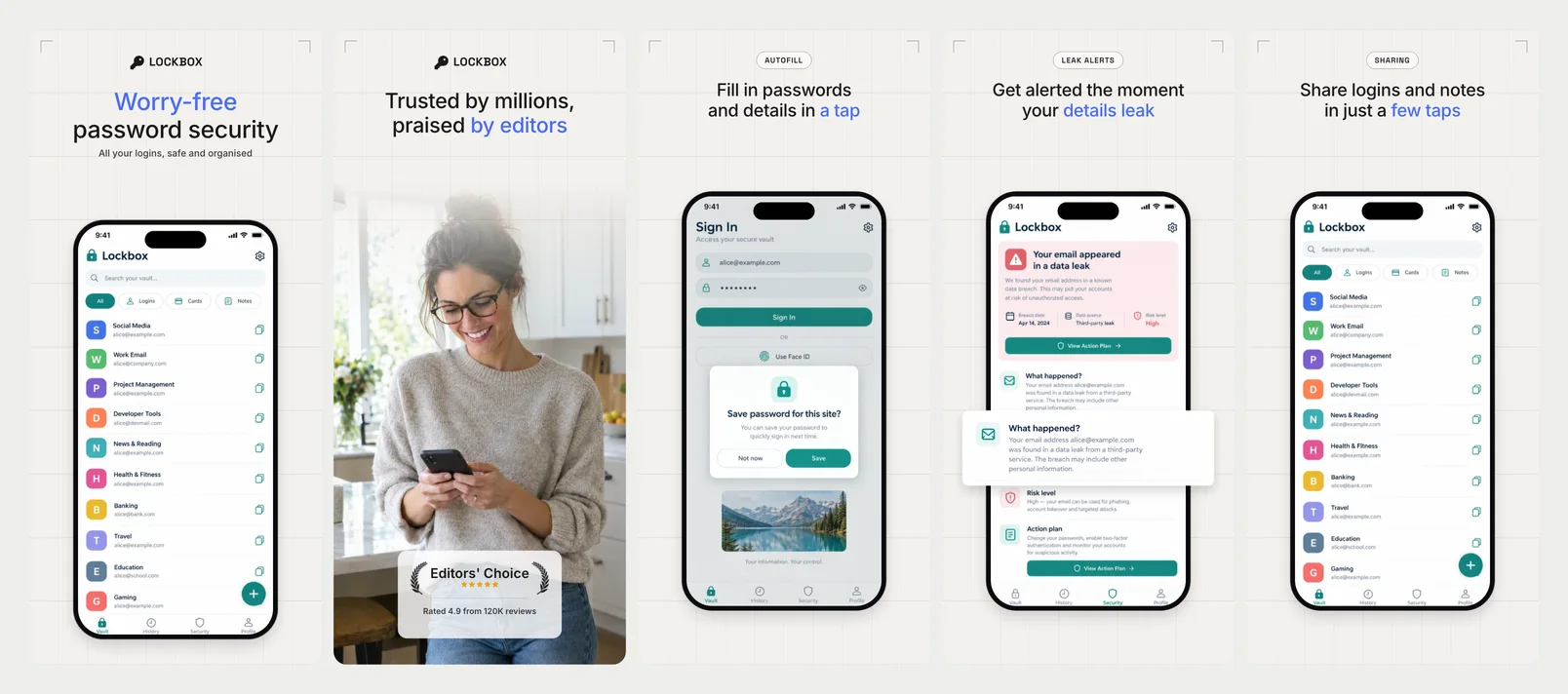
Keyring
Drafting-paper grid, mono labels in outlined pills, light headlines with blue words.
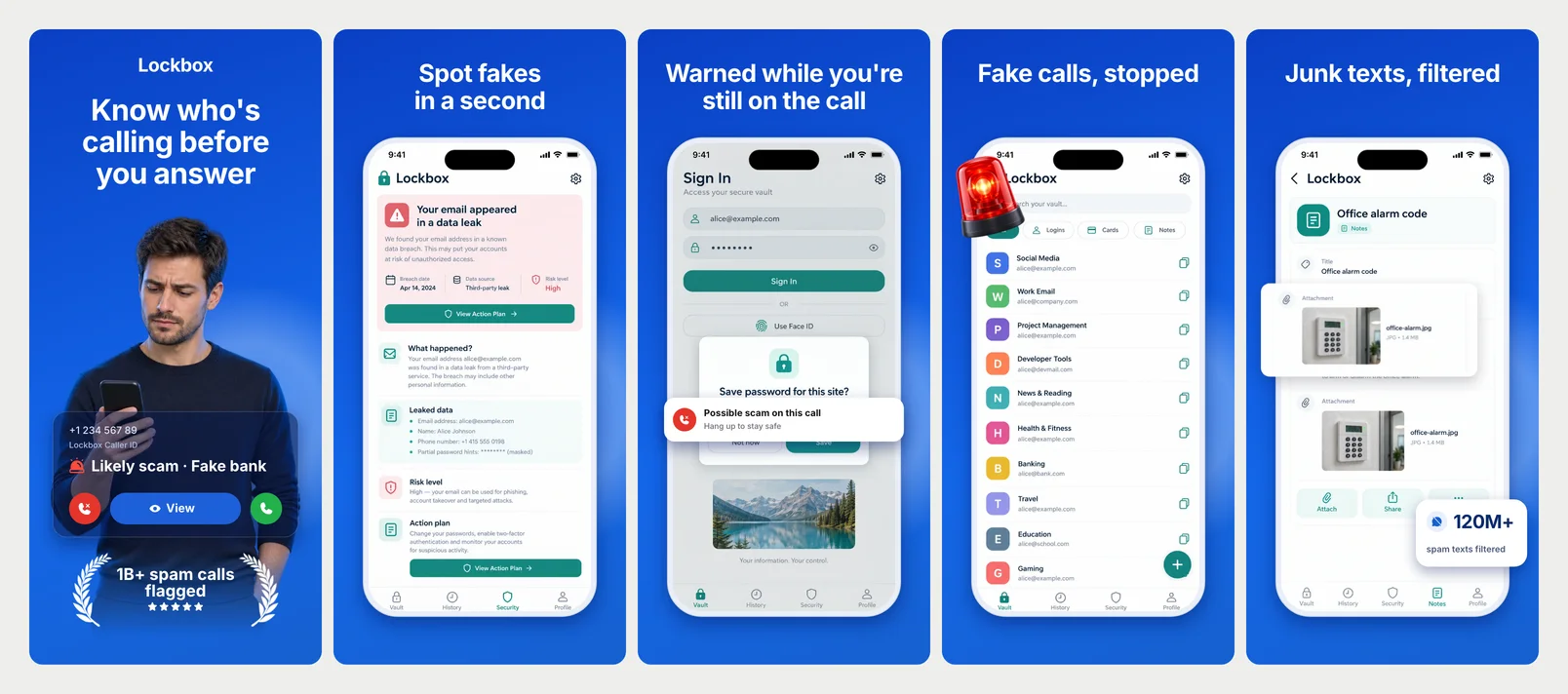
Caller
Electric blue with soft light, big white headlines, a light phone, flat stat cards.
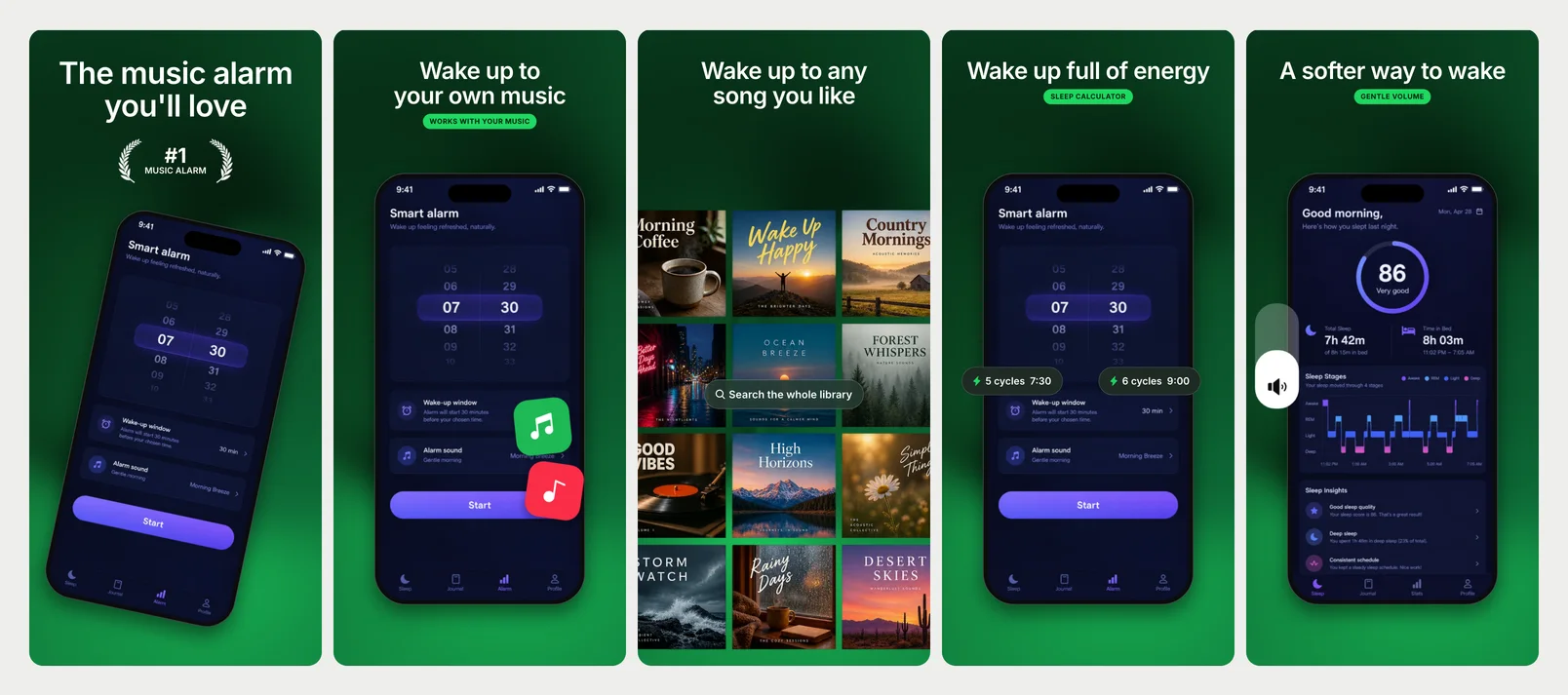
Wake Mix
Deep green, white headlines with a bright green label, a tilted phone and red stickers.
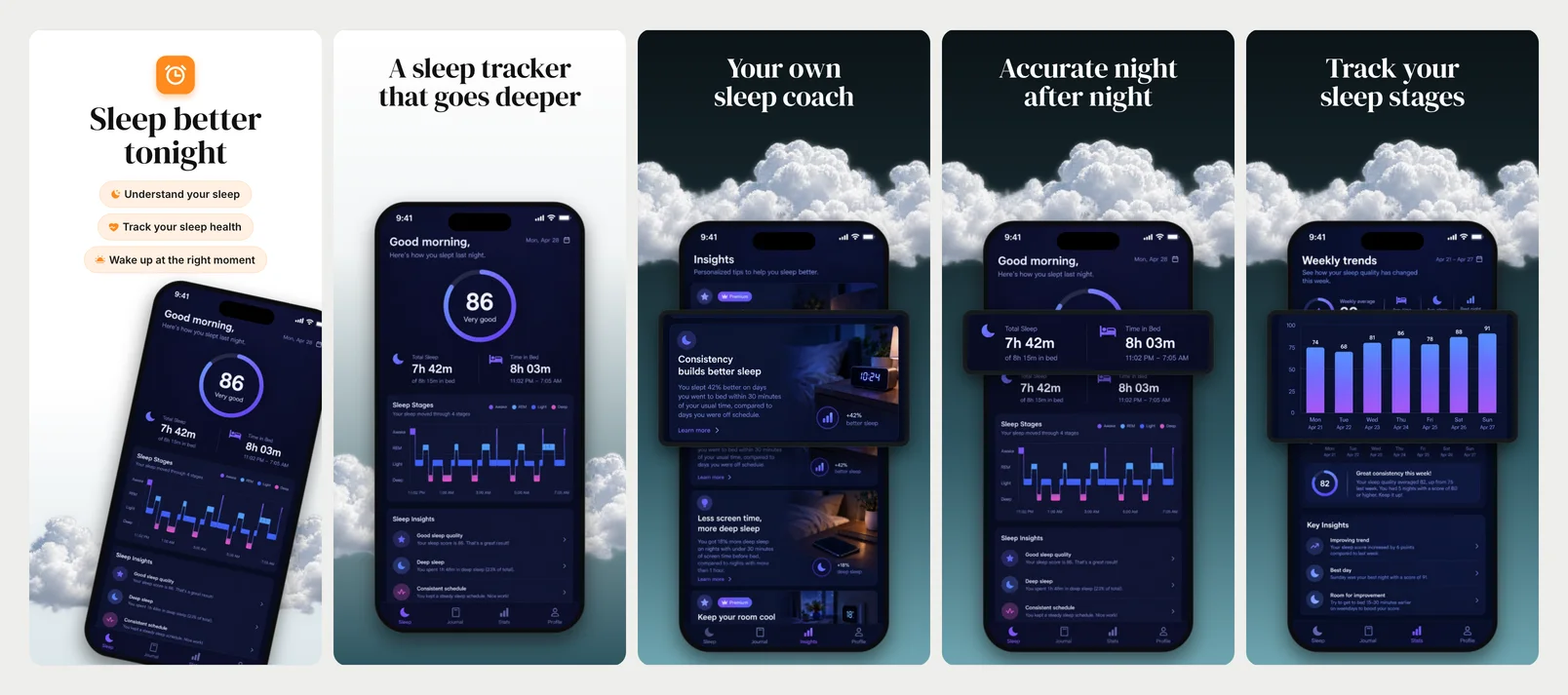
Cloudline
Serif headlines over a band of clouds, a dark phone rising out of them, glass cards.
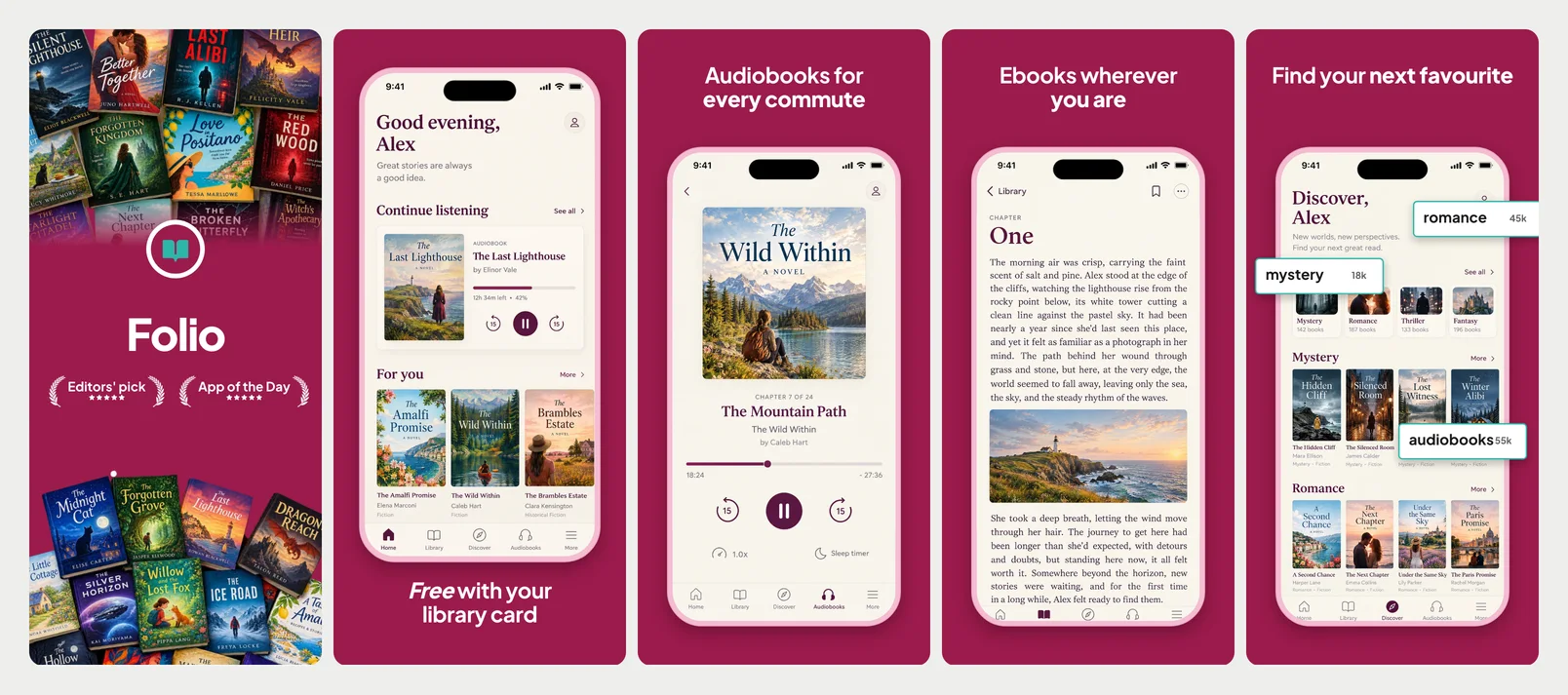
Shelfie
Deep berry, light headlines with a bold close, a pink phone with outlined genre tags.
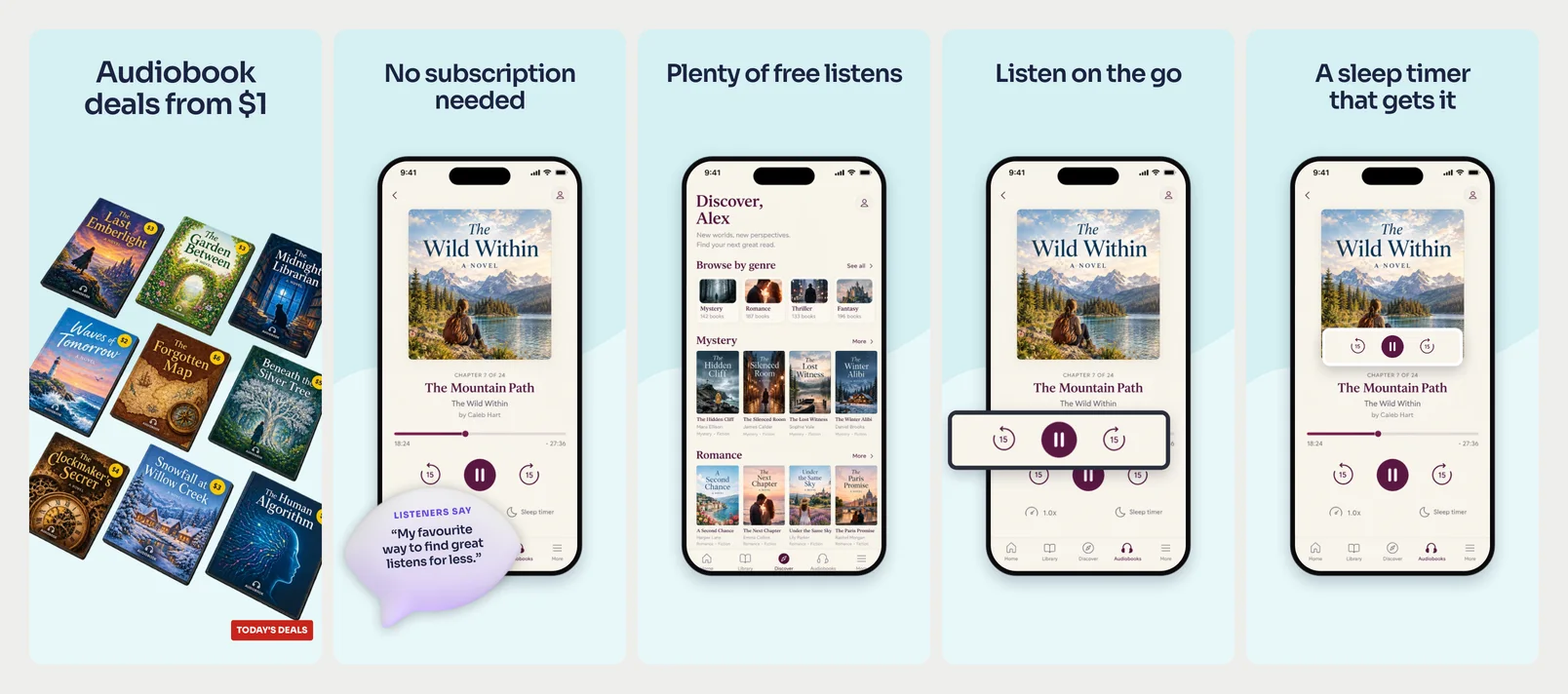
Earful
Pale aqua with a soft wave, heavy navy headlines, deal stickers and a 3D quote bubble.
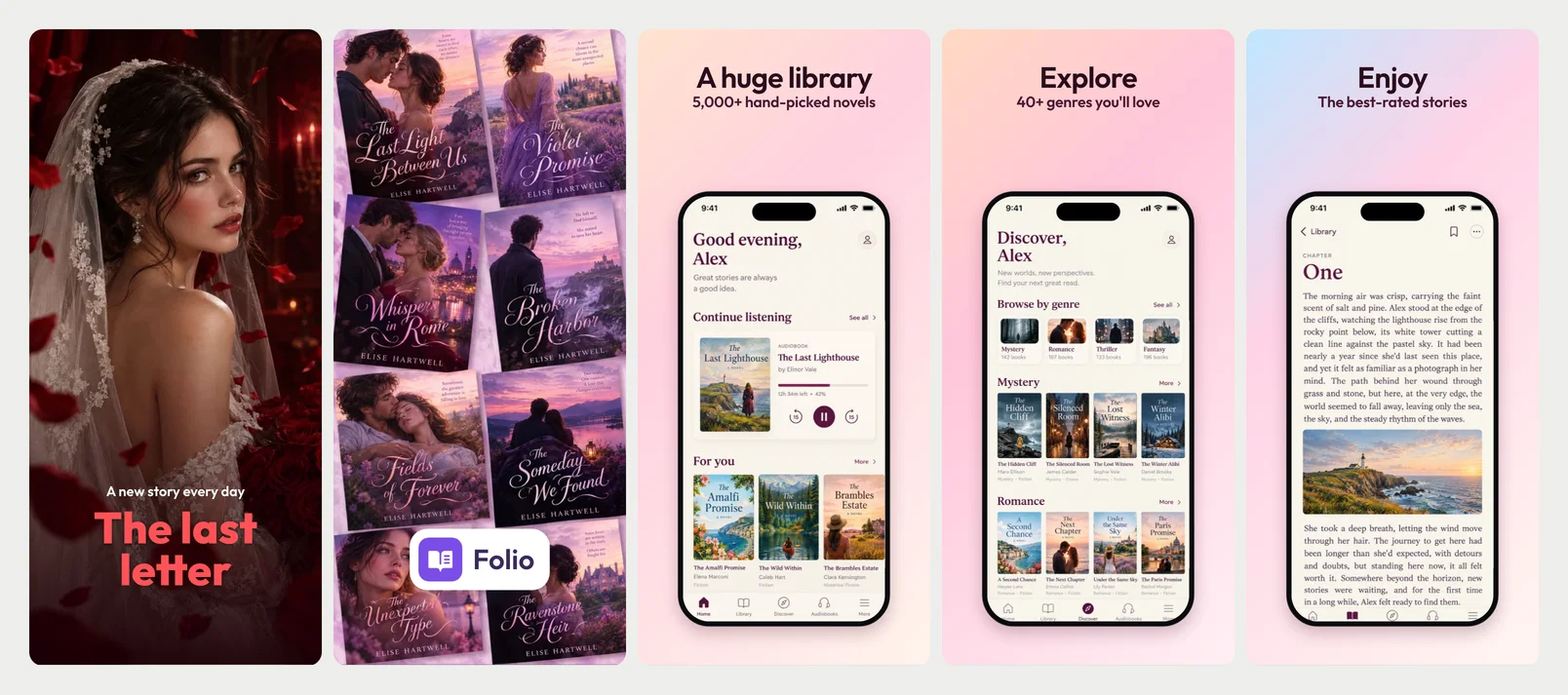
Pageturner
A painted full-bleed cover with a serif lockup, then pastel washes and big serif headlines.
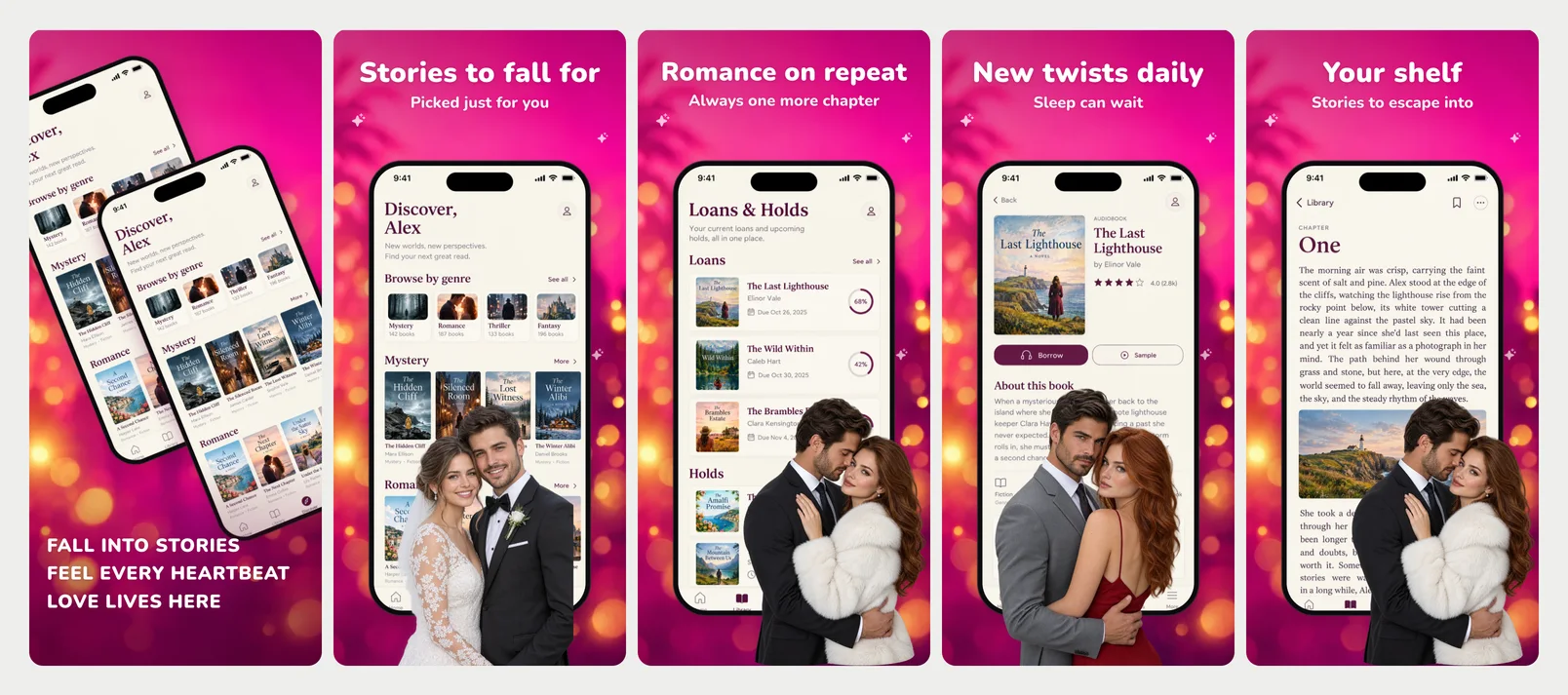
Velvet
Hot-pink bokeh, rounded white headlines, the phone with a painted couple in front.
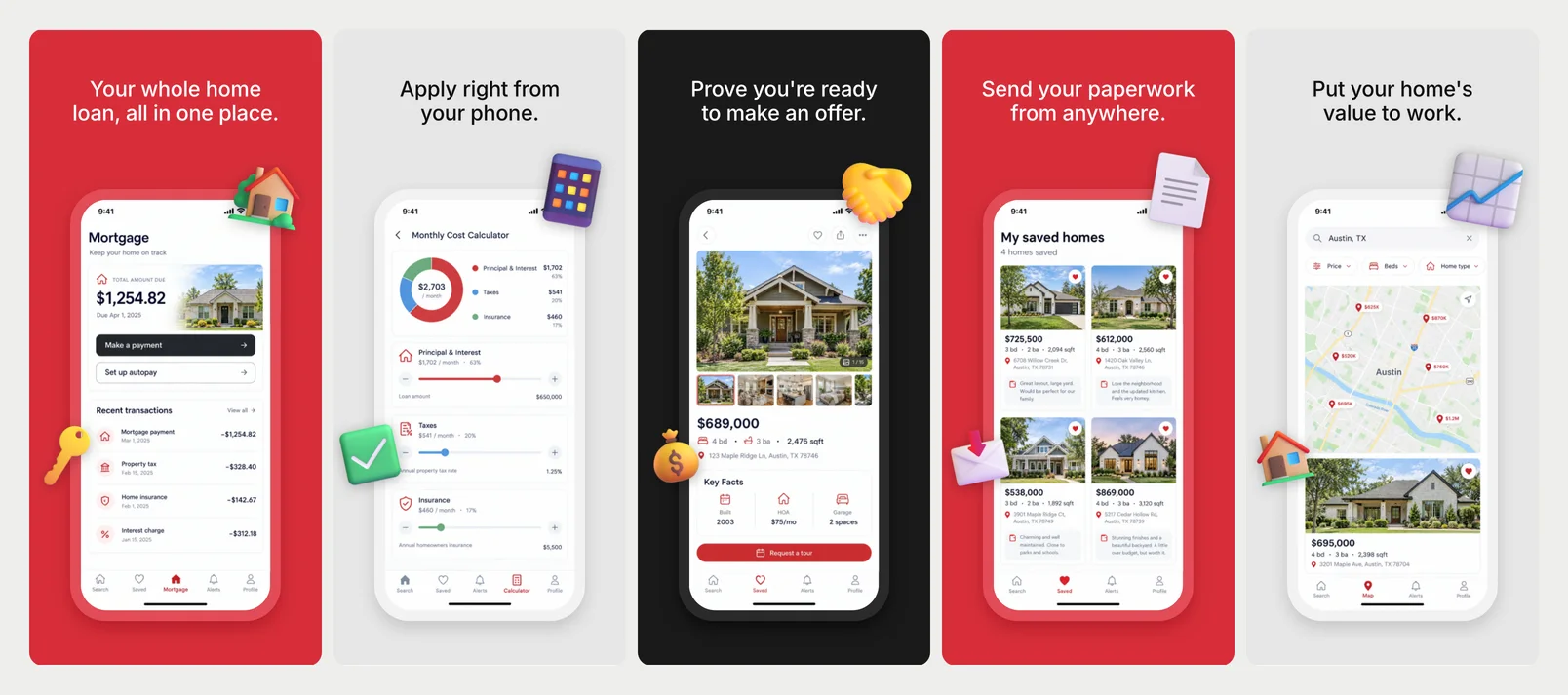
Keyline
Red, grey and black in turn, a centred headline, the screen in a thick soft frame.
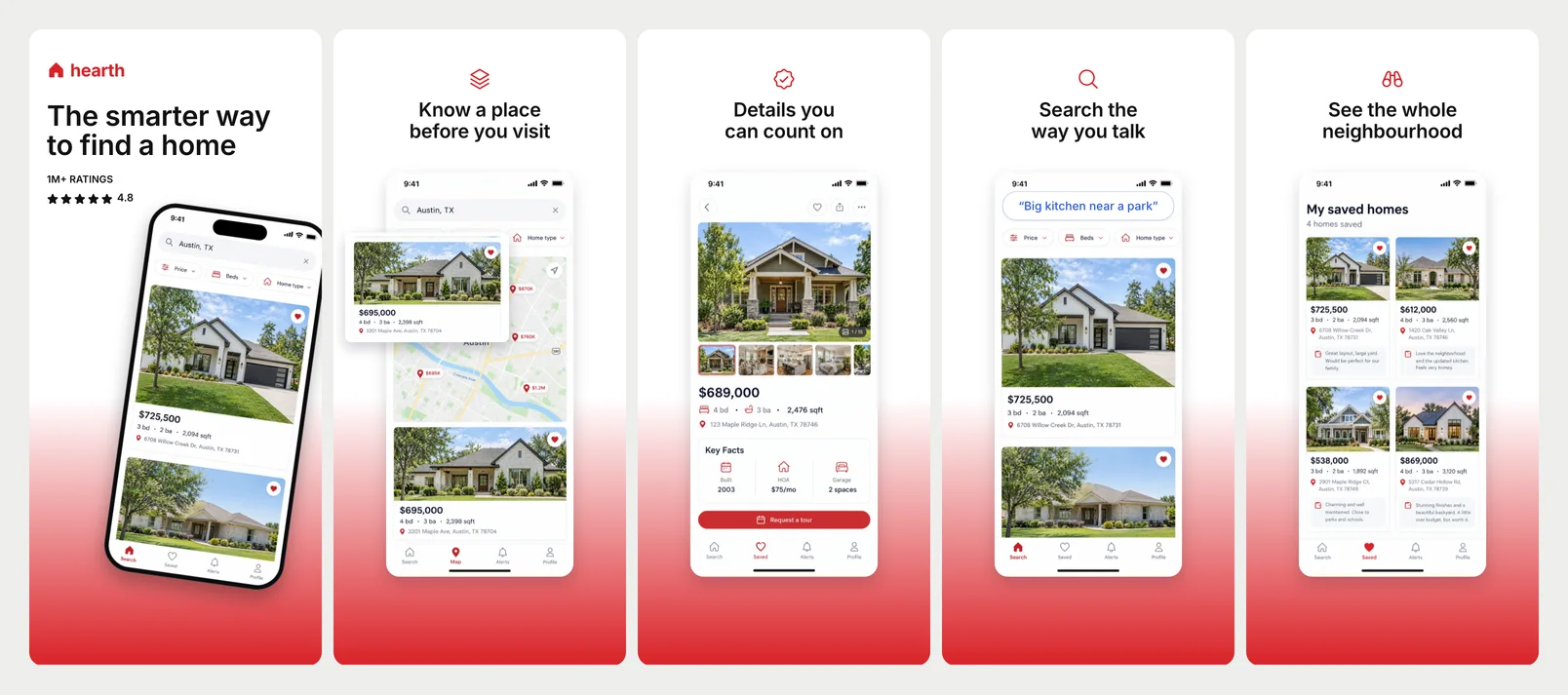
Open House
White fading to red, a red line icon over each headline, the screen as a clean card.
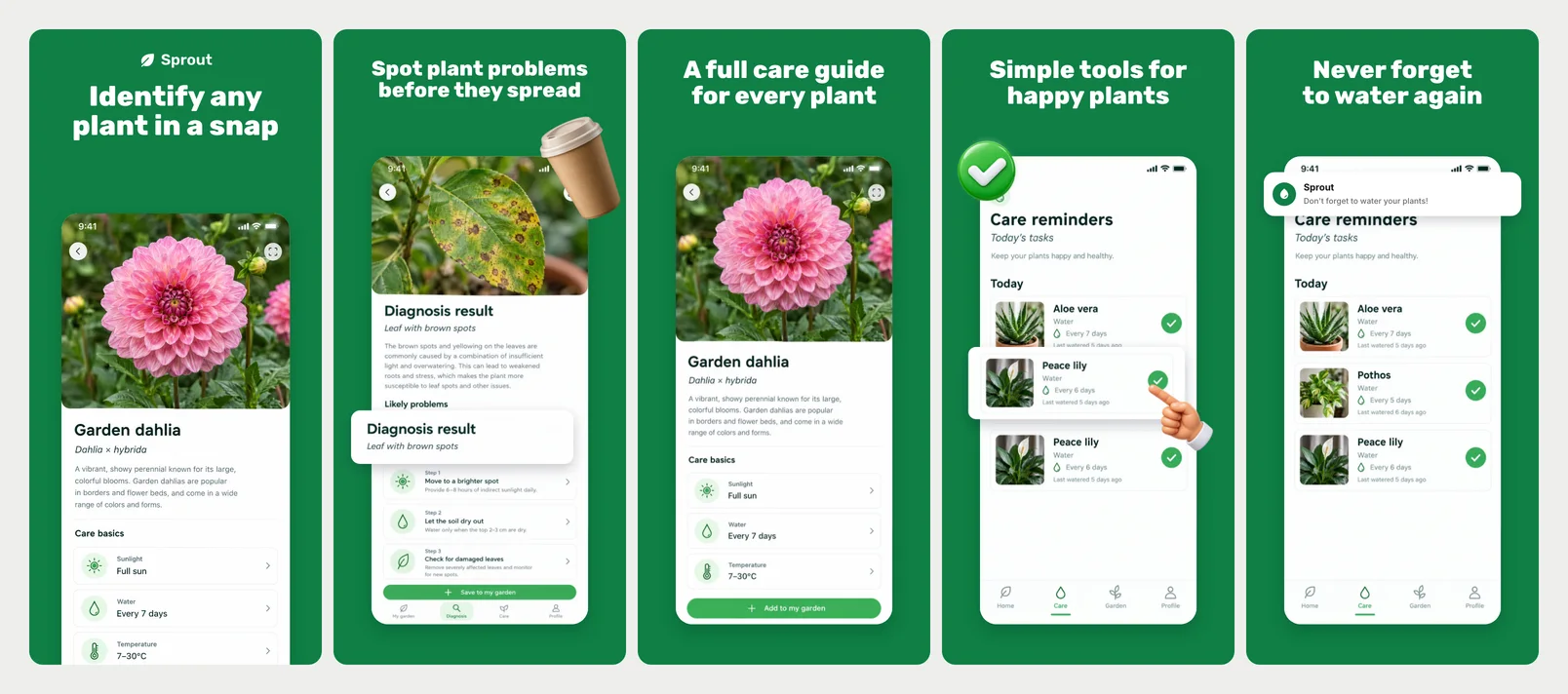
Leafy
Fresh green, chunky white headlines, the screen as a white card with 3D stickers.
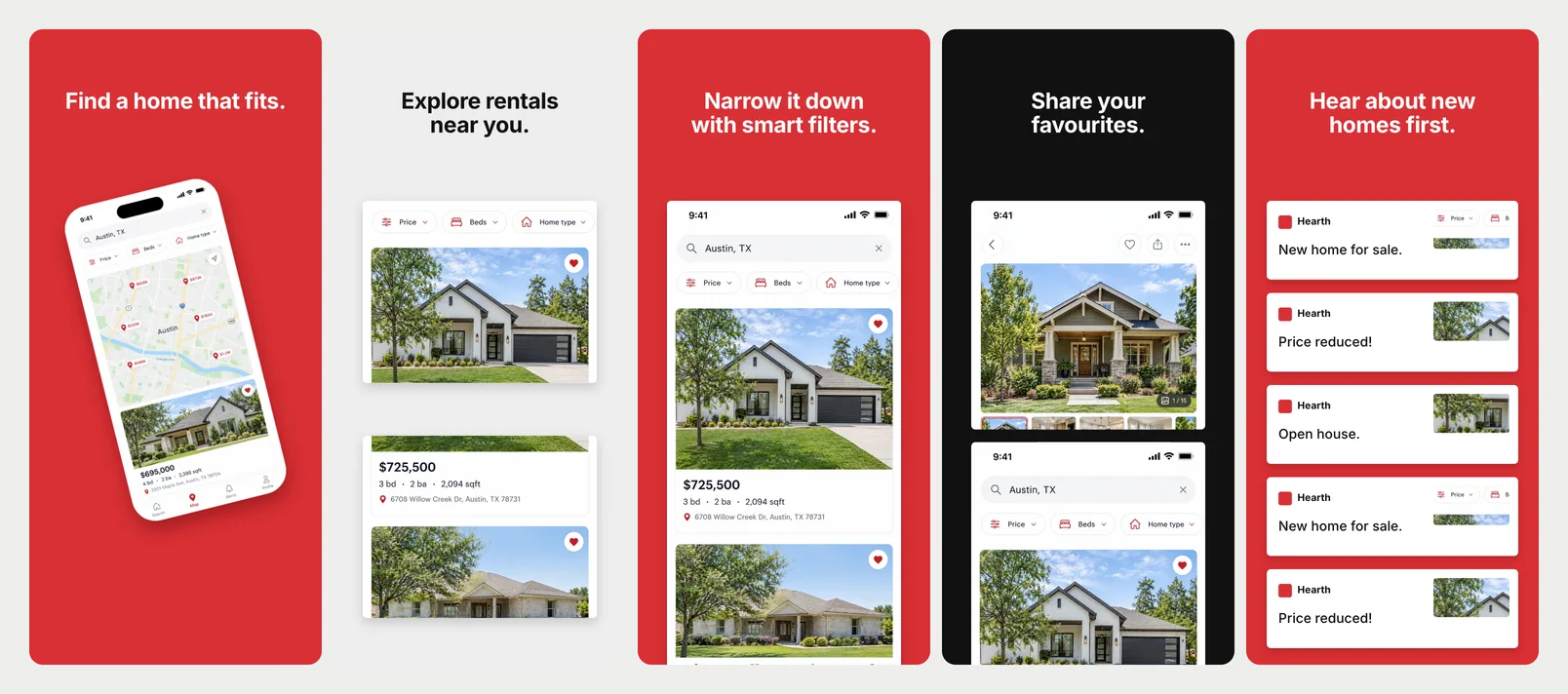
Curb
Red, grey and black screens, short headlines, the app's screen as plain white cards.
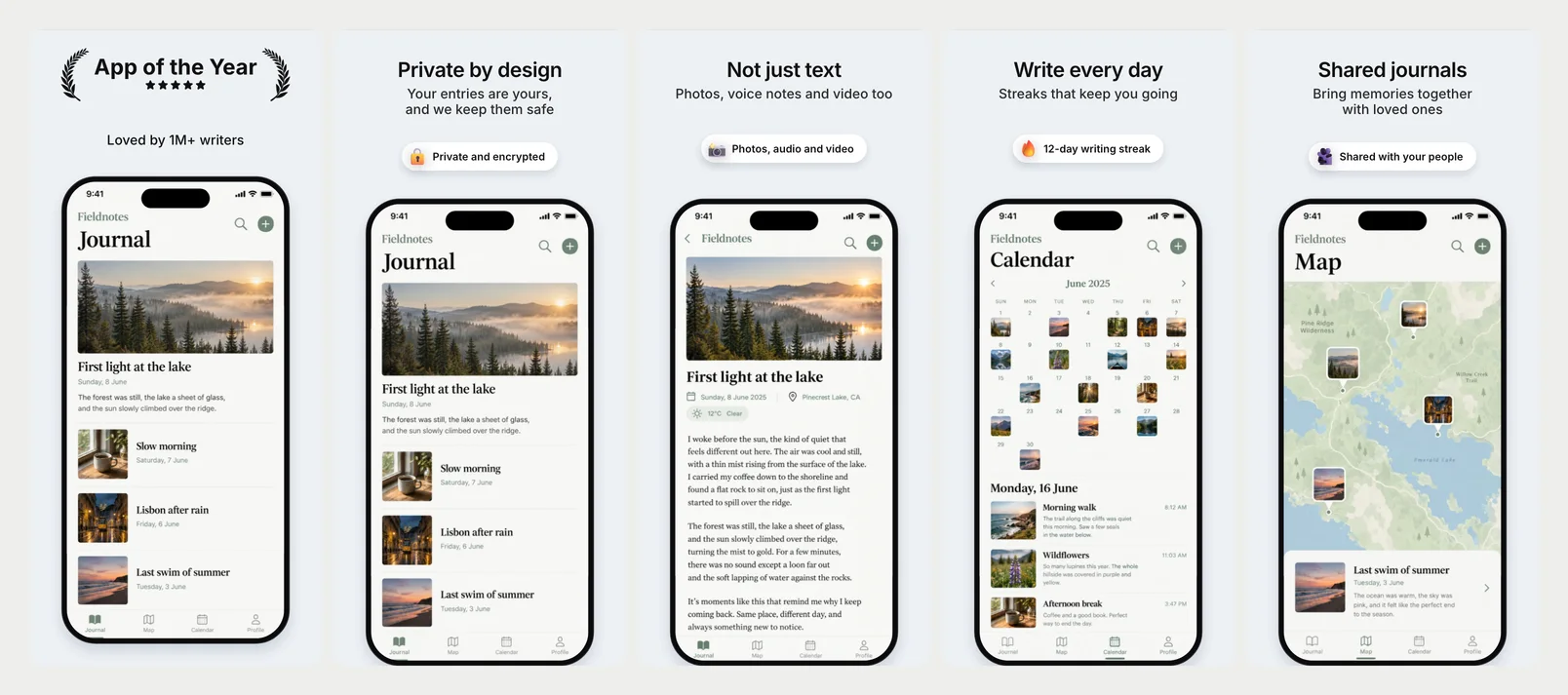
Daybook
Pale blue-grey, a bold short headline over a plain line, the phone running off the bottom.
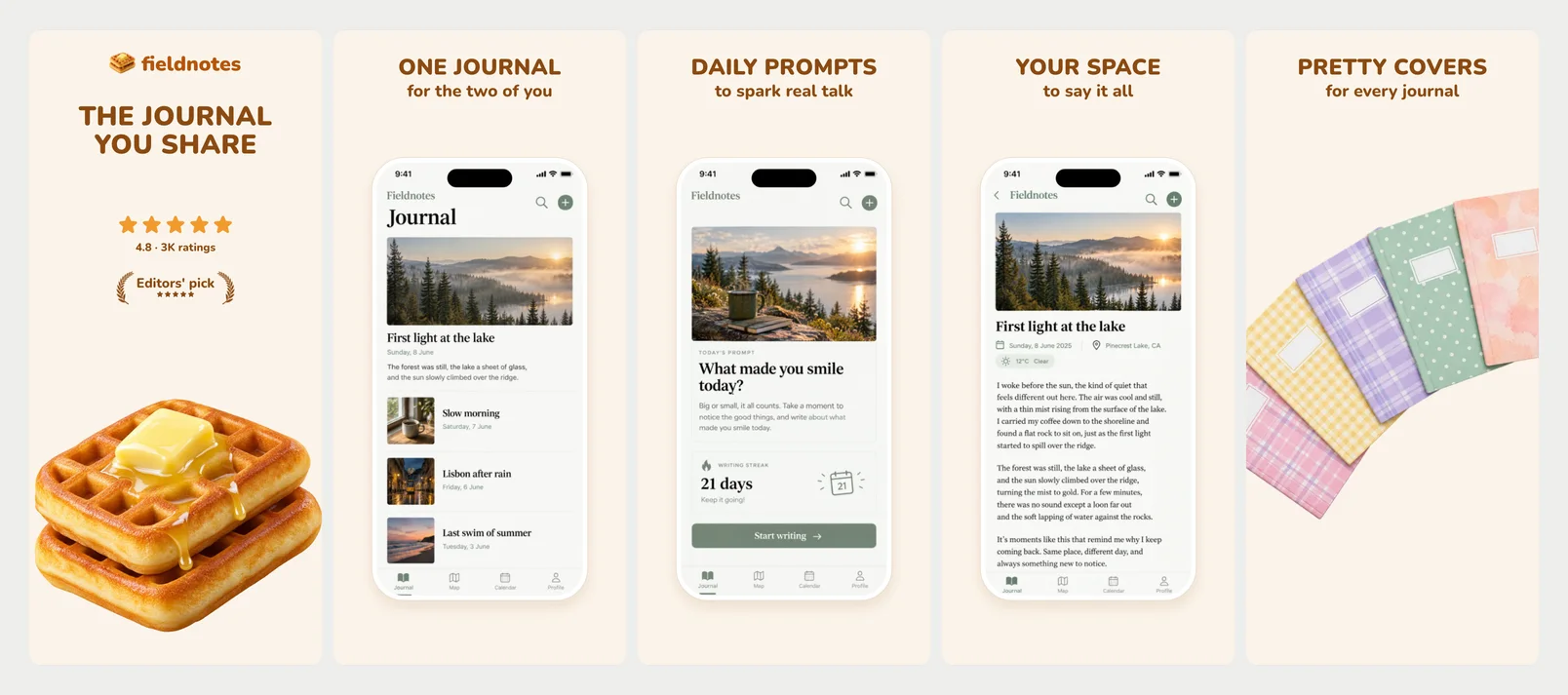
Together
Warm cream, rounded brown capitals, a light phone, a 3D waffle and pattern notebooks.
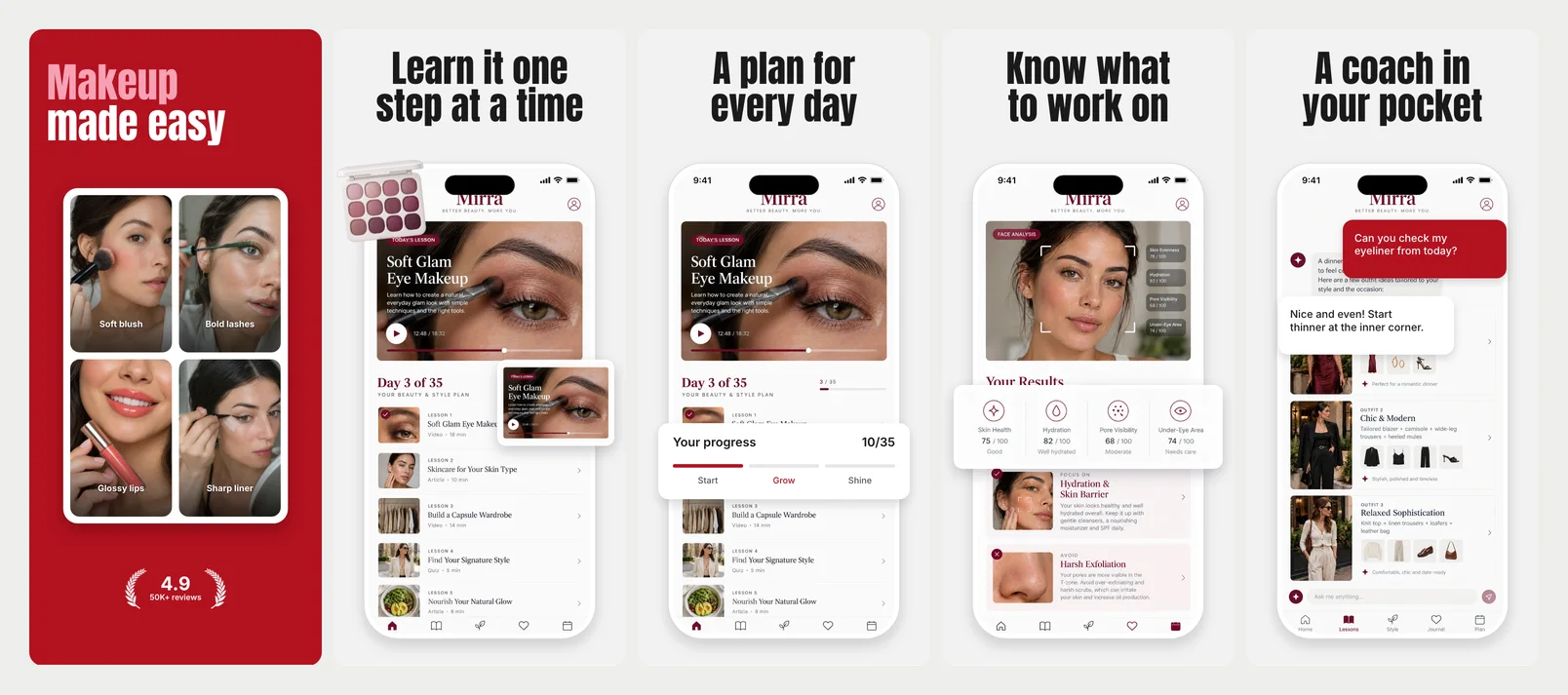
Glow Kit
A red cover with a photo grid, then huge condensed headlines and a white phone.
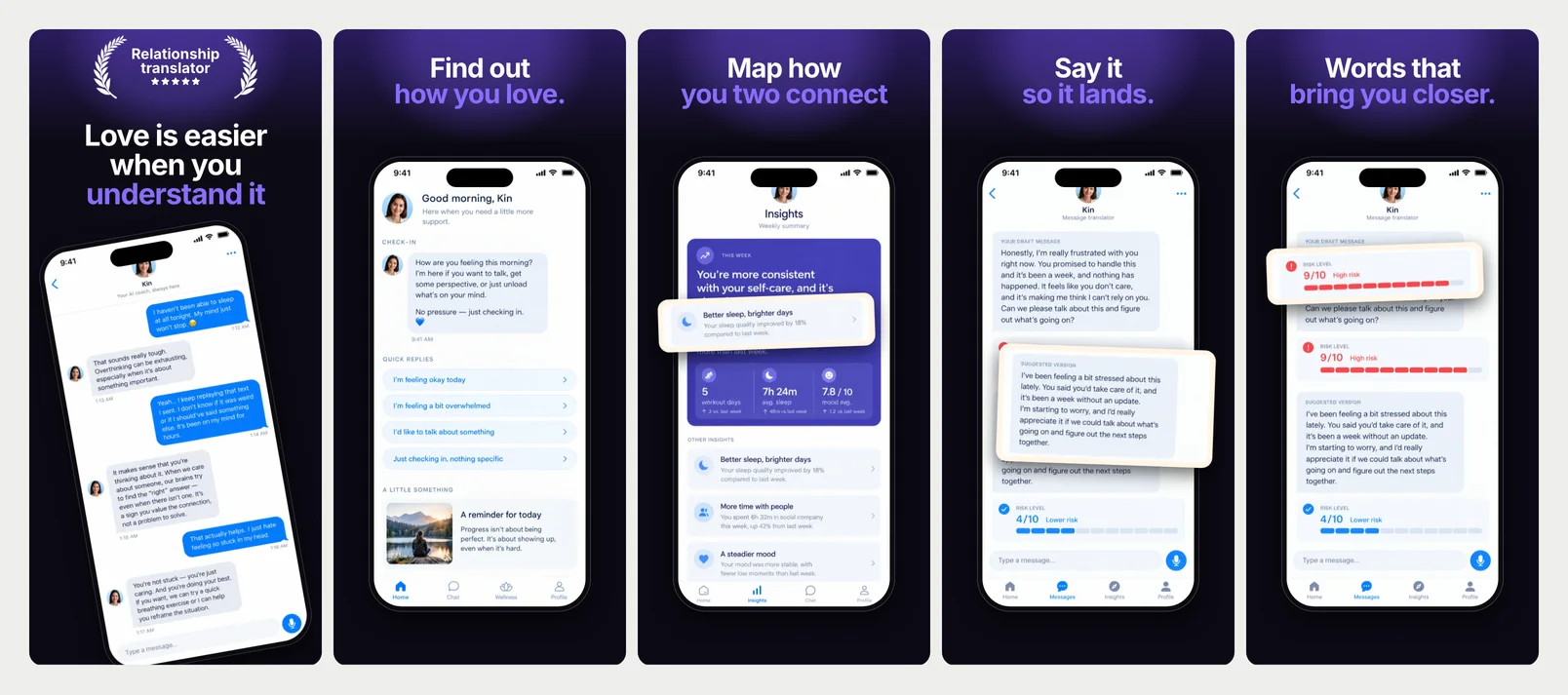
Read Between
Near-black with violet light, a white-then-violet headline, cream cards over the phone.
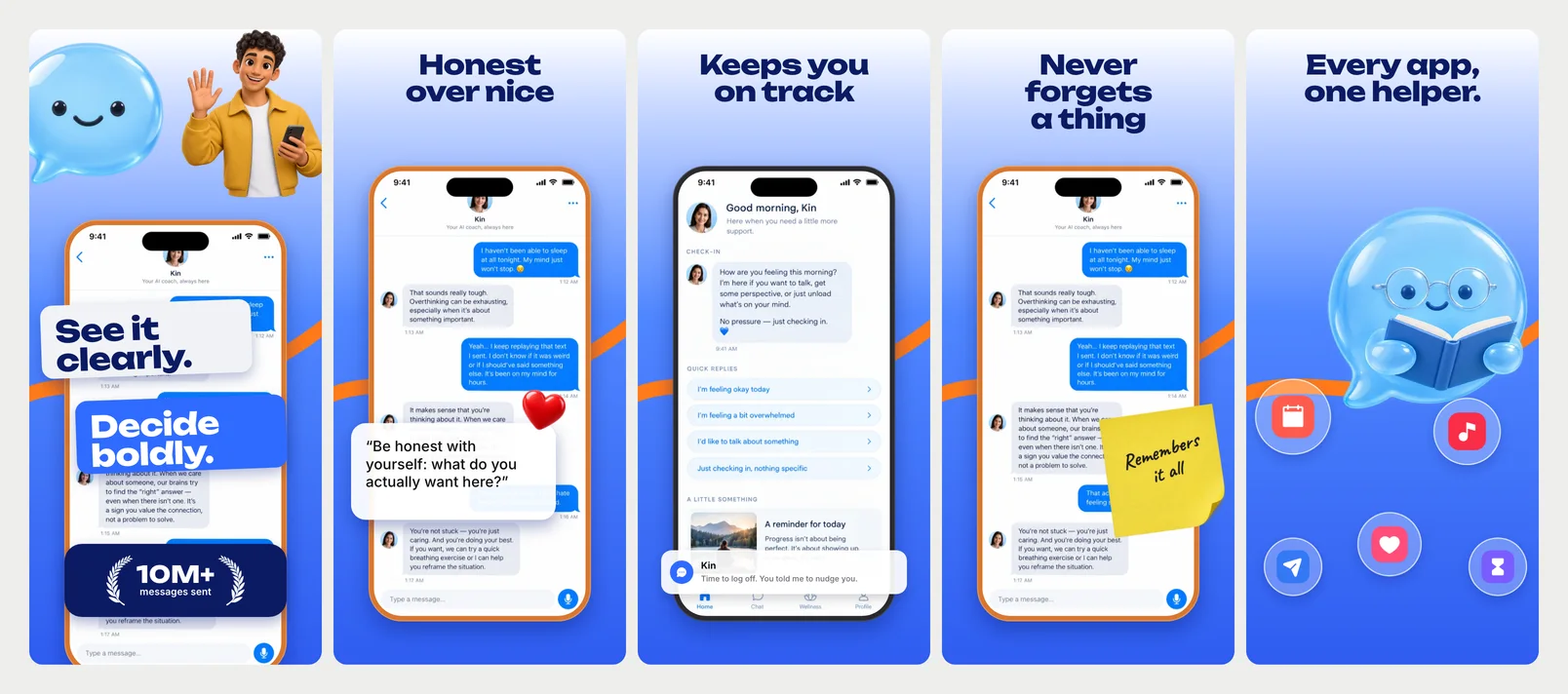
Straight Talk
Loud blue with an orange swoosh, a heavy navy headline, a glossy bubble character.
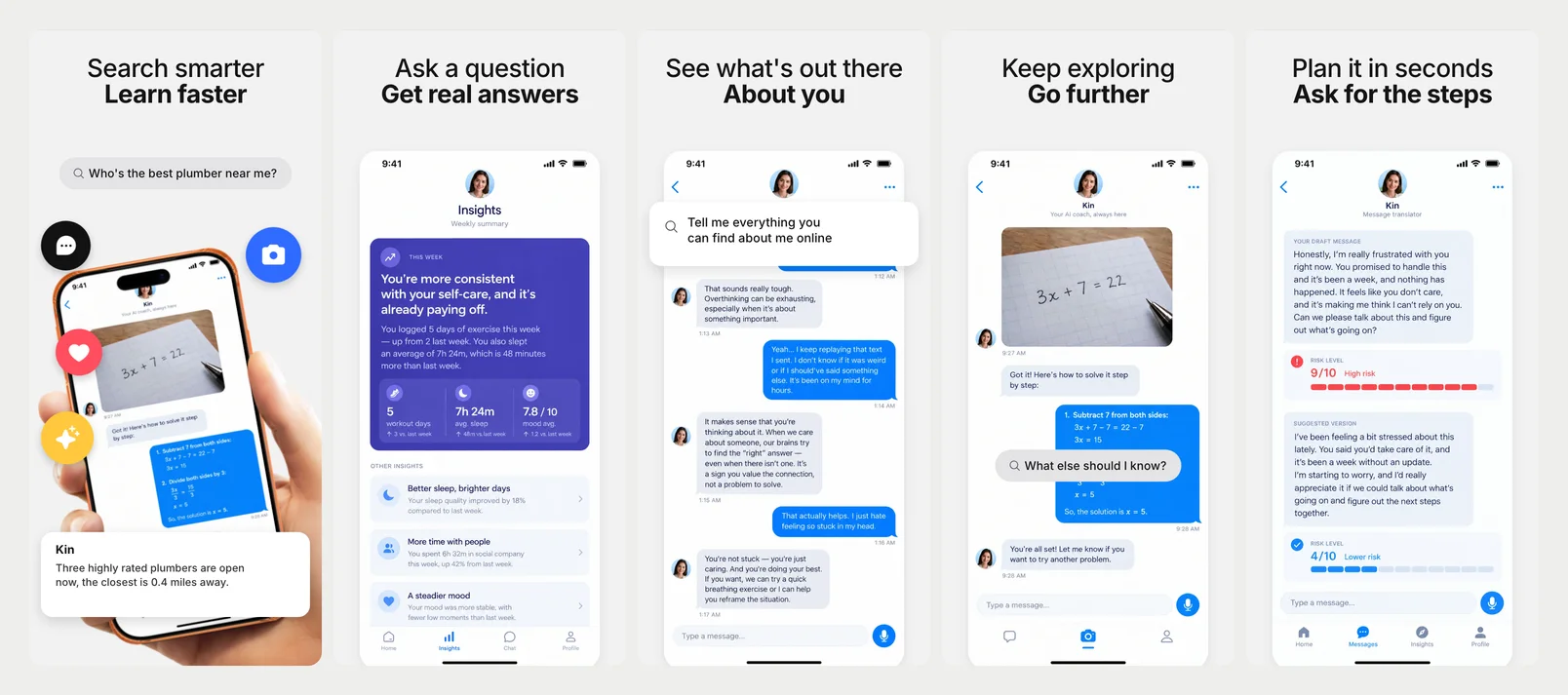
Lookup
Soft grey, a light line over a bold one, a search bar and a big white screen card.
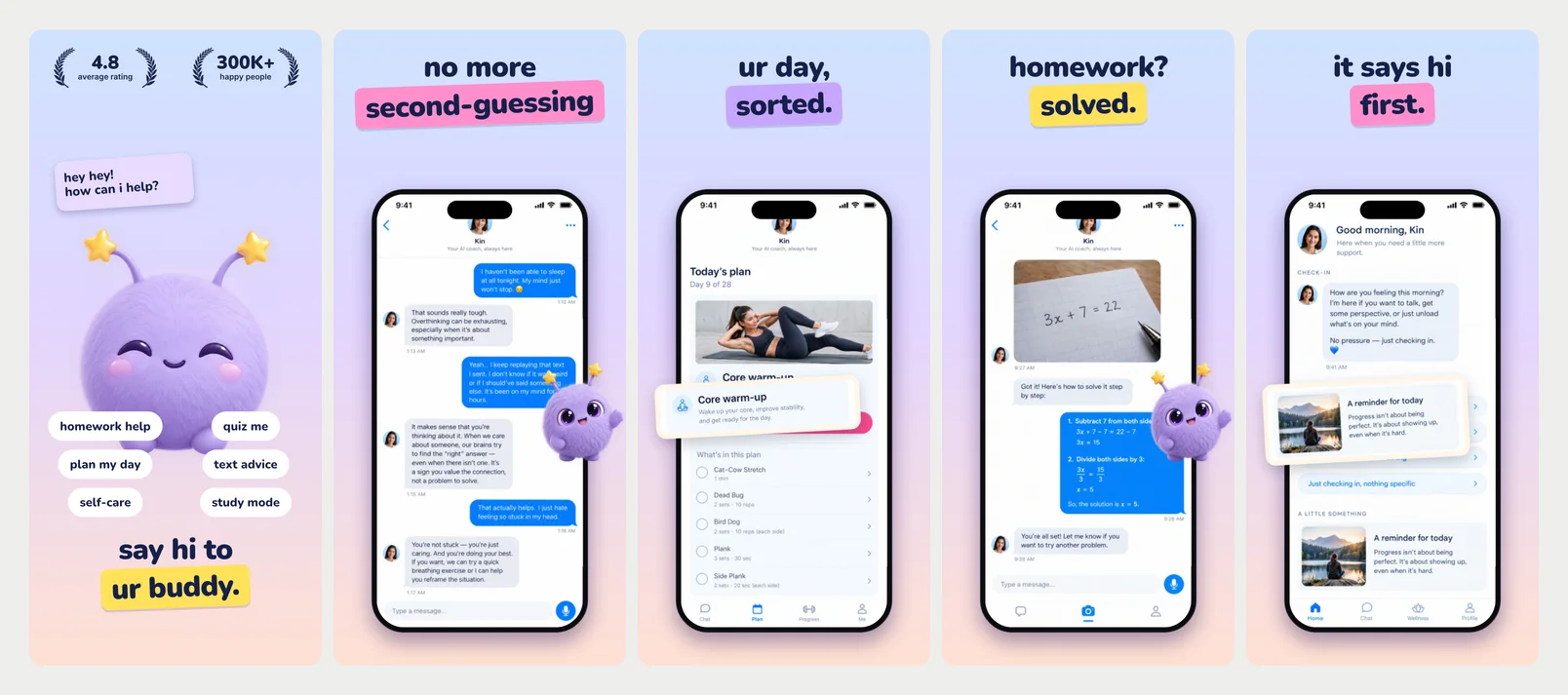
Puff
A sunset sky, lowercase headlines on tilted highlights, a fluffy cloud buddy.
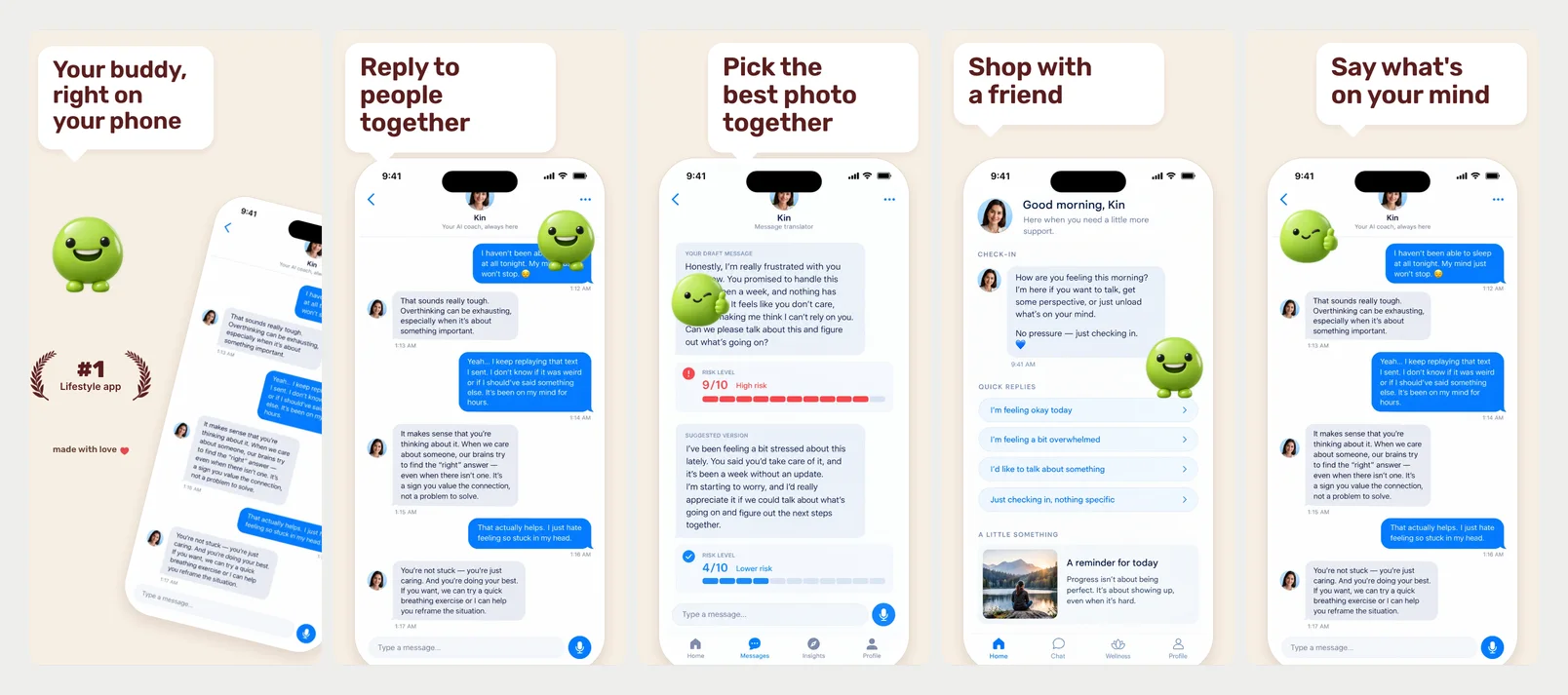
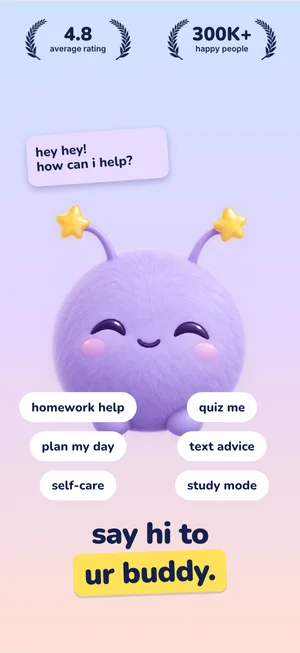
Buddy
Warm cream, headlines in white speech bubbles, a goofy lime character on the phone.
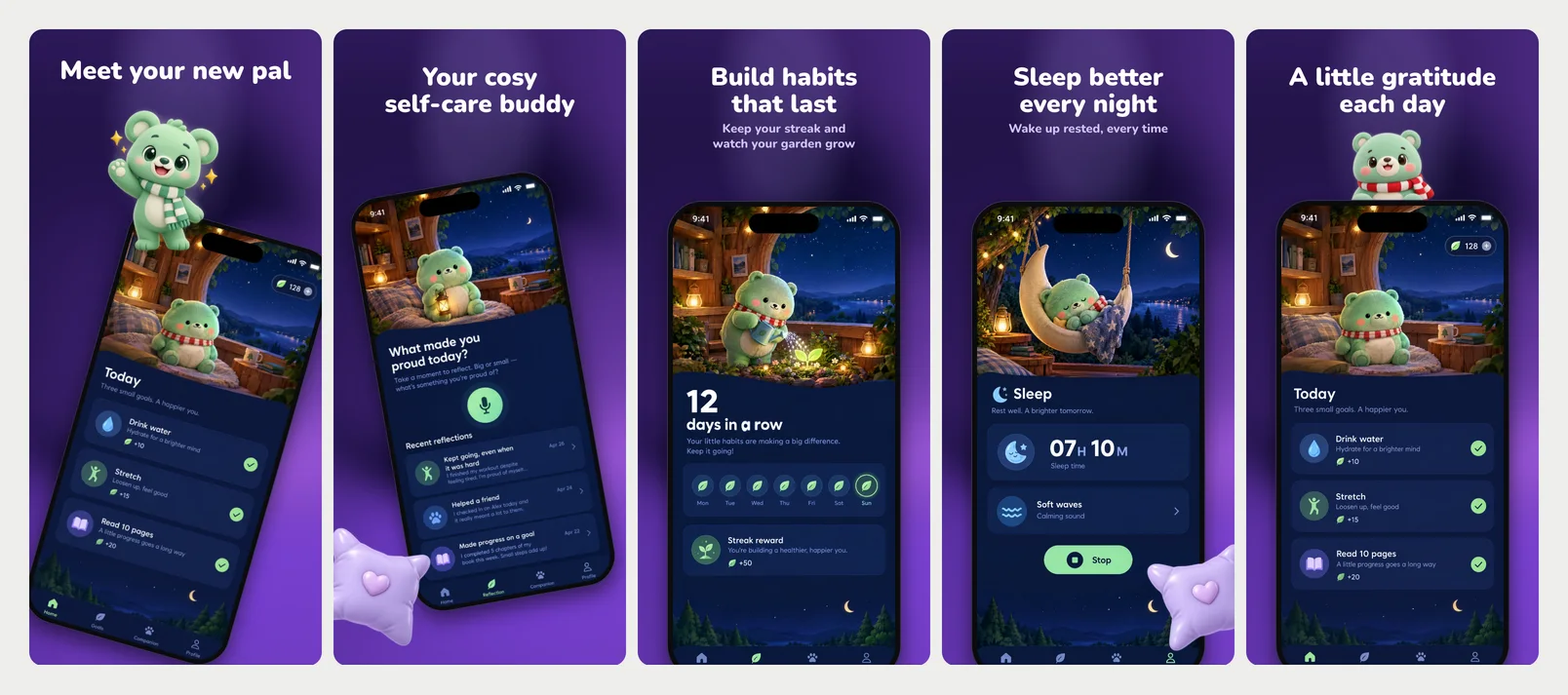
Nightpal
Deep purple under a spotlight, rounded white headlines, a plush pal peeking over the phone.
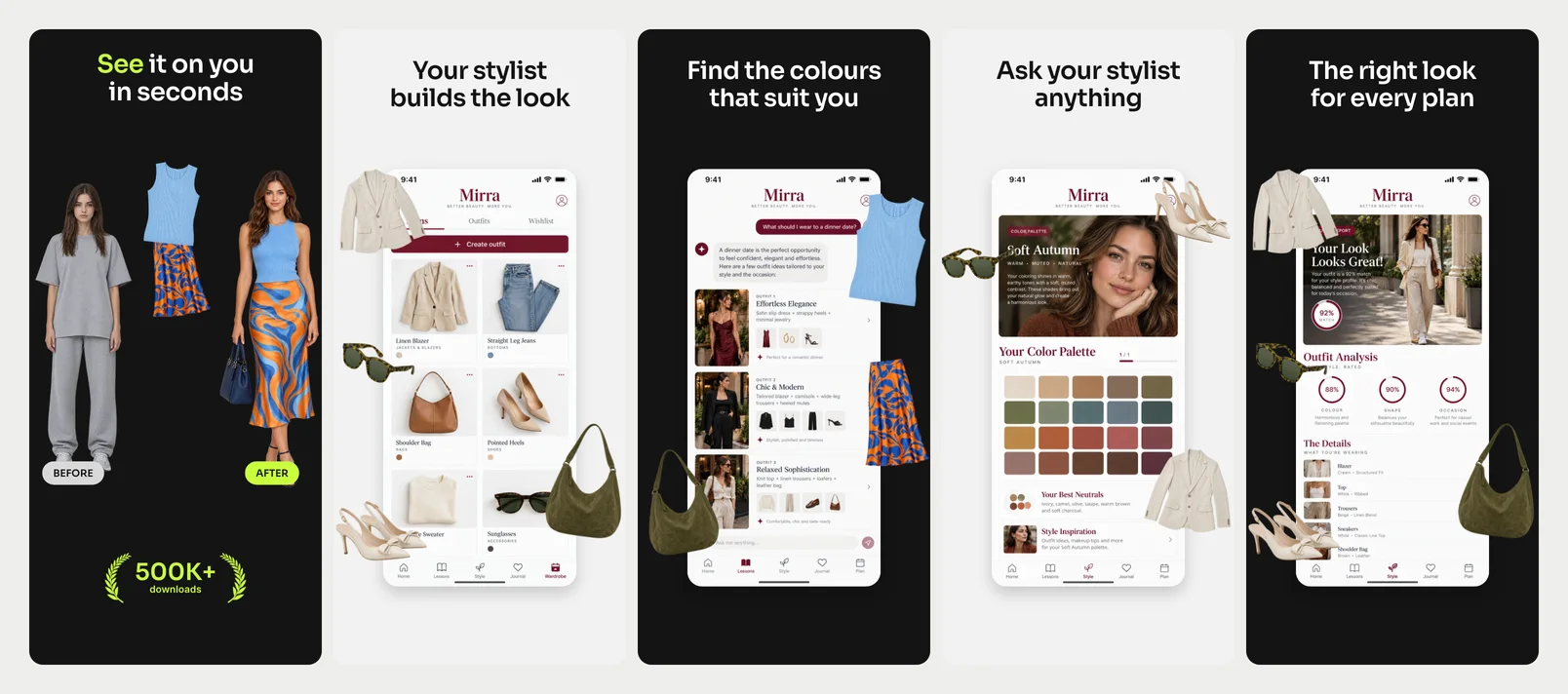
Fitcheck
Black and light grey, wide headlines with lime, flat-lay clothes around a white screen card.
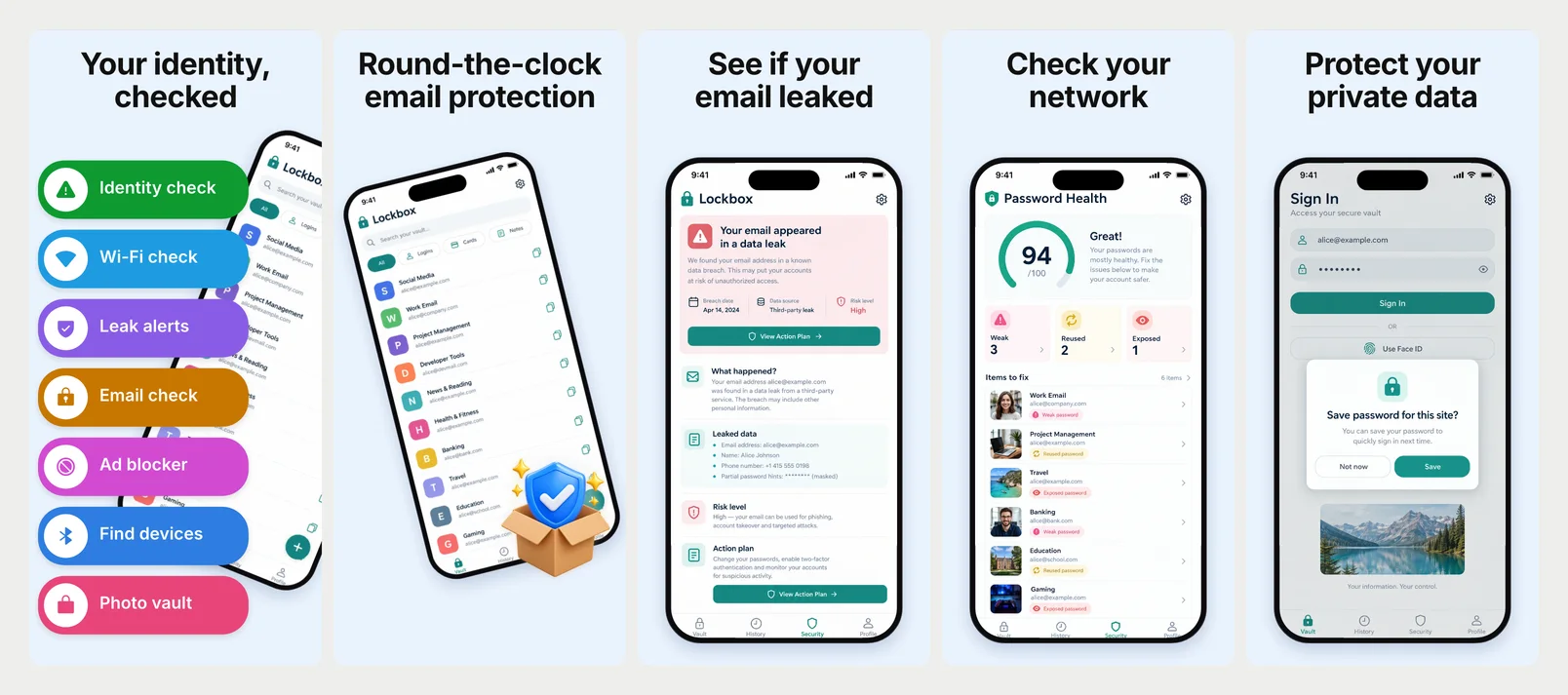
Shieldify
Pale blue, heavy black headlines, a cover of bright feature buttons, a 3D shield.
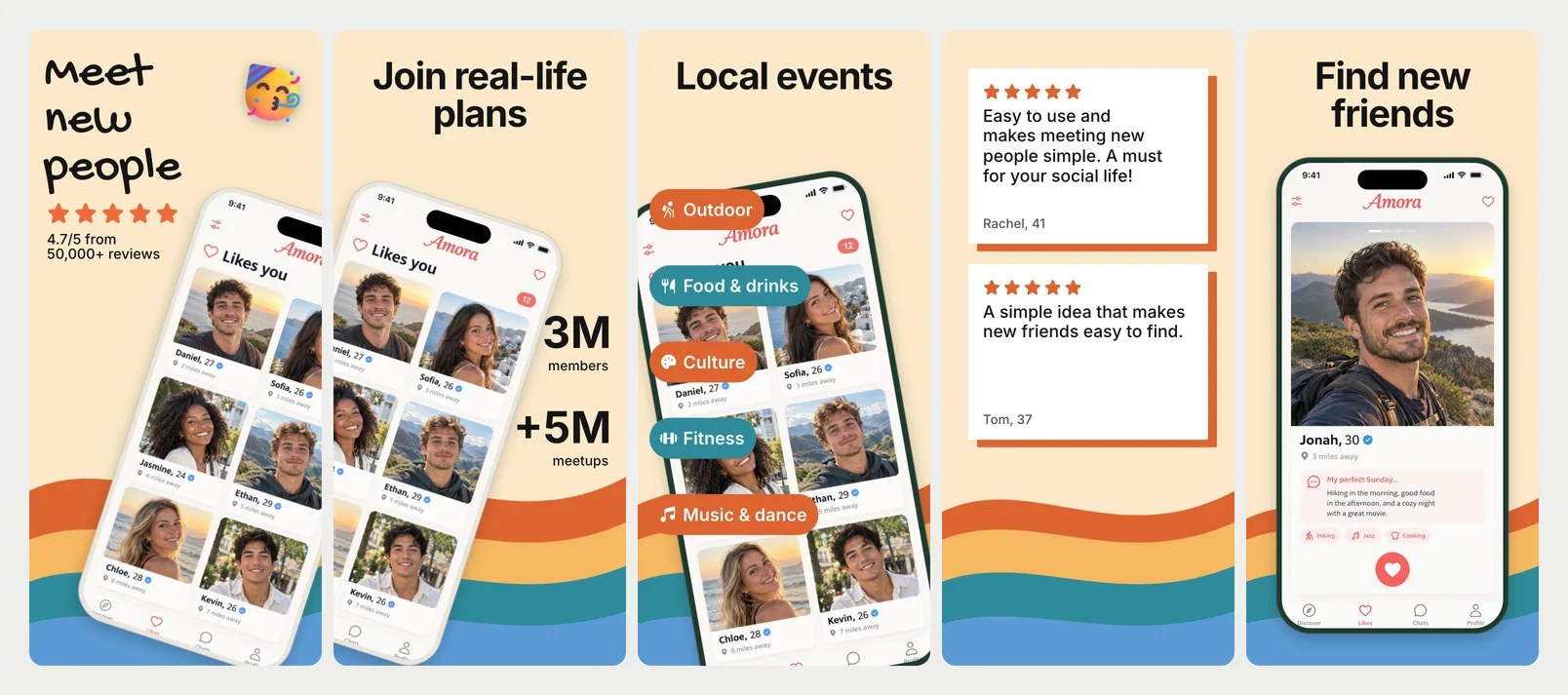
Circle
Warm cream with colourful bands, big black headlines, a tilted phone with stats and tags.
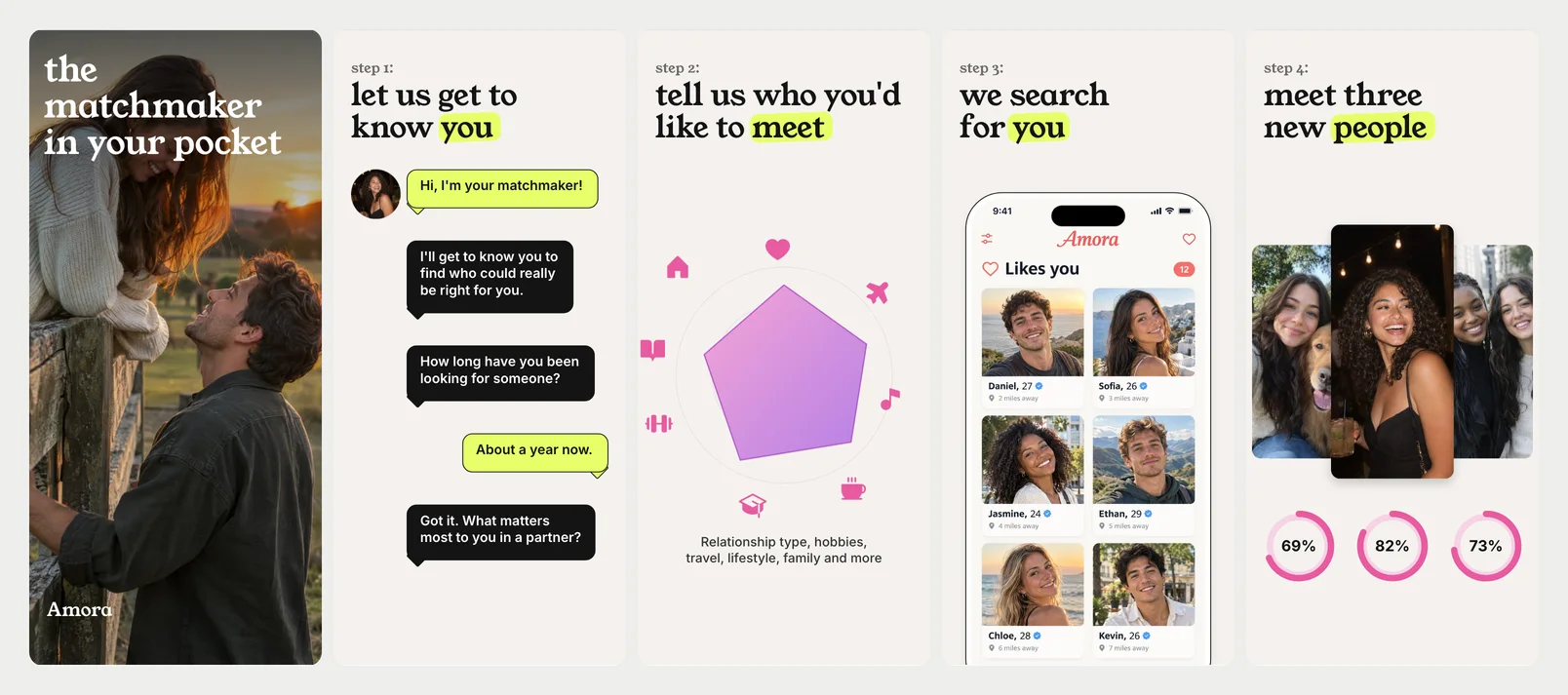
Matchmaker
Soft paper, lowercase serif headlines with a lime brush, chat bubbles and match rings.
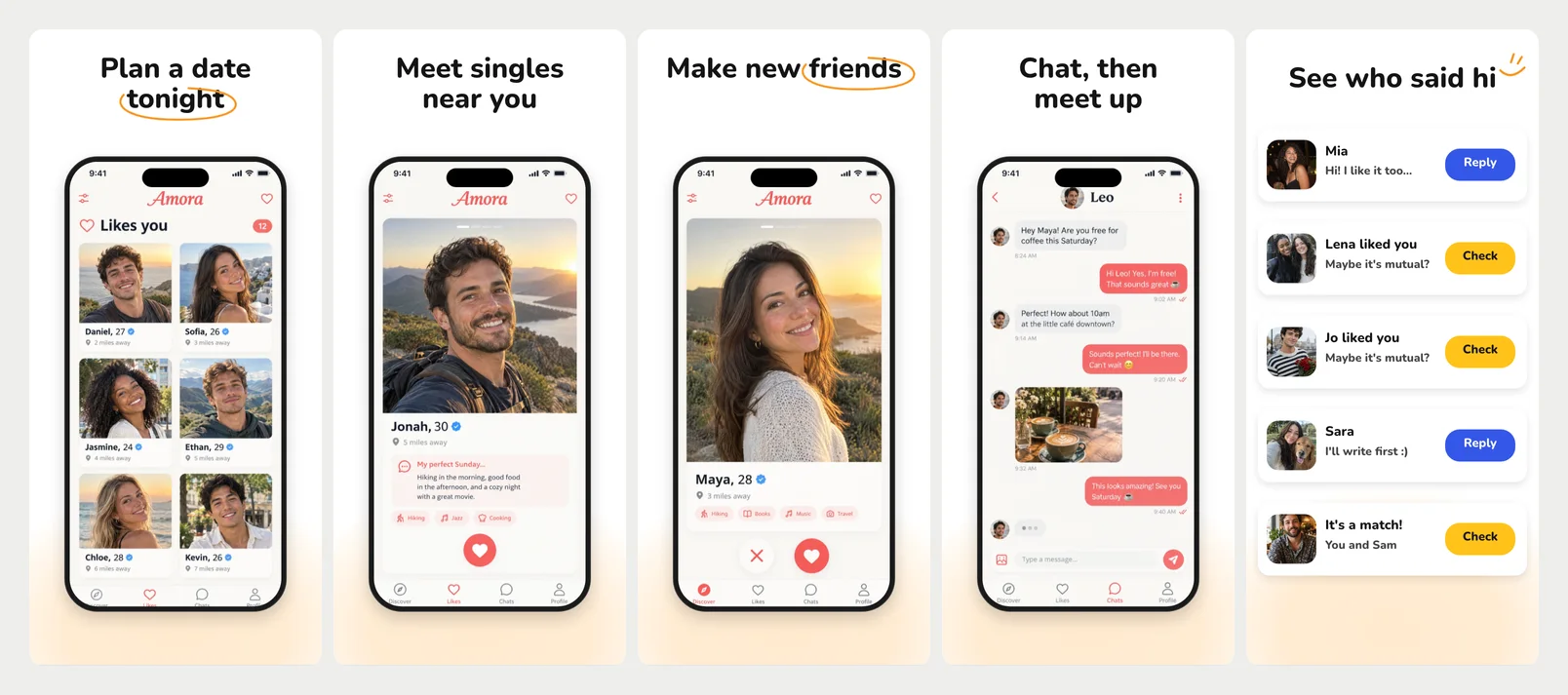
Tonight
Clean white, centered headlines with an orange hand-drawn loop, a dark phone, alert rows.
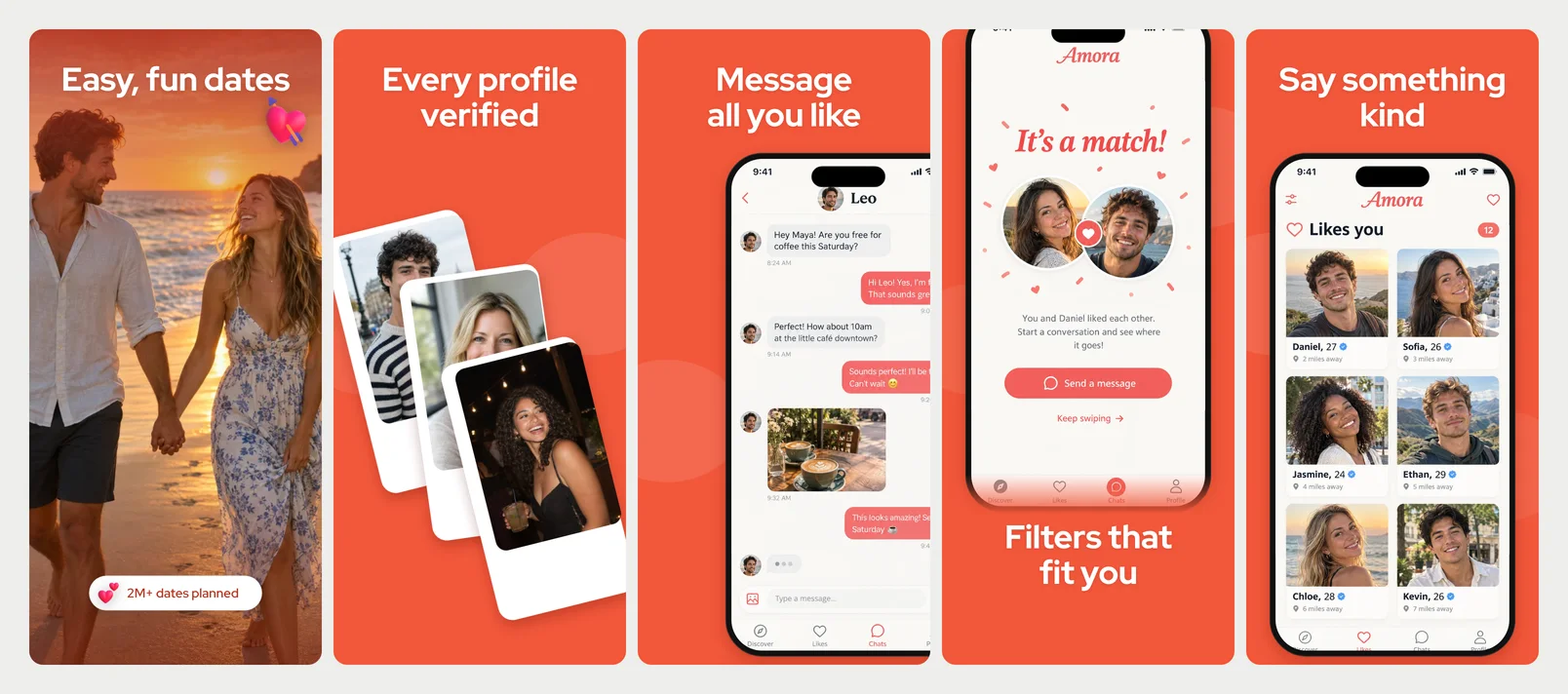
Ember
Hot orange-red, big white rounded headlines, fanned profile cards, phones off the edges.
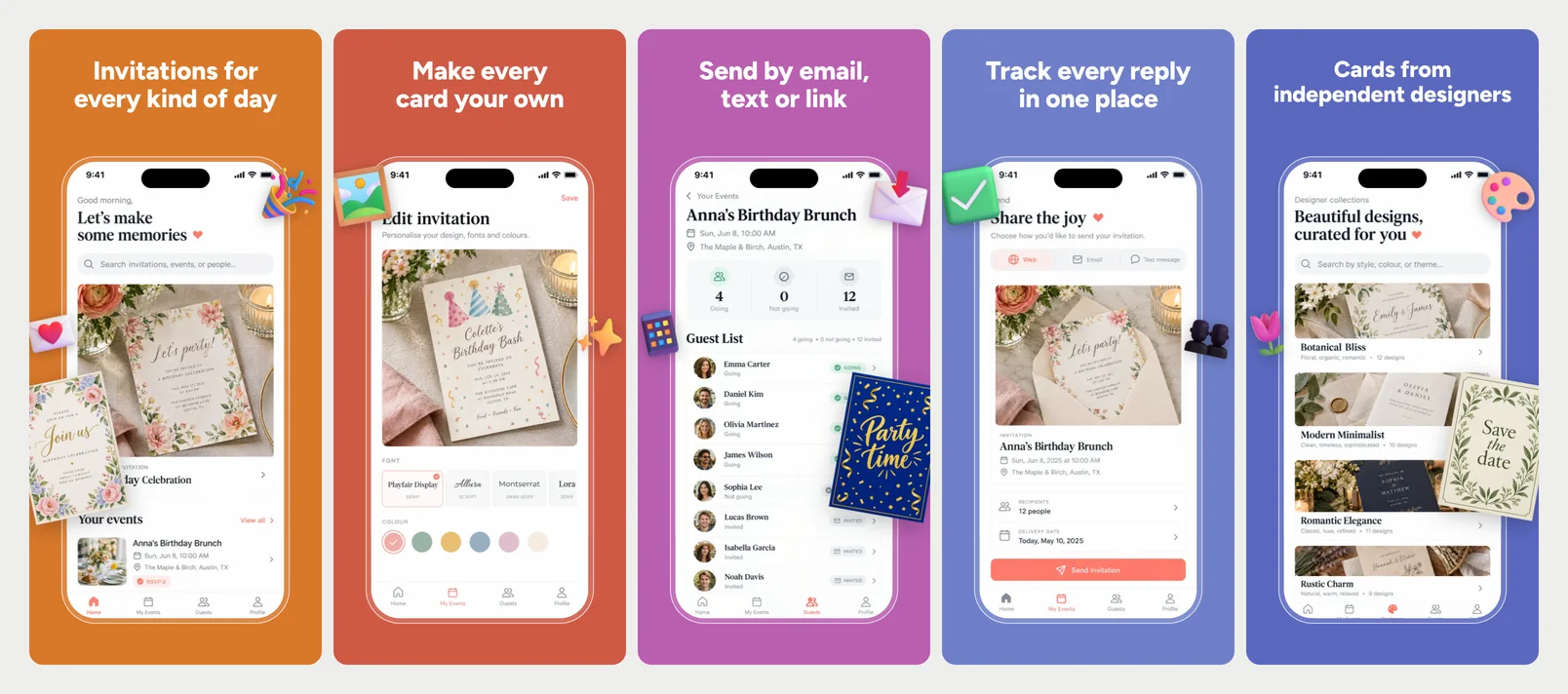
Envelope
One soft pastel per screen, light white headlines, a thin white outline phone.
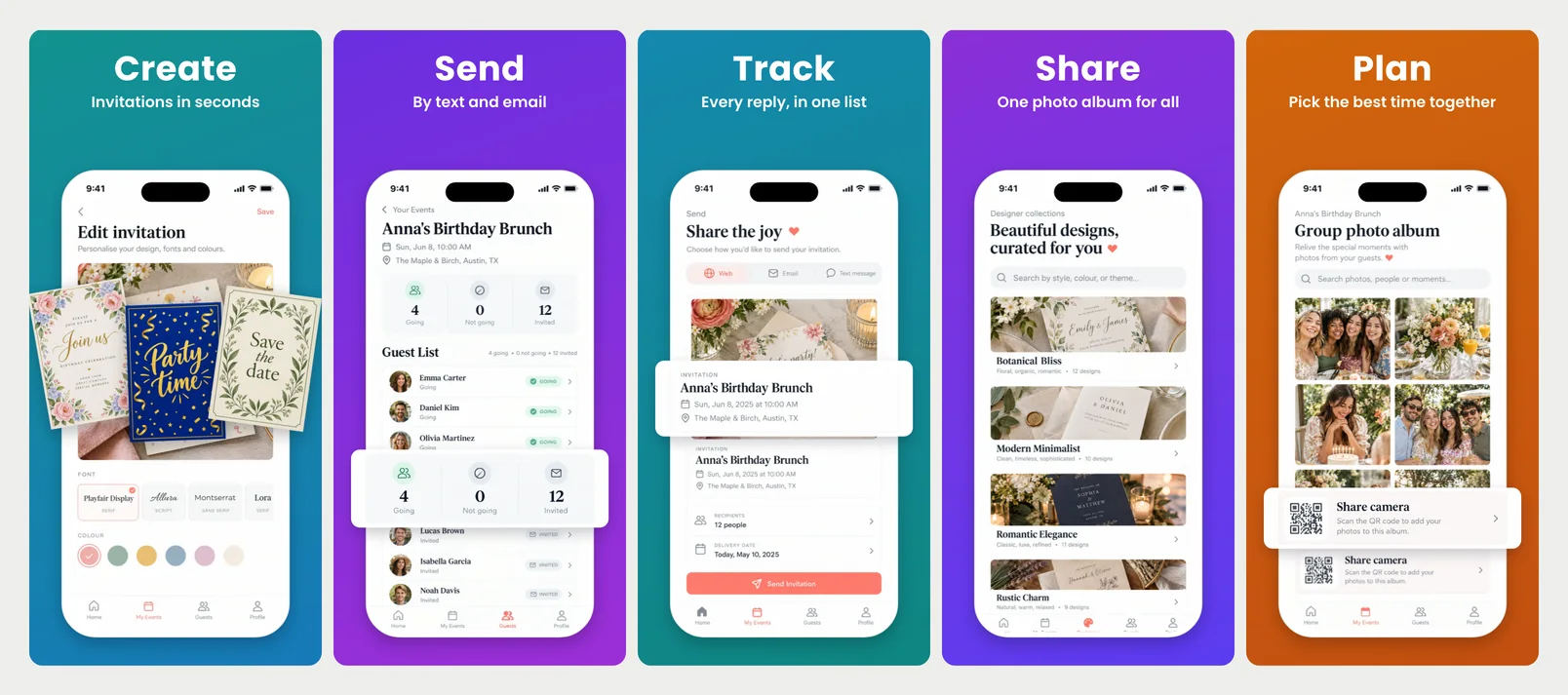
Invite
Vivid gradients, one bold white word, a white phone with a lifted part, fanned invitations.
Free to design. Pay only when you’re ready to ship.
Then finish the whole listing
ScreenMake is a full screenshot studio, so you don’t stop at one picture.
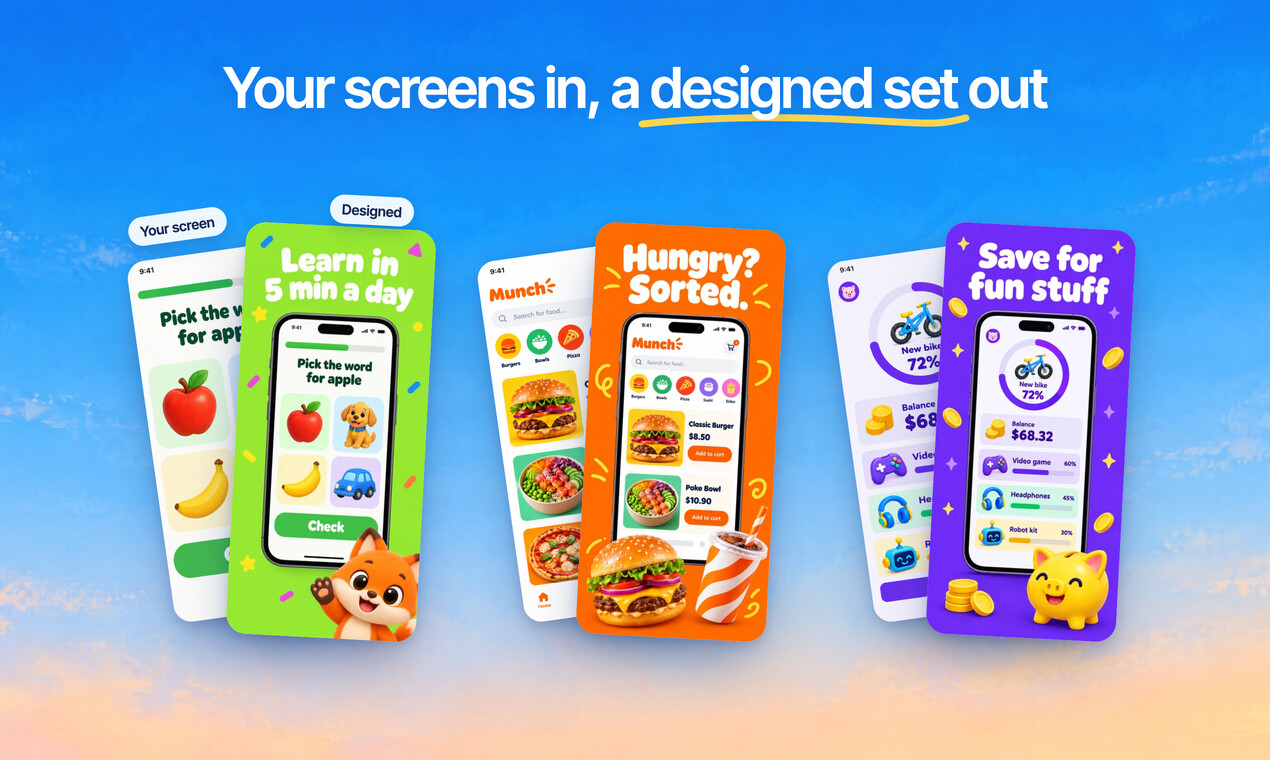
Quick Draft designs a full set of screenshots from your app’s screens, mockups and headlines included.
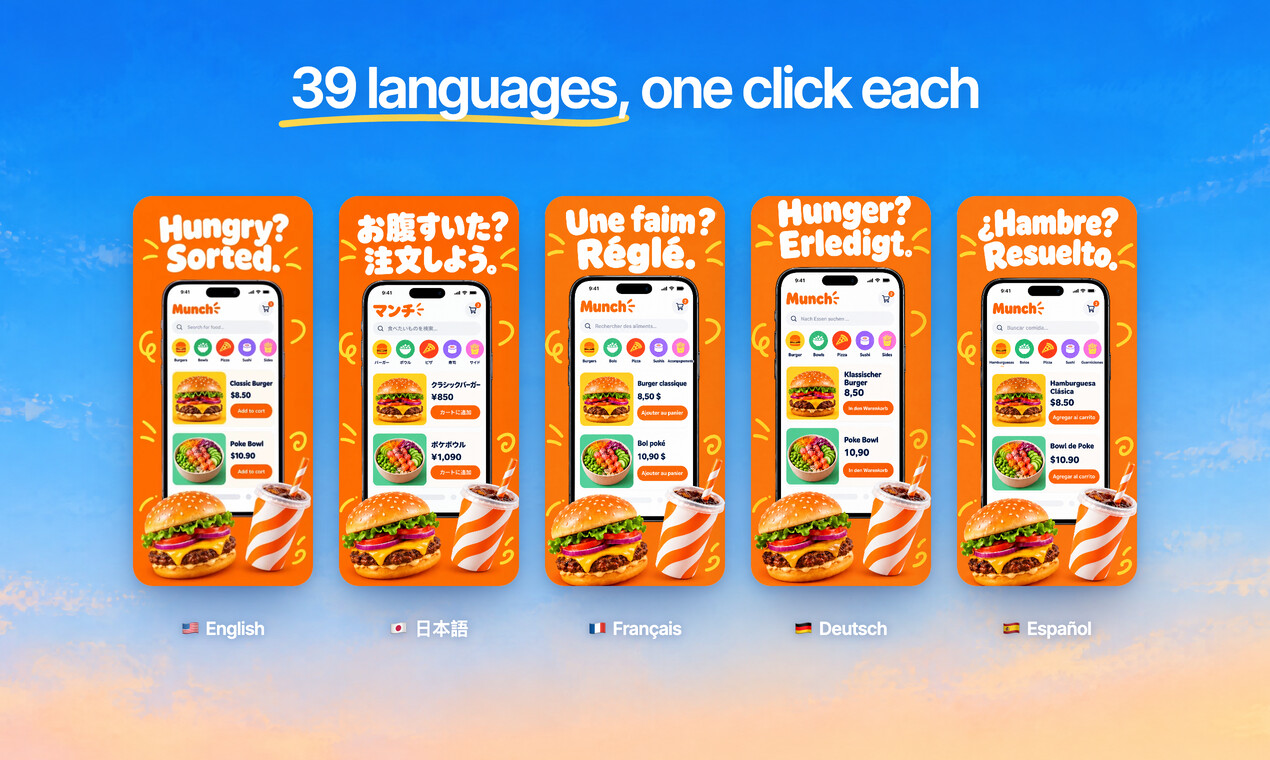
Translate every headline into 39 languages, and show your app in each one.
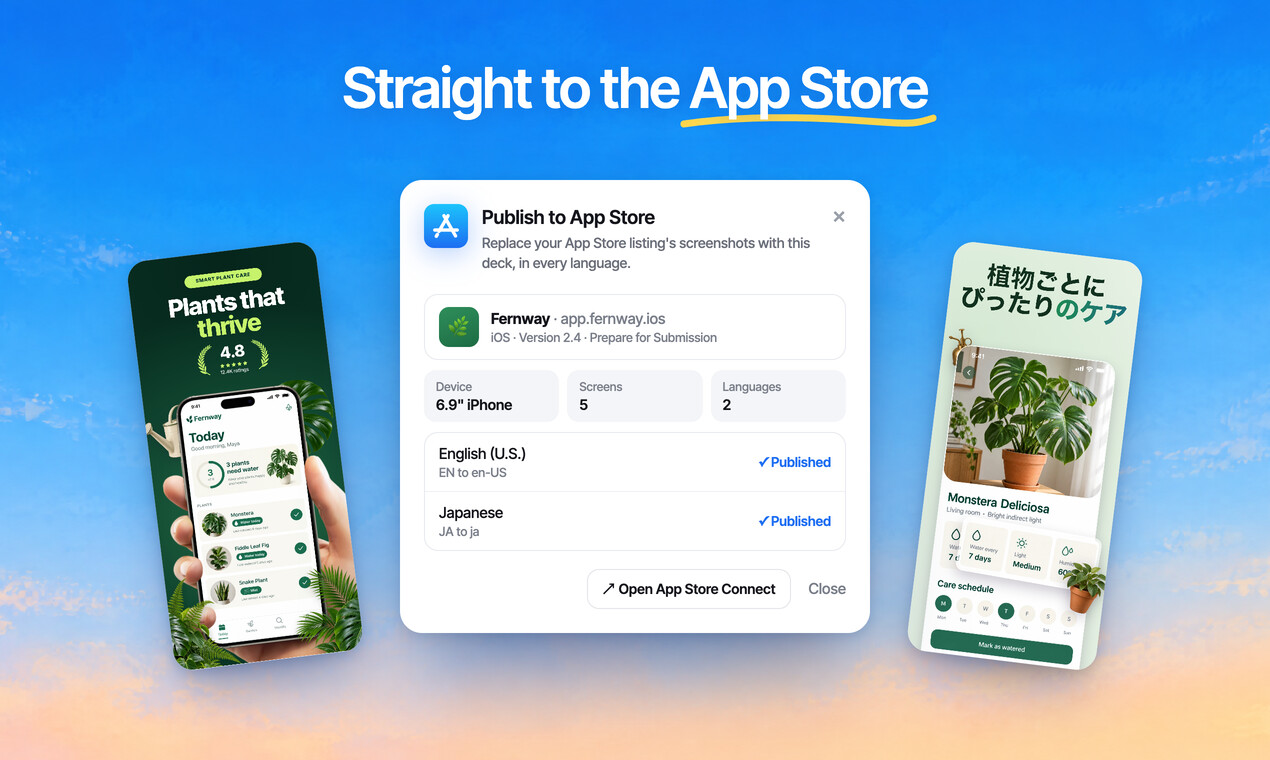
Publish the whole set to App Store Connect, every size and language, in one go.
Free to design. Pay only when you’re ready to ship.
Questions, answered
Are the templates free?
Designing is free, every mockup included, and no card is needed. Exports from a free account carry a small ScreenMake watermark; a paid plan removes it and adds publishing to App Store Connect.
Are these Figma or Canva templates?
No. They're designed in ScreenMake around your own screens, so there's nothing to download and nothing to resize by hand. Export at App Store and Google Play sizes when you're done.
Will my screenshots look like everyone else's?
No. Each template is drawn around your own screens and headlines, and you can change its colours, fonts and layout, or ask for a set designed from scratch.
Can I edit everything?
Yes. Every headline, frame, background and icon is a layer you can move, restyle or delete.
Do they work for iPad and Google Play?
Yes. Every template works on iPhone, iPad and Android phones and tablets, and exports come out at every App Store and Google Play size.
Start with your own screens
Add a few captures of your app and see it in a designed set before your coffee gets cold.
Free to design. Pay only when you’re ready to ship.