AI mockups around your real screen
Describe the scene you want and the AI builds the mockup around your own screenshot. Your screen stays exactly as you made it; only the world around it is new.
Free to design. Pay only when you’re ready to ship.
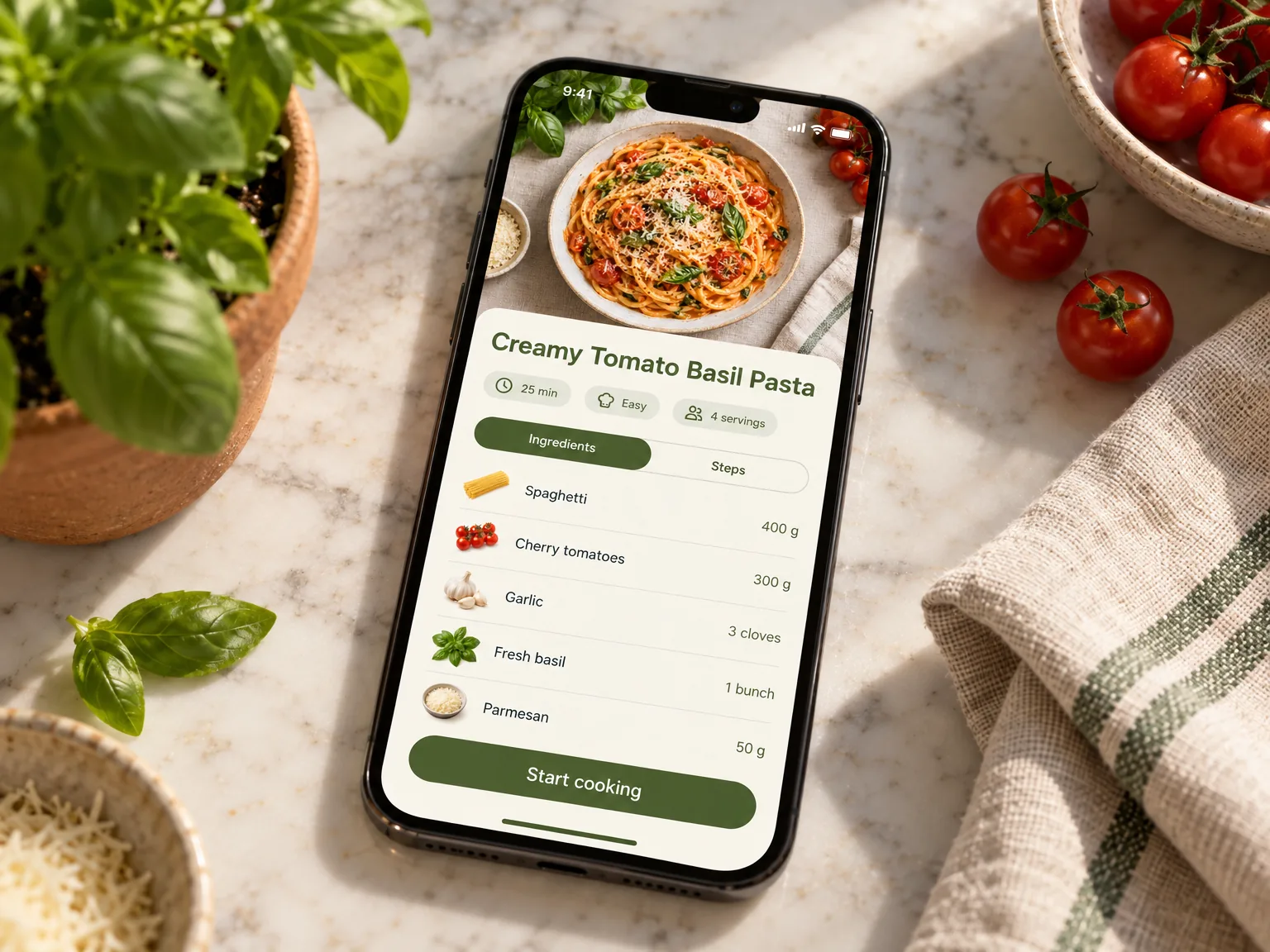
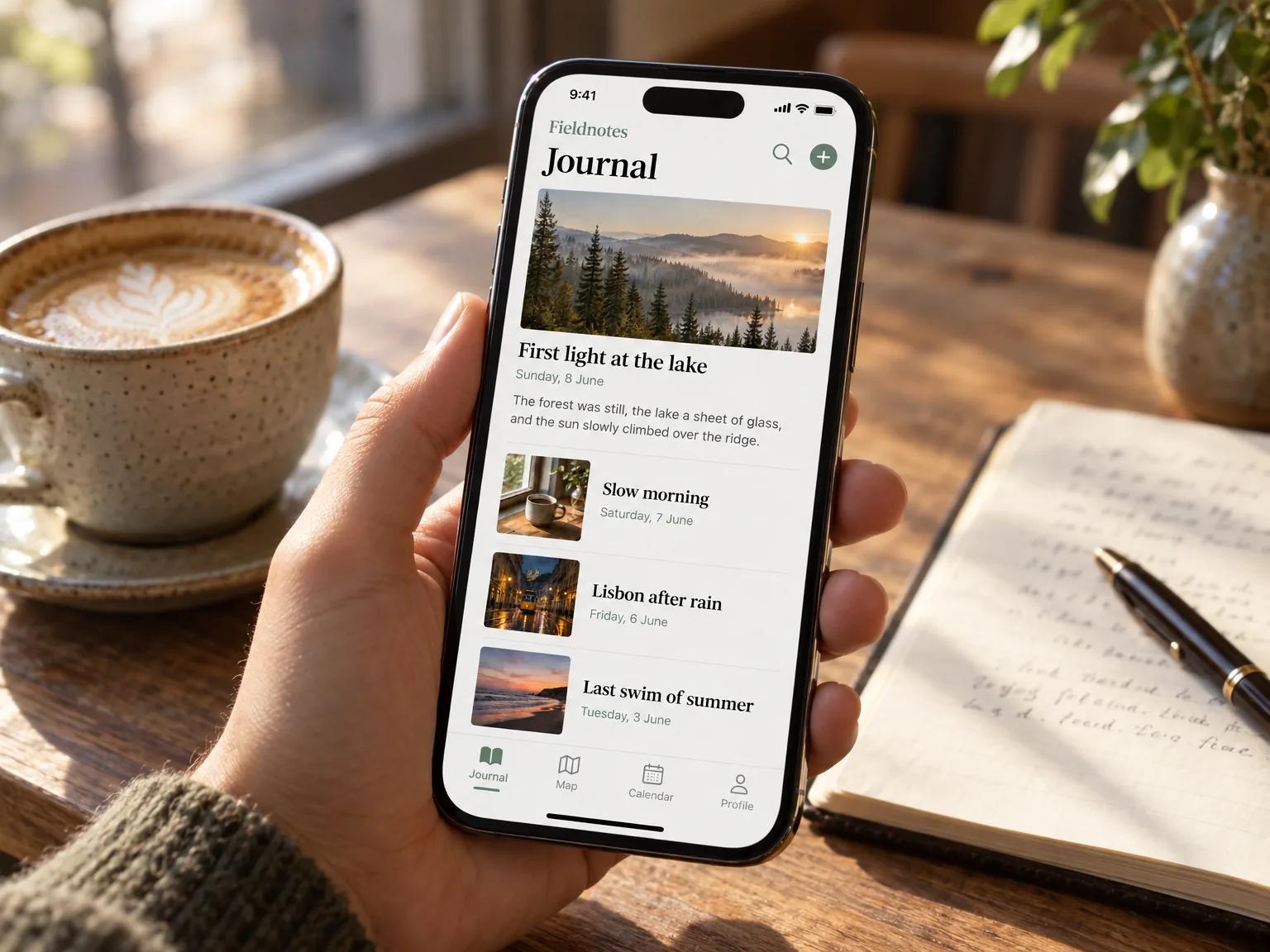
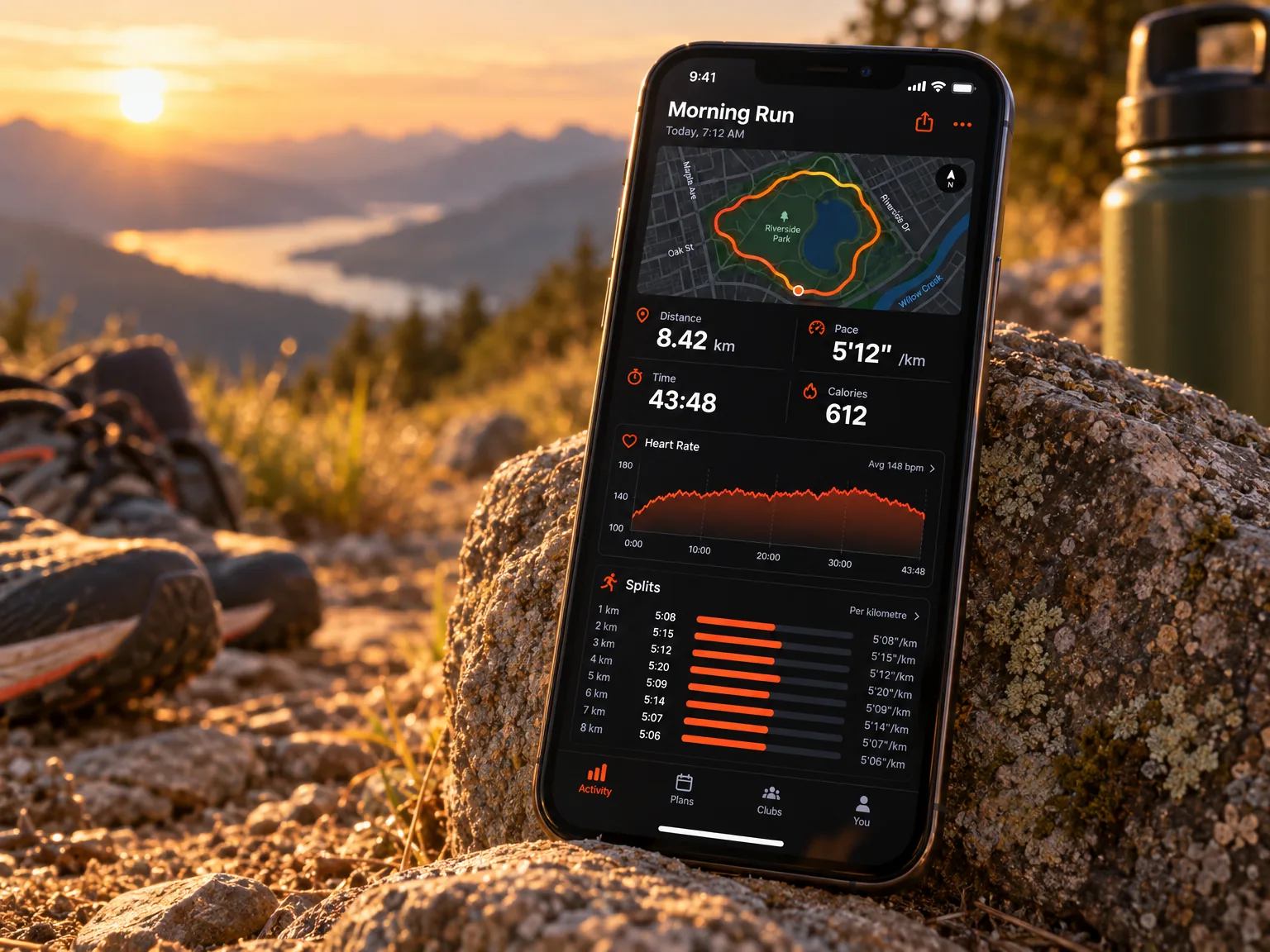
380+ device mockups · Every App Store and Google Play size · 39 languages
How to make an AI mockup
Pick a capture
Choose one of your screenshots. It's protected: the AI works around it, not on it.
Describe the scene
A phone on a marble counter beside fresh basil, say. Add a photo of a device or a style if you have one.
Place it in your design
The mockup arrives as a transparent picture on your canvas, ready for a headline.
Then finish the whole listing
ScreenMake is a full screenshot studio, so you don’t stop at one picture.
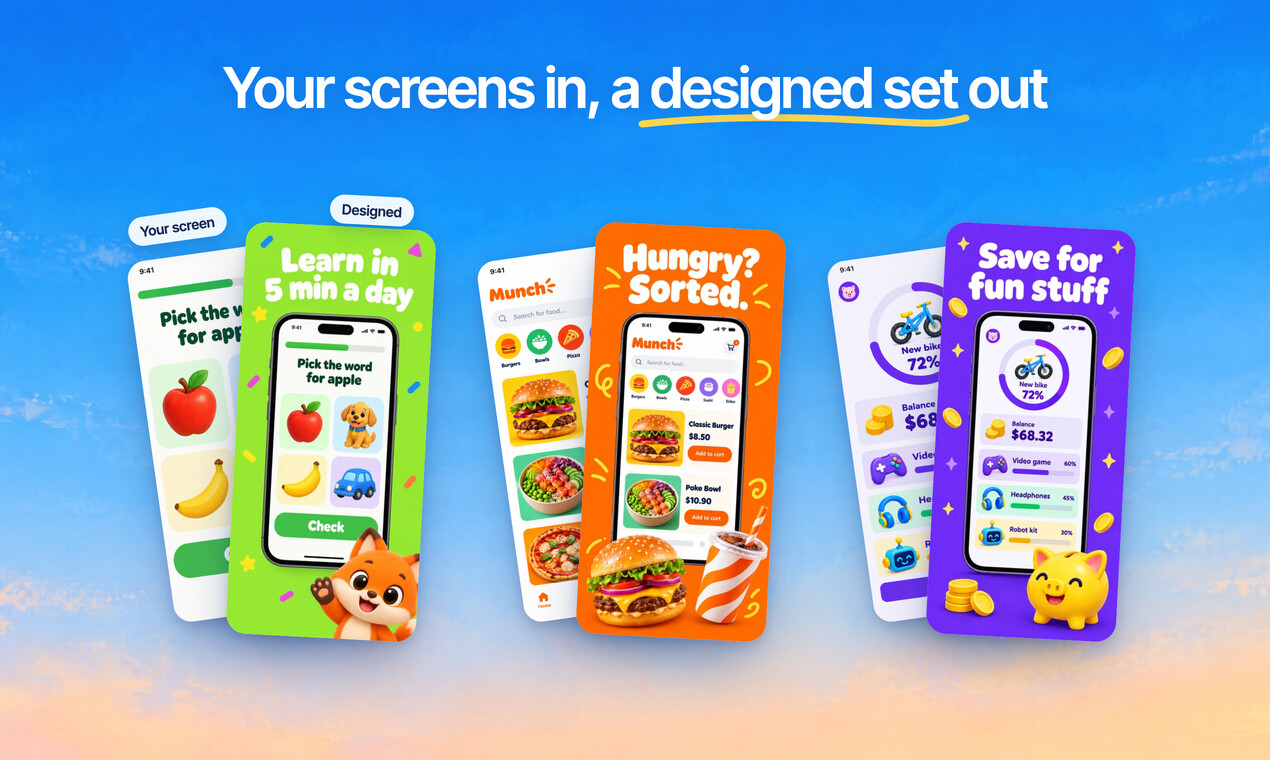
Quick Draft designs a full set of screenshots from your app’s screens, mockups and headlines included.
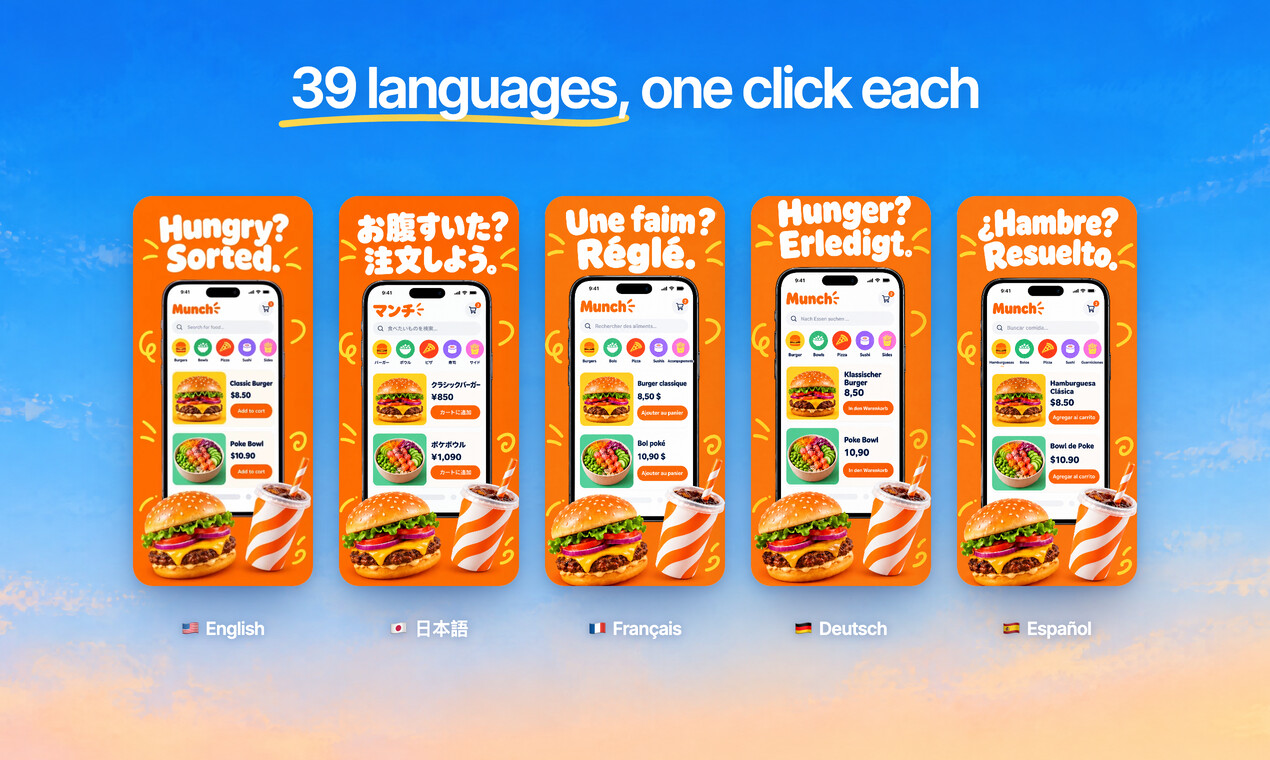
Translate every headline into 39 languages, and show your app in each one.
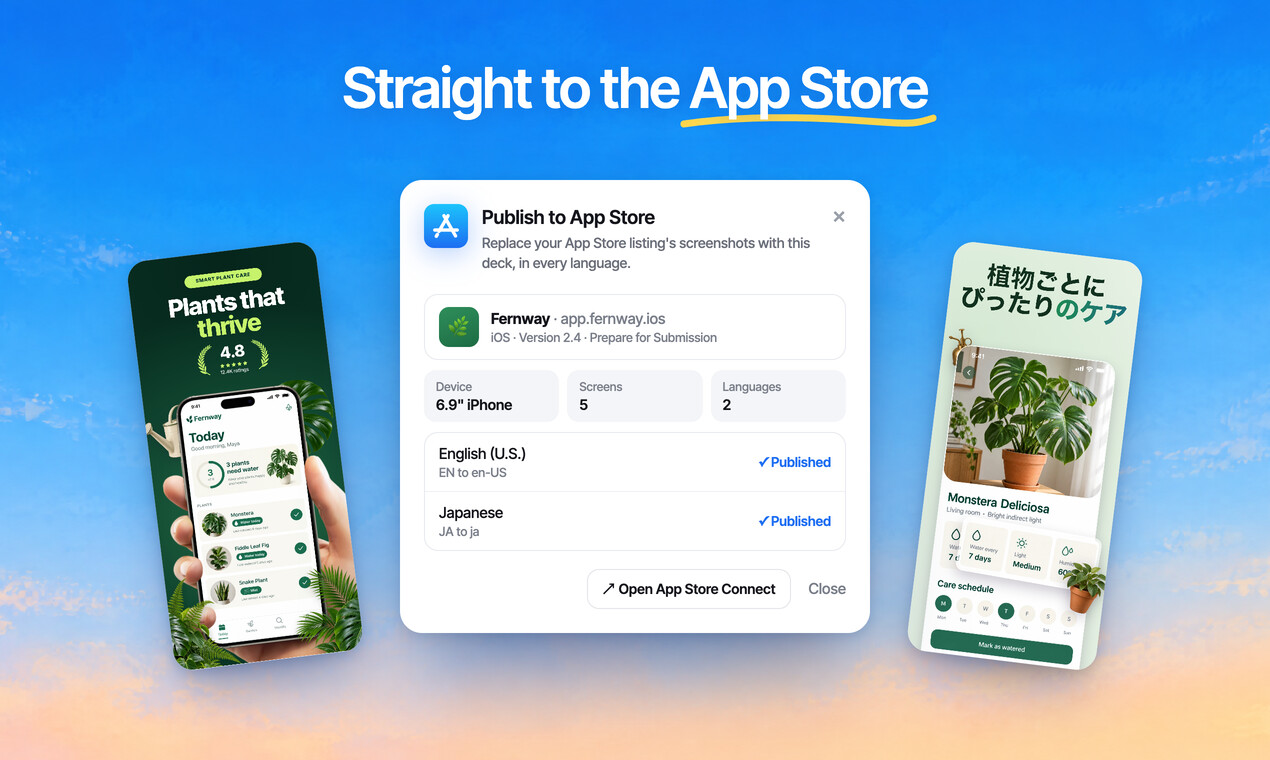
Publish the whole set to App Store Connect, every size and language, in one go.
Free to design. Pay only when you’re ready to ship.
Any app, any style
Bold, calm, playful or minimal: give your listing the look your app deserves.
Sample designs for apps invented for this page.
Questions, answered
Does the AI change my app's screen?
No. Your screenshot is treated as protected artwork: the device and the scene are generated around it.
What can I describe?
Any setting, mood or device: a desk at golden hour, a phone held on a train, a watch on a wrist. You can add up to 14 reference pictures for the style.
Does it use credits?
Yes. AI mockups use AI credits; the ready made mockups in the library don't. Every account starts with a few credits to try the AI tools.
Is the result transparent?
Yes. The mockup is a transparent picture, so it sits on any background you design.
Can I still use regular mockups?
Of course. More than 380 ready made frames, hands and 3D scenes are in the library, free to use.
Start with your own screens
Add a few captures of your app and see it in a designed set before your coffee gets cold.
Free to design. Pay only when you’re ready to ship.