Every device, with your app inside
More than 380 mockups of real devices, ready for your screens: phones, tablets, laptops and watches, flat, in a hand or in 3D.
Free to design. Pay only when you’re ready to ship.
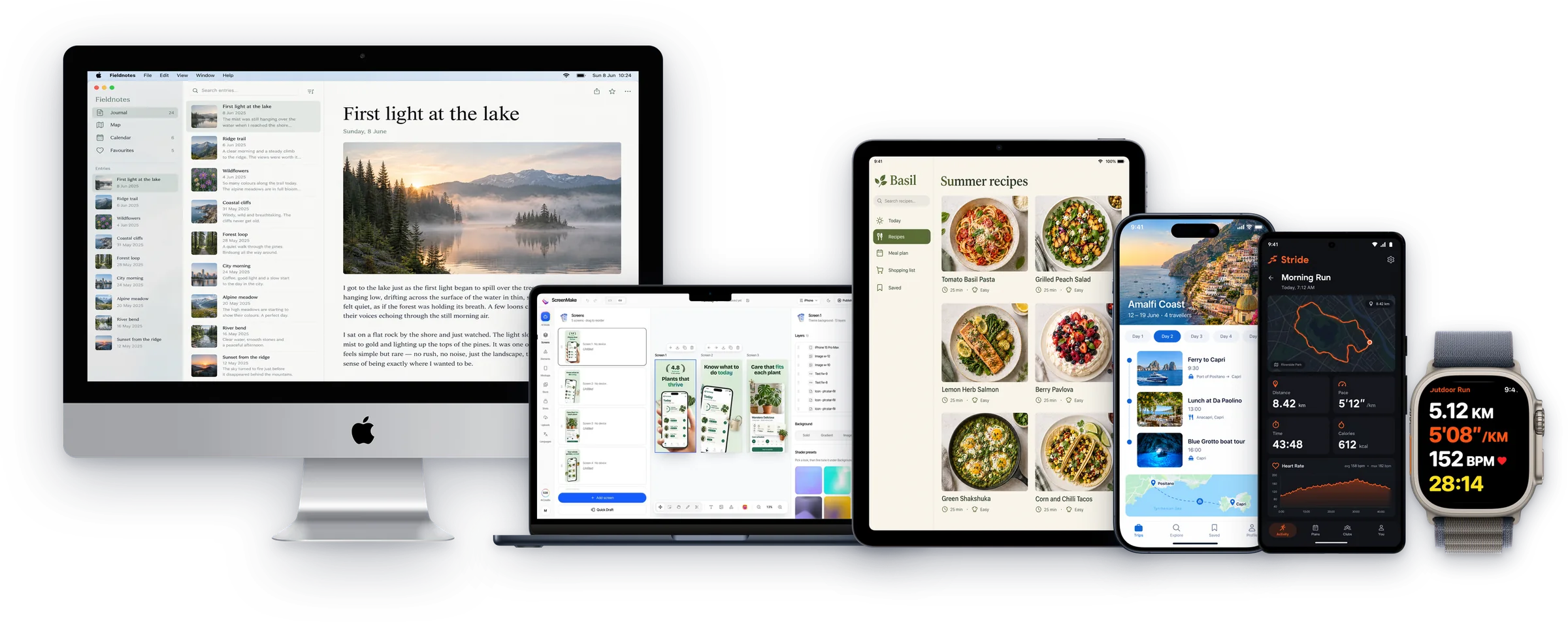
380+ device mockups · Every App Store and Google Play size · 39 languages
How to use device mockups
Add your screens
Captures from any platform.
Choose a device
Search the Mockups library by name, or browse by type.
Design and export
Add a headline and background, and export at store size or any size.
Browse by device
Each has its own page with every model and style.
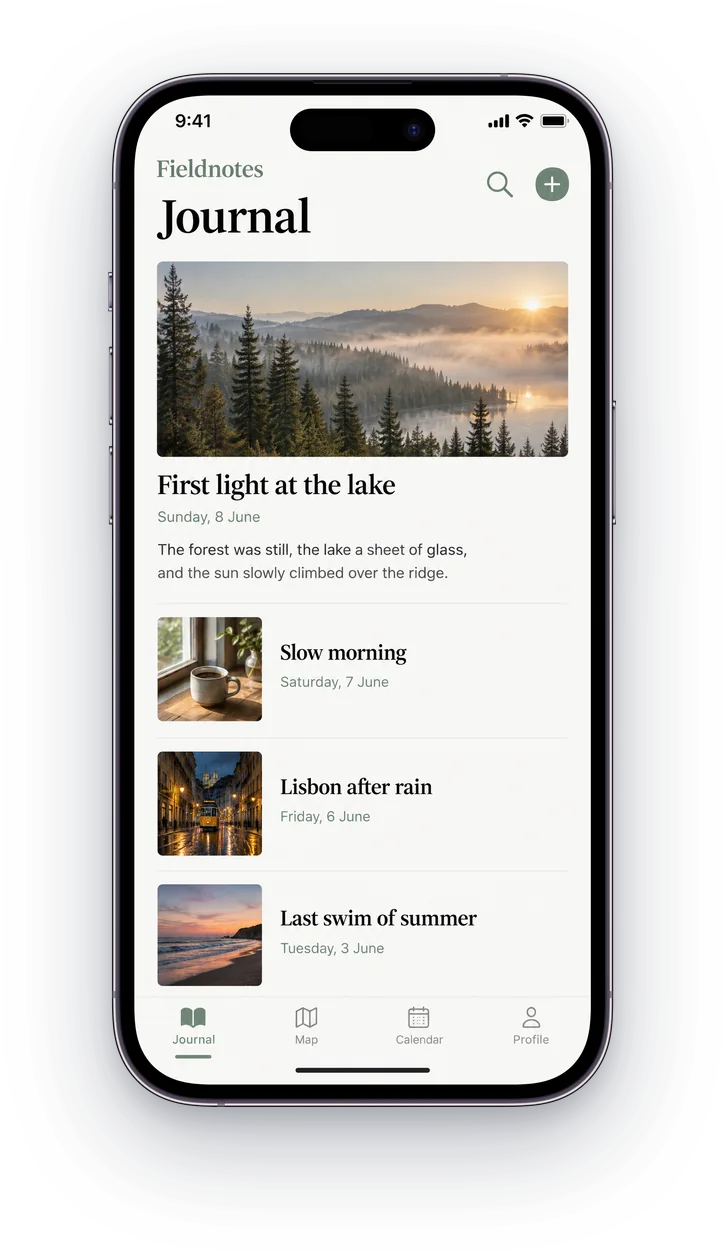
iPhone mockups
iPhone 8 to iPhone 17 Pro Max.
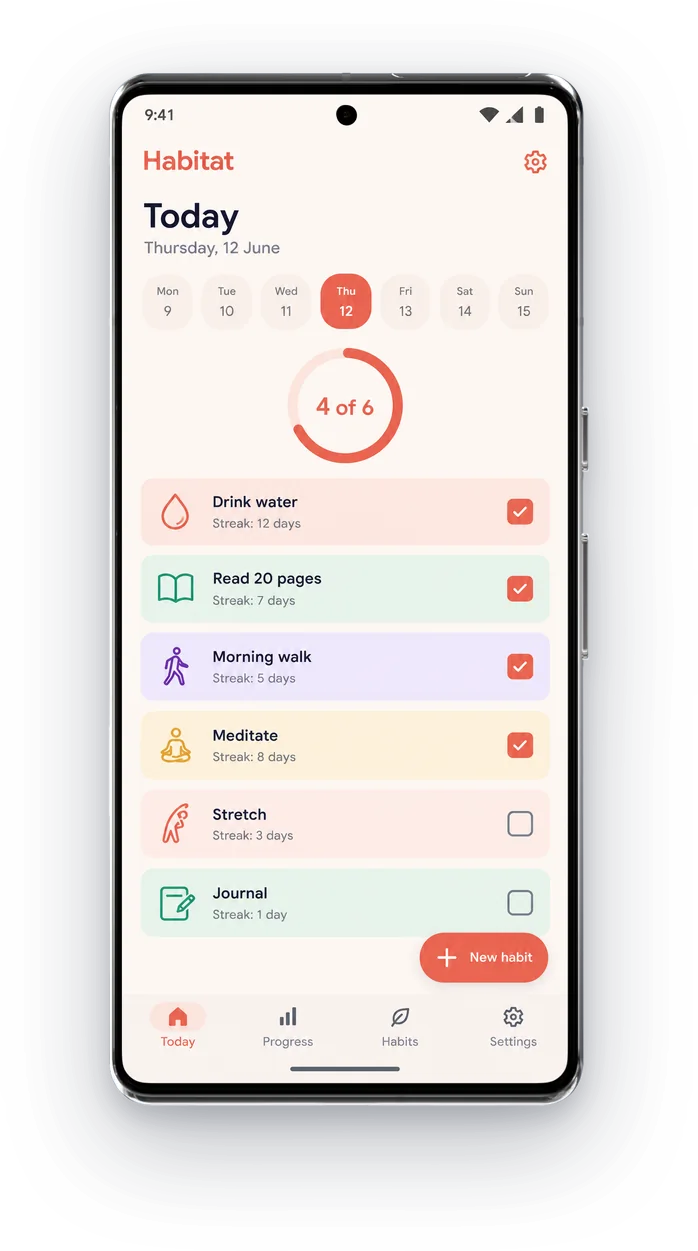
Android mockups
Pixel, Galaxy, OnePlus and more.
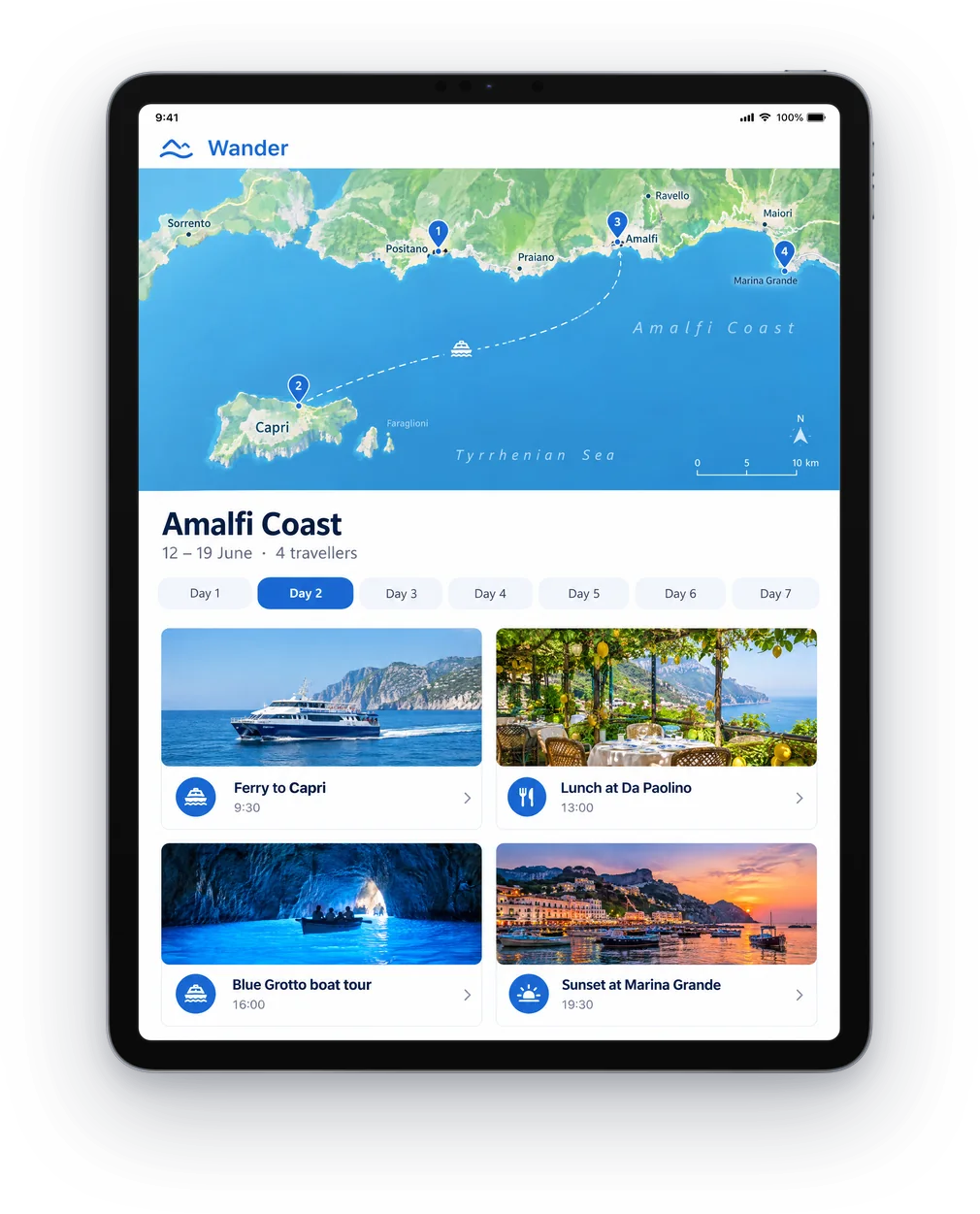
iPad mockups
Pro, Air, iPad and mini.
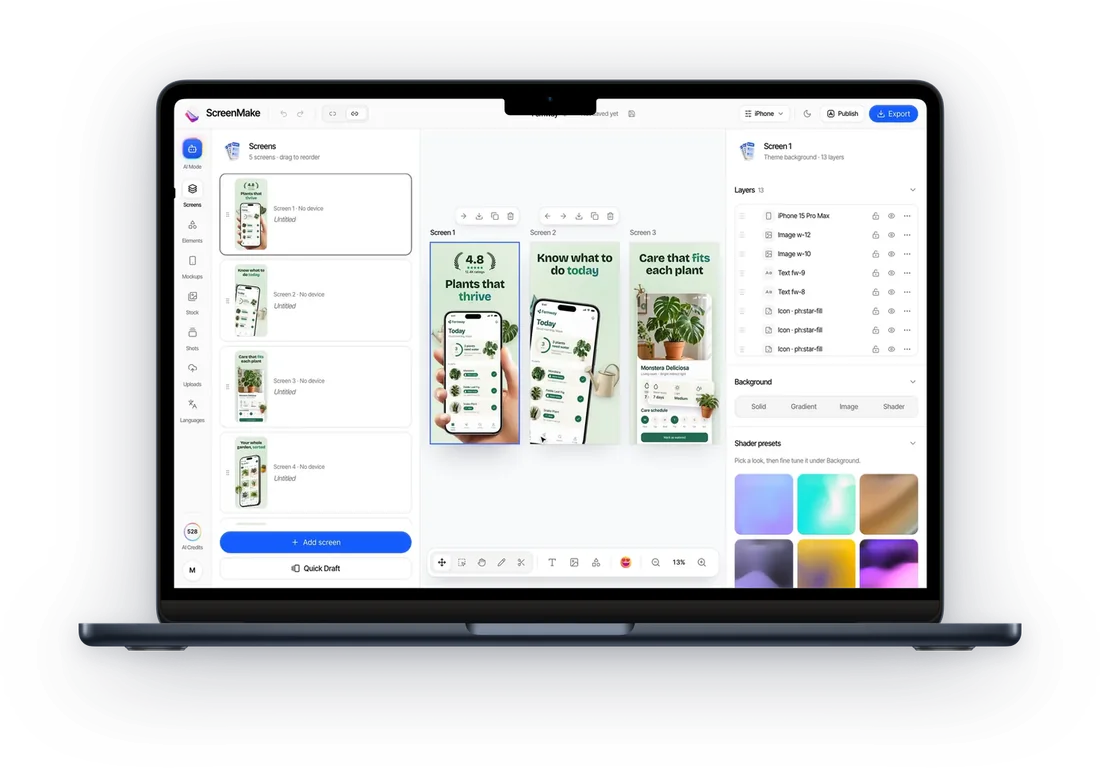
MacBook mockups
MacBook Pro, Air and iMac.
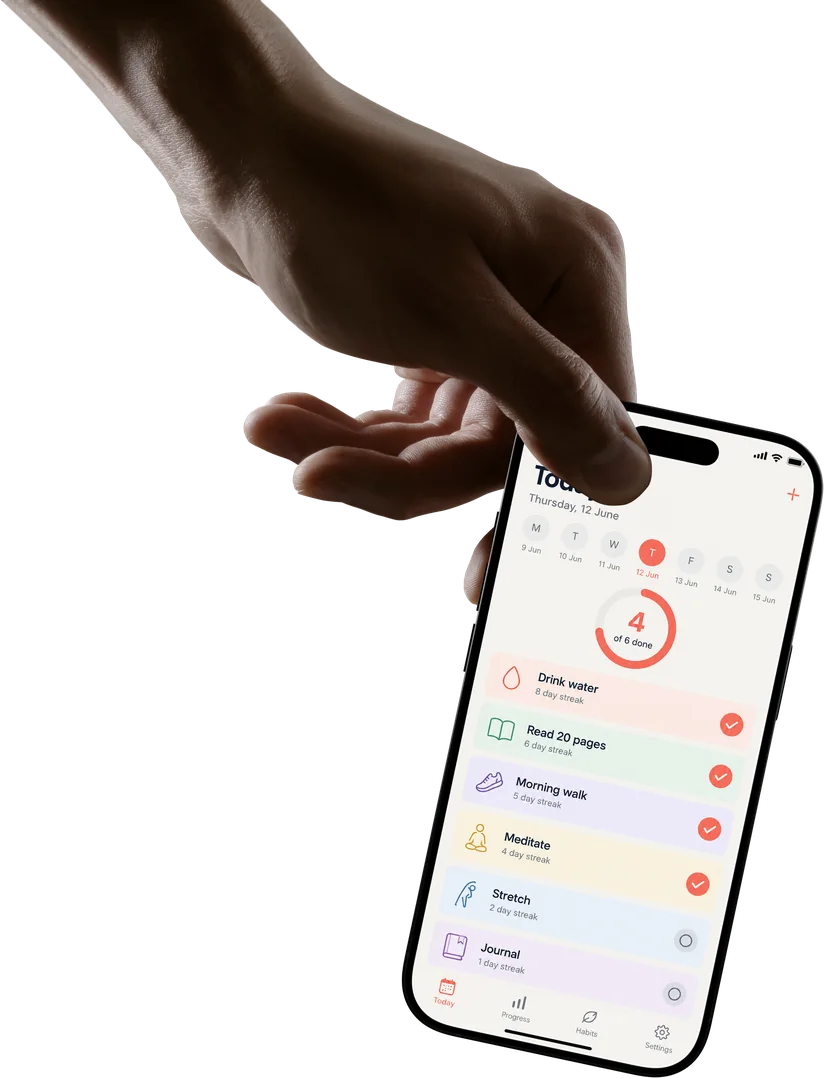
Phones in hand
Photographed hands, many grips.
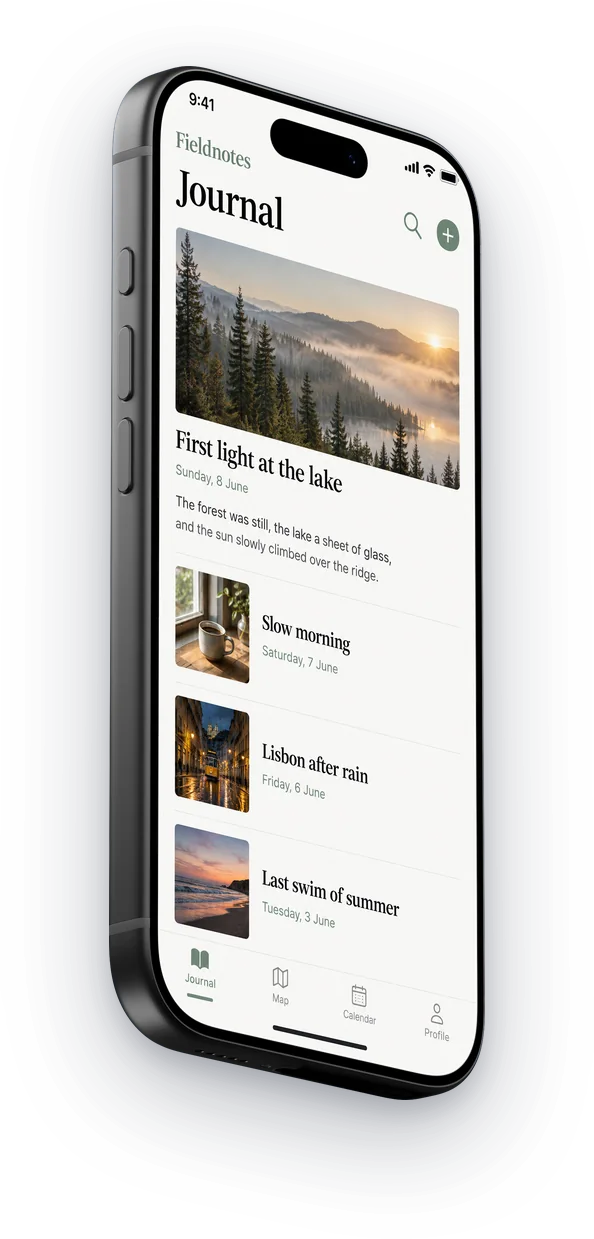
3D mockups
Turned, tilted, lying flat.
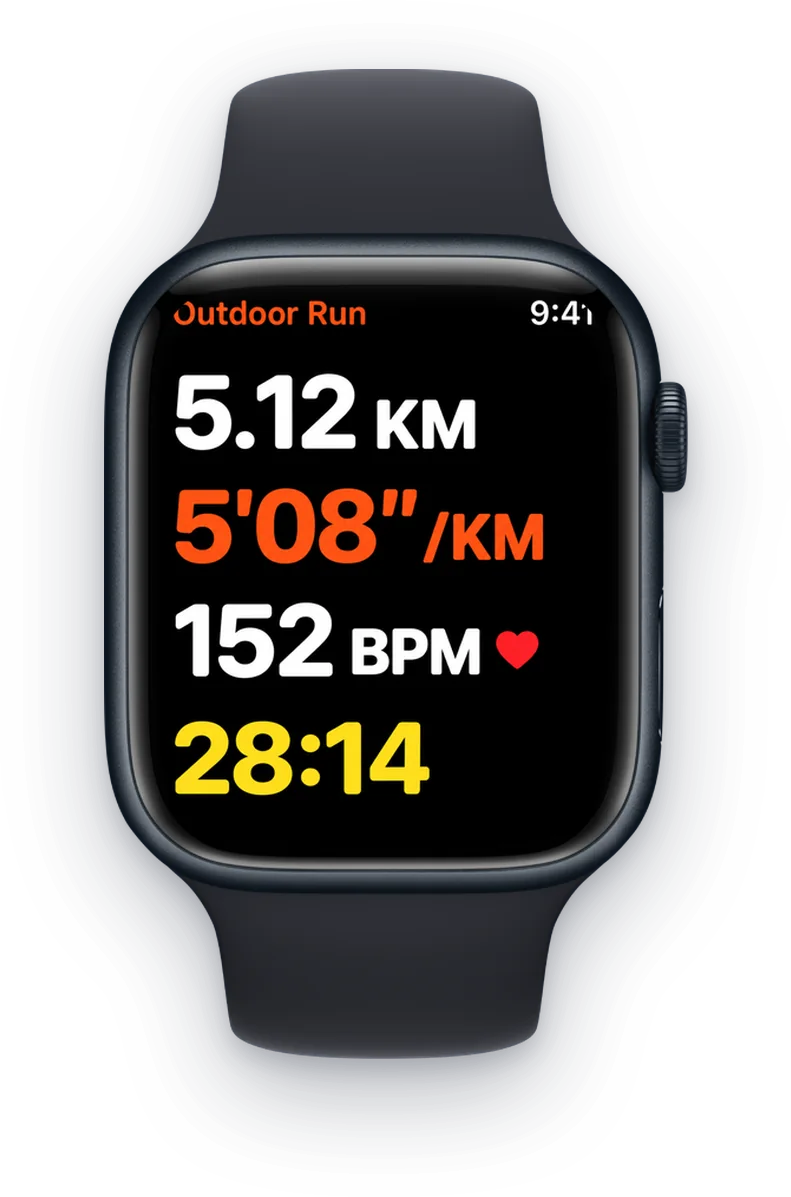
Apple Watch
Series 5 to 8, and Ultra.
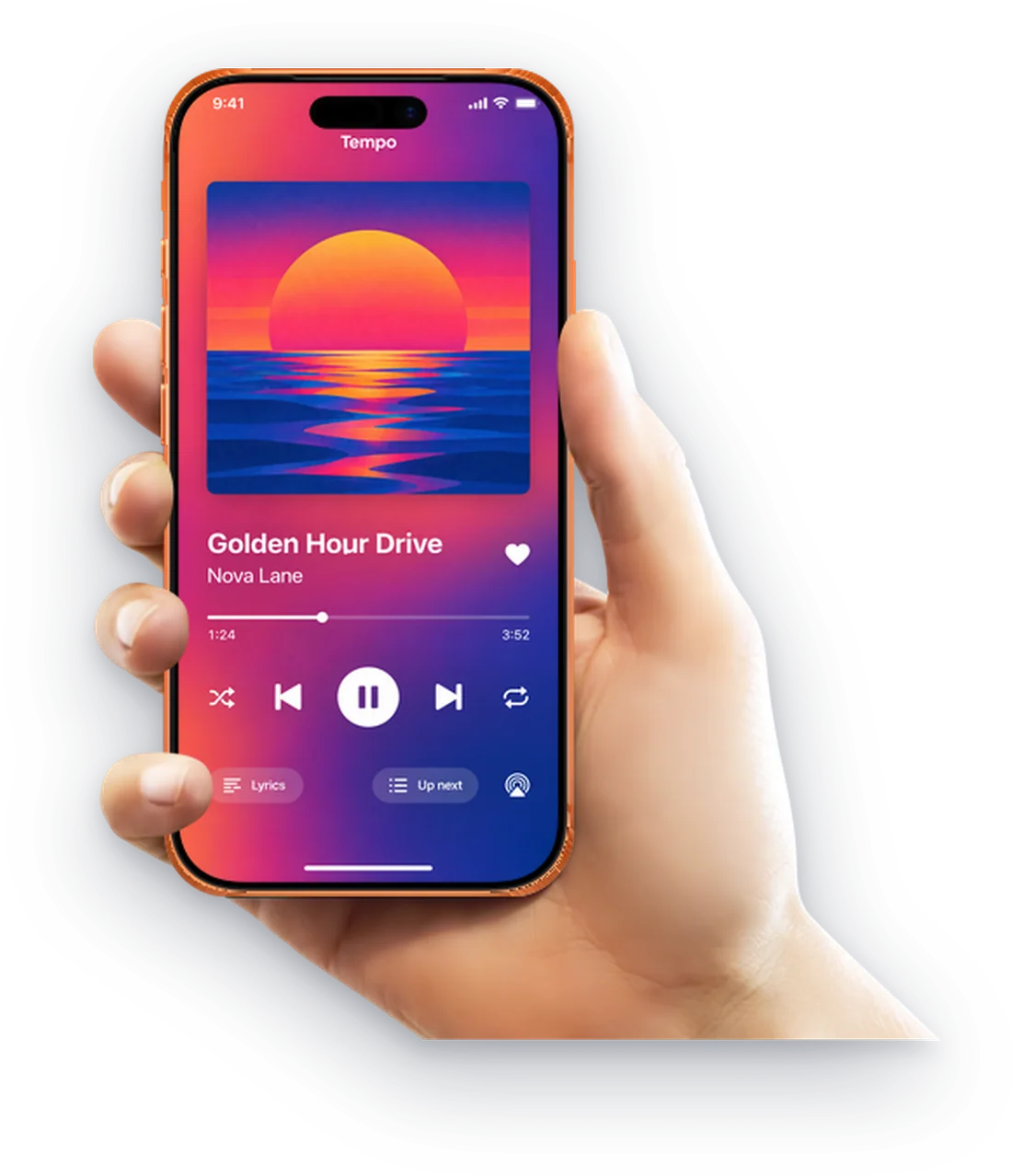
iPhone 17
The newest iPhone, in 3D and in hand.
Then finish the whole listing
ScreenMake is a full screenshot studio, so you don’t stop at one picture.
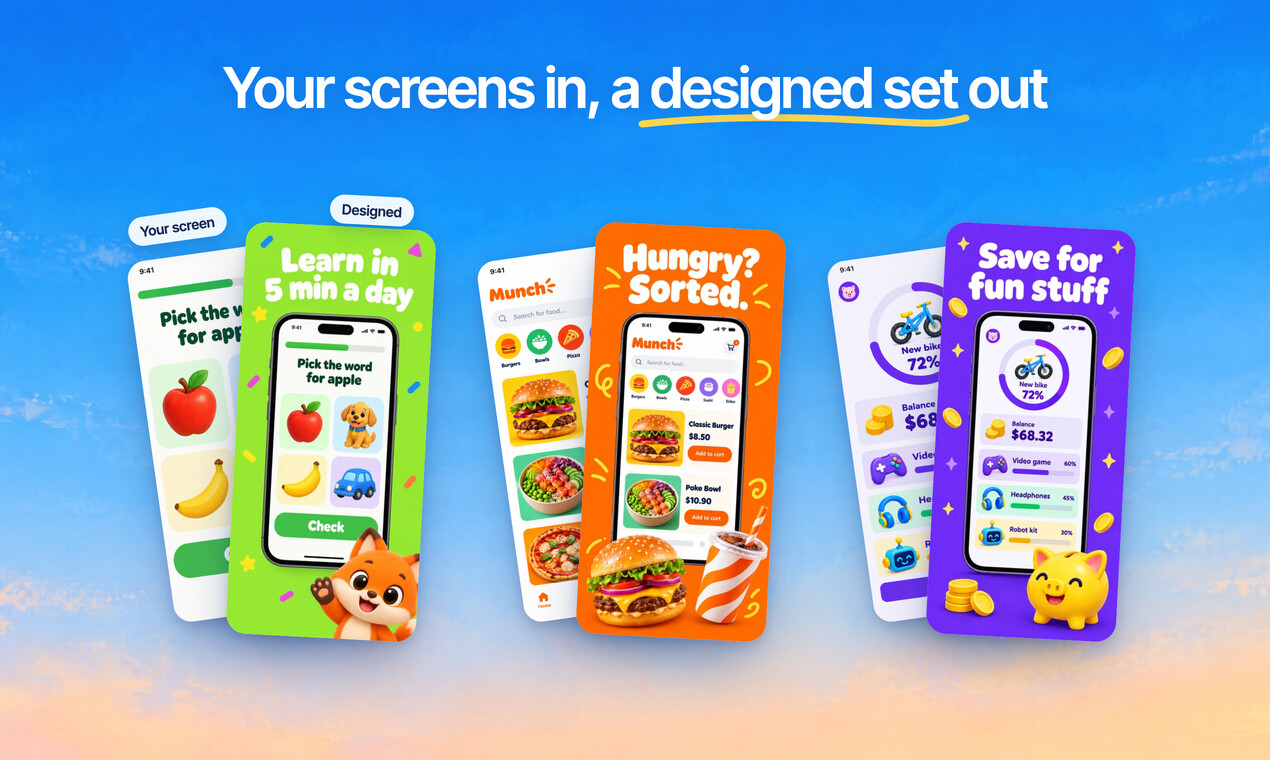
Quick Draft designs a full set of screenshots from your app’s screens, mockups and headlines included.
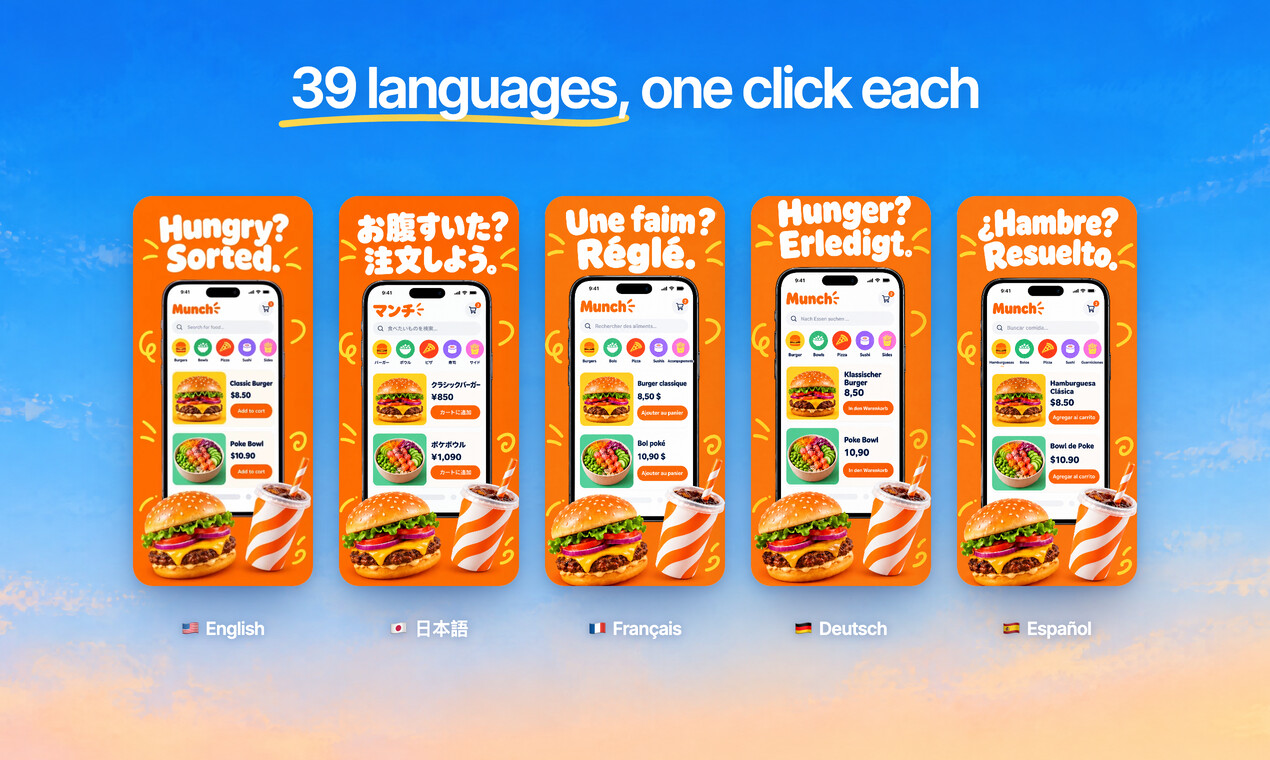
Translate every headline into 39 languages, and show your app in each one.
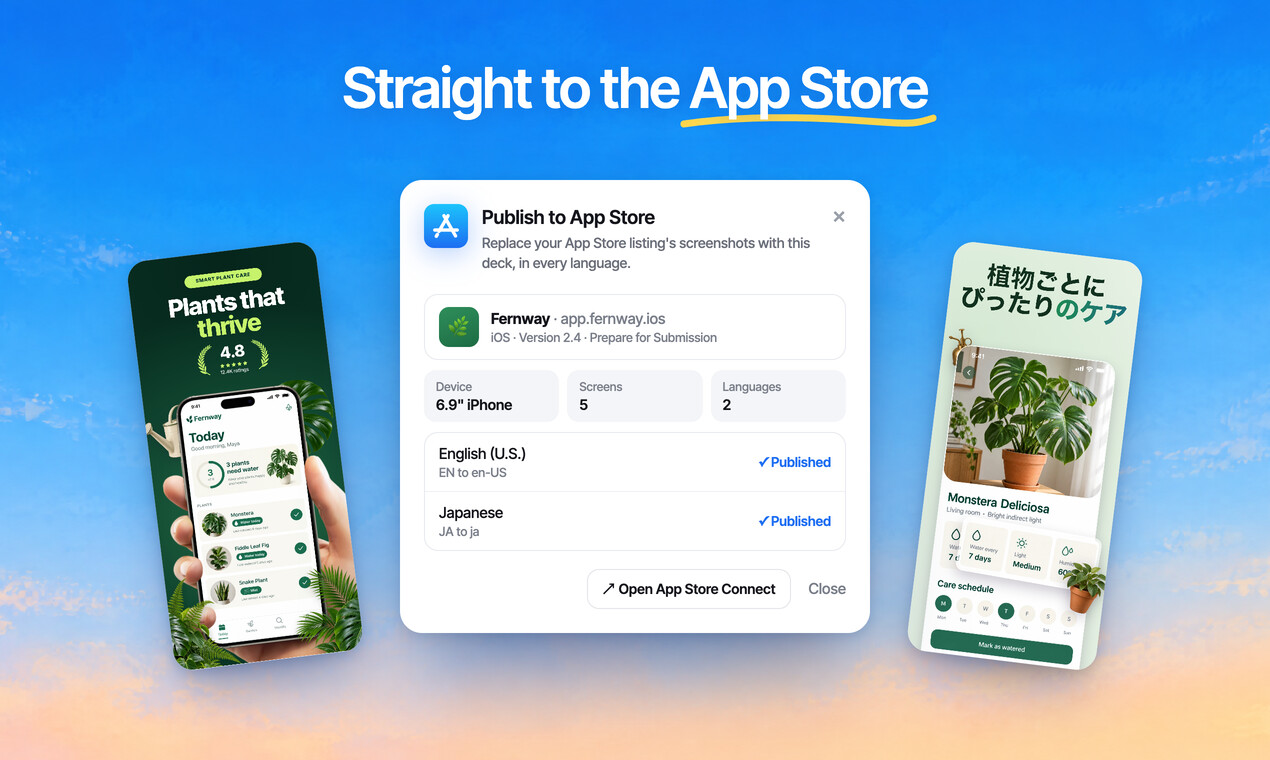
Publish the whole set to App Store Connect, every size and language, in one go.
Free to design. Pay only when you’re ready to ship.
Questions, answered
Are the device mockups free?
Designing is free, every mockup included, and no card is needed. Exports from a free account carry a small ScreenMake watermark; a paid plan removes it and adds publishing to App Store Connect.
How many mockups are there?
More than 380: official frames for phones, tablets, laptops, TVs and watches, photographed hands, 3D scenes and iPhone Duo.
Are they real devices?
Yes. Official frames keep each device's exact proportions, bezels and colours.
Can I use them outside the App Store?
Yes. Export at any size for your website, a pitch deck or social posts.
What if my device isn't there?
Describe it and the AI mockup tool makes one around your screenshot.
Start with your own screens
Add a few captures of your app and see it in a designed set before your coffee gets cold.
Free to design. Pay only when you’re ready to ship.