iPad mockups for your iPad app
Show the iPad version as it really is, in a real iPad Pro, Air or mini frame. Already have iPhone screenshots? Carry the whole set over to iPad without starting again.
Free to design. Pay only when you’re ready to ship.
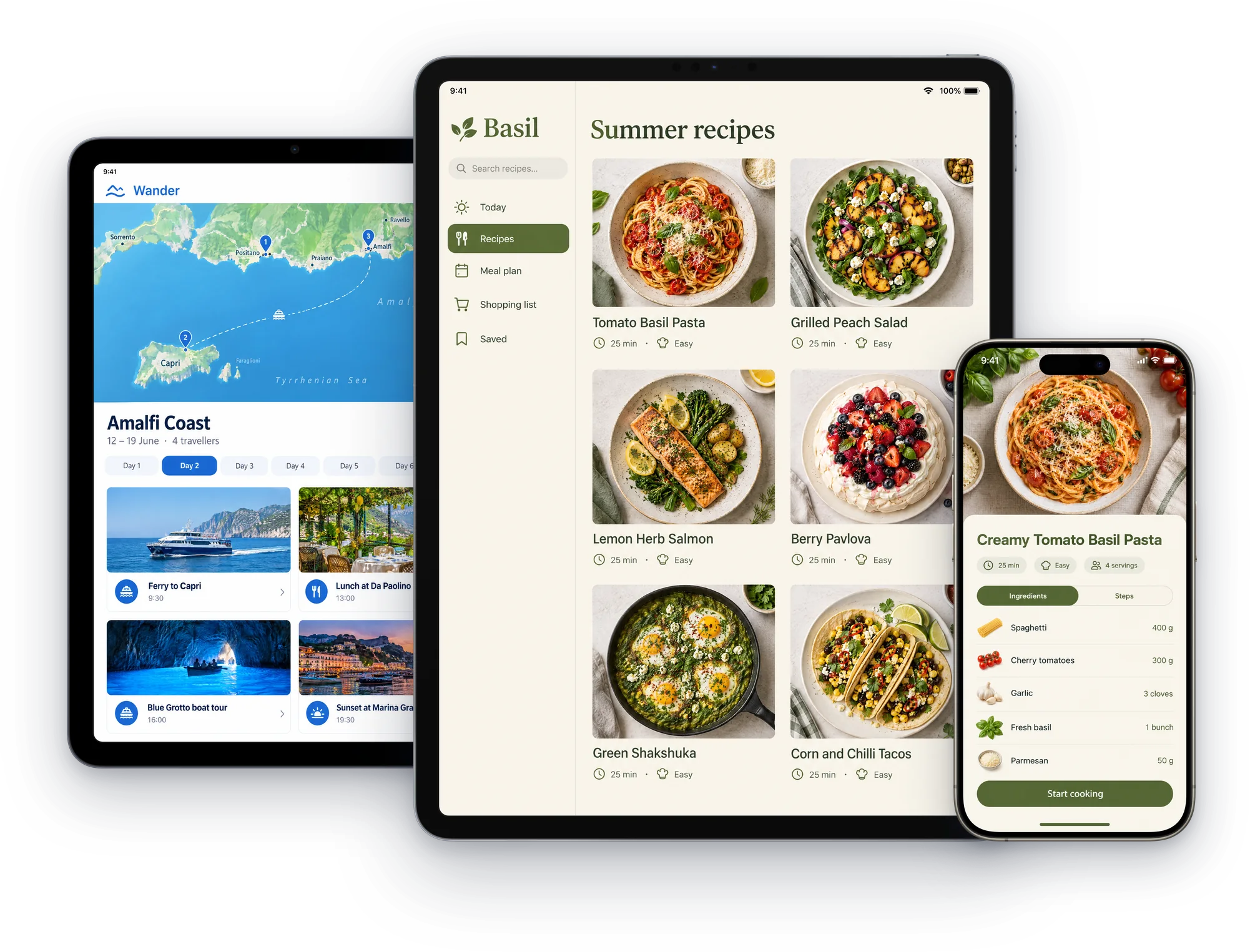
380+ device mockups · Every App Store and Google Play size · 39 languages
How to make an iPad mockup
Add your iPad captures
Screens from the iPad simulator or a real iPad, in portrait or landscape.
Choose an iPad
iPad Pro 13 or 11 inch, iPad Air, iPad or iPad mini, each in its real finish.
Export at 13 inch size
2064 × 2752, the size App Store Connect requires for iPad apps, or any other iPad size.
Every iPad
Official frames for the iPads people own, portrait or landscape.
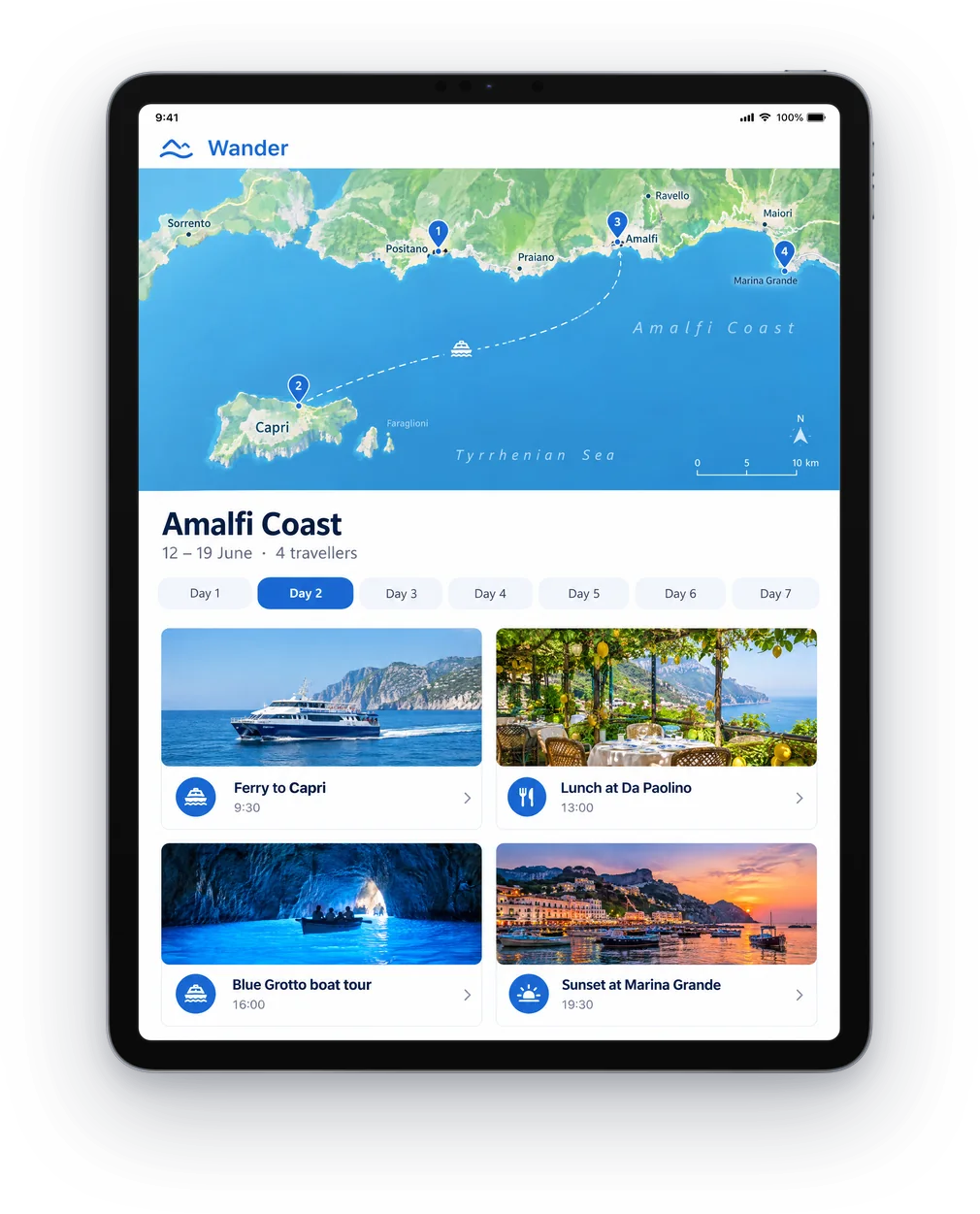
iPad Pro 13 inch
The size App Store Connect requires for iPad apps.
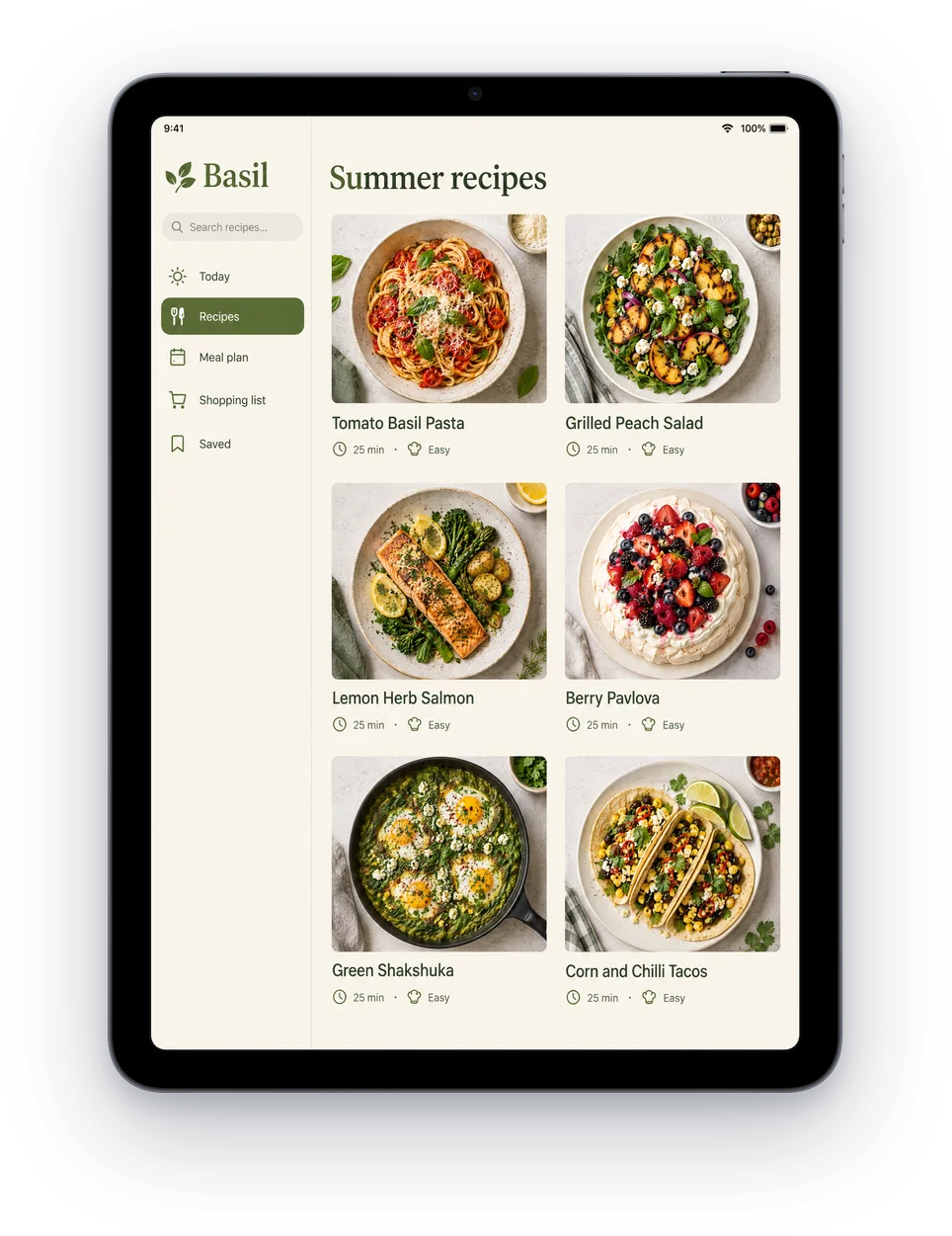
iPad Air
Slim bezels, Space Grey.
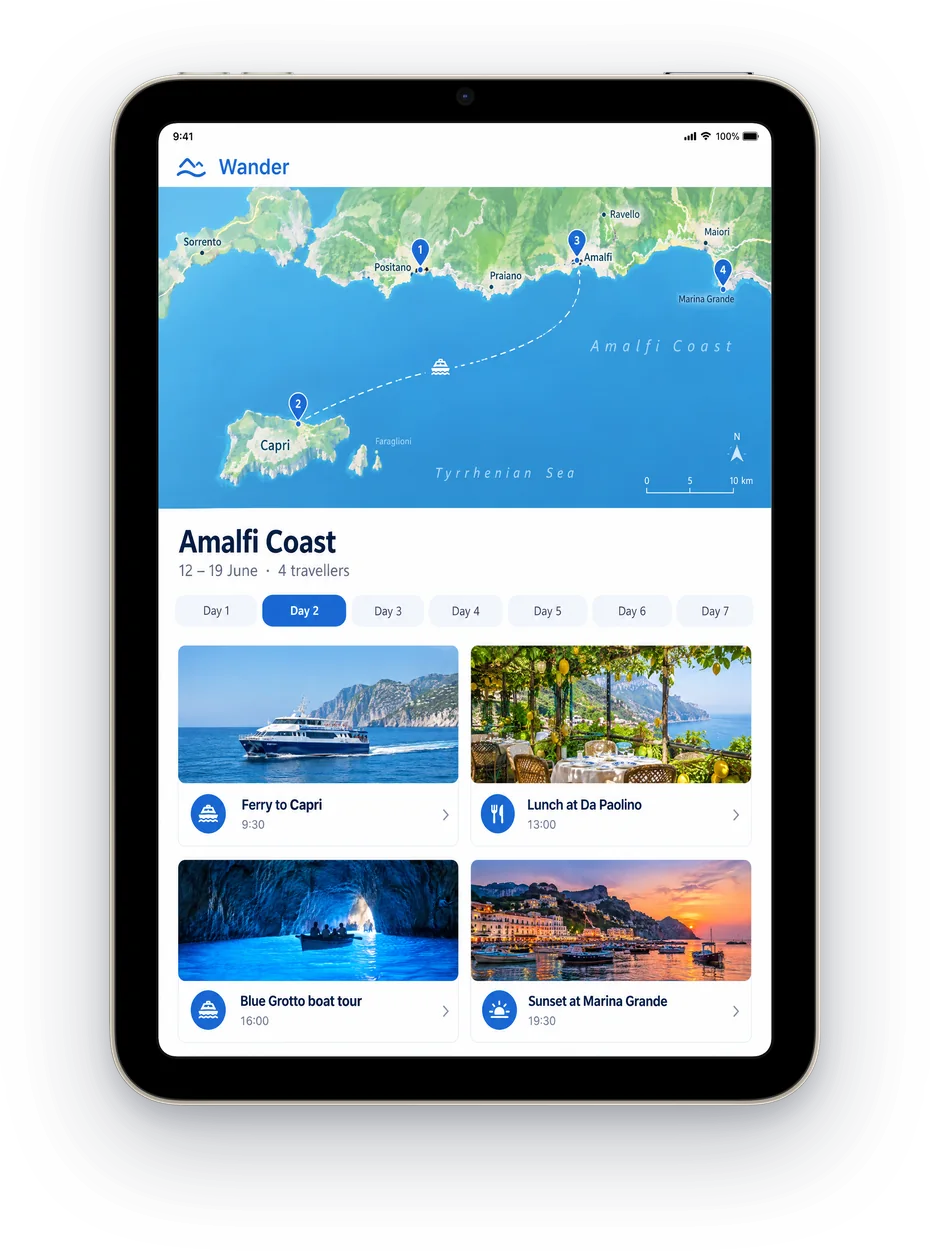
iPad mini
In Starlight, for reading and travel apps.
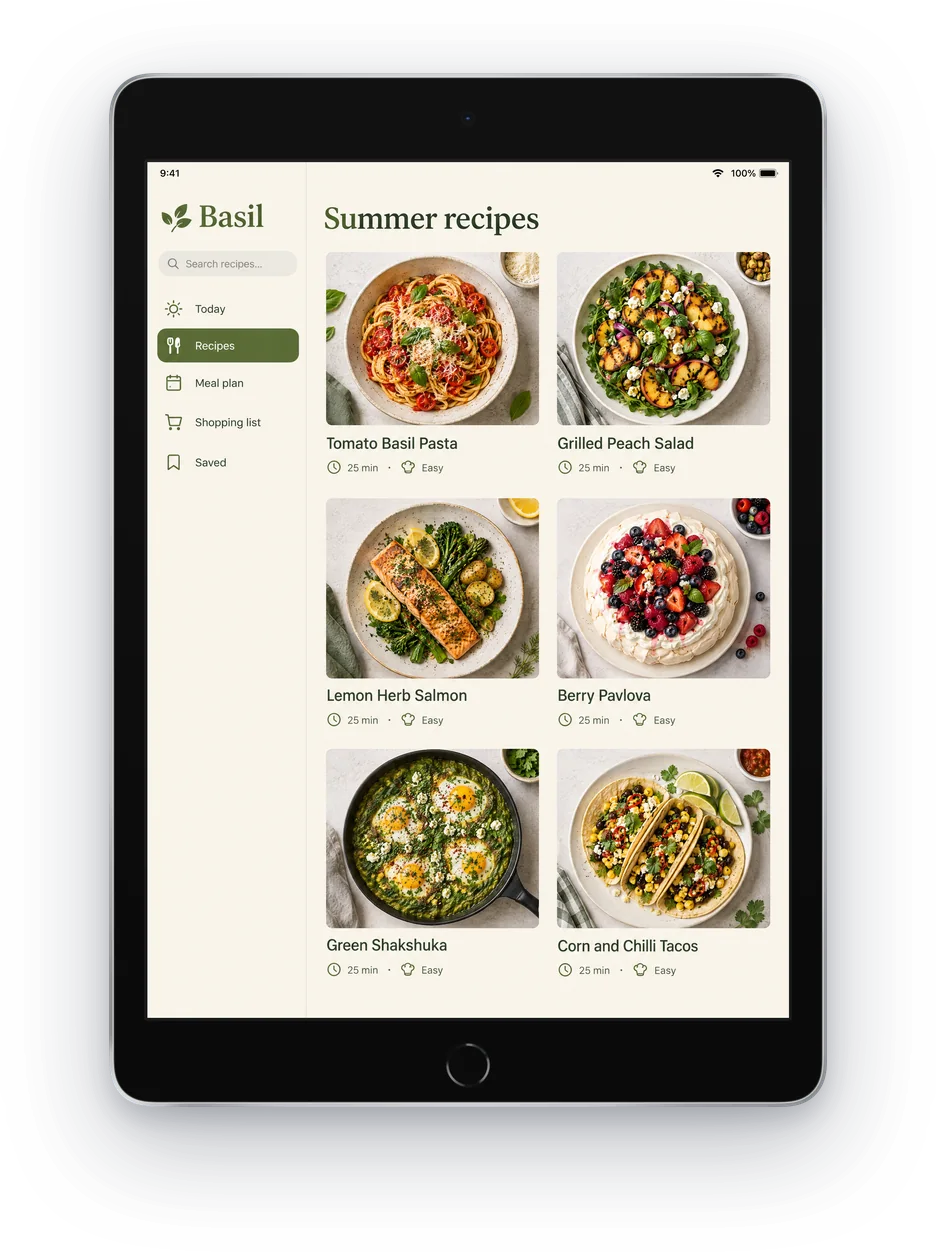
iPad
The everyday iPad, in Silver.
Then finish the whole listing
ScreenMake is a full screenshot studio, so you don’t stop at one picture.
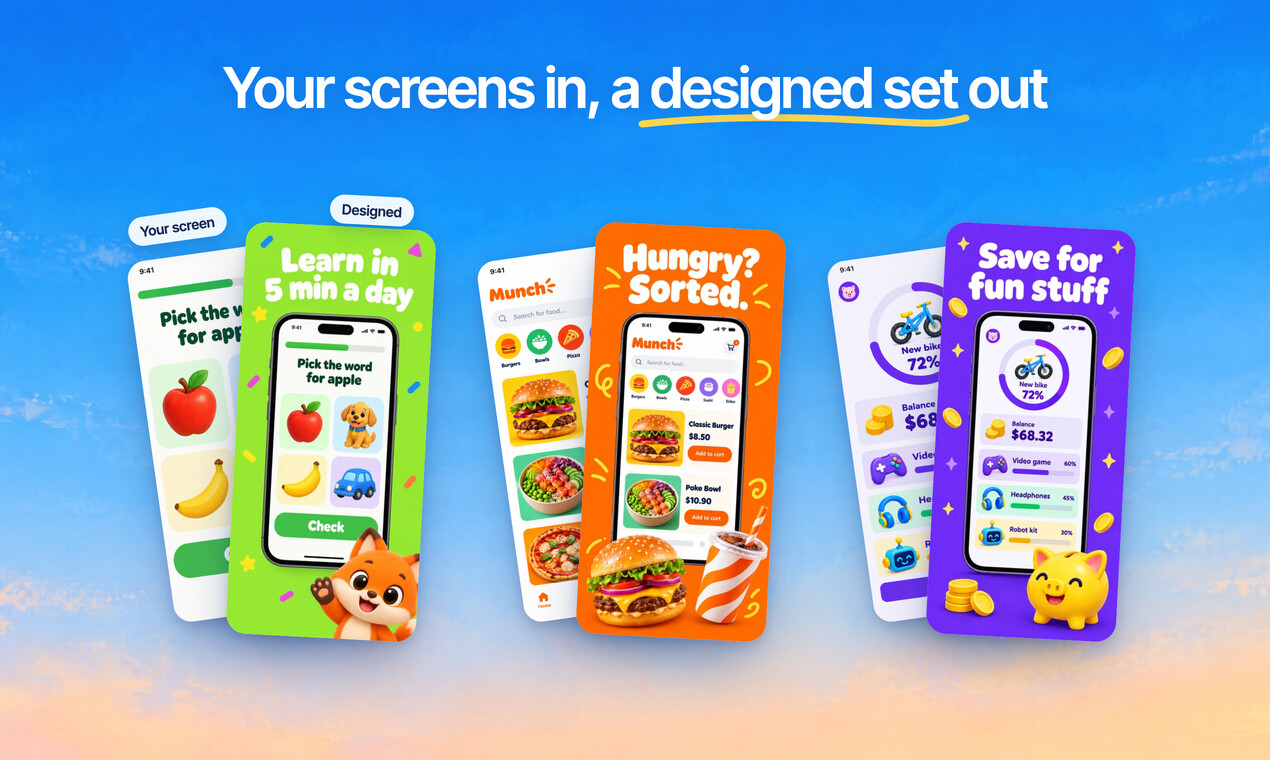
Quick Draft designs a full set of screenshots from your app’s screens, mockups and headlines included.
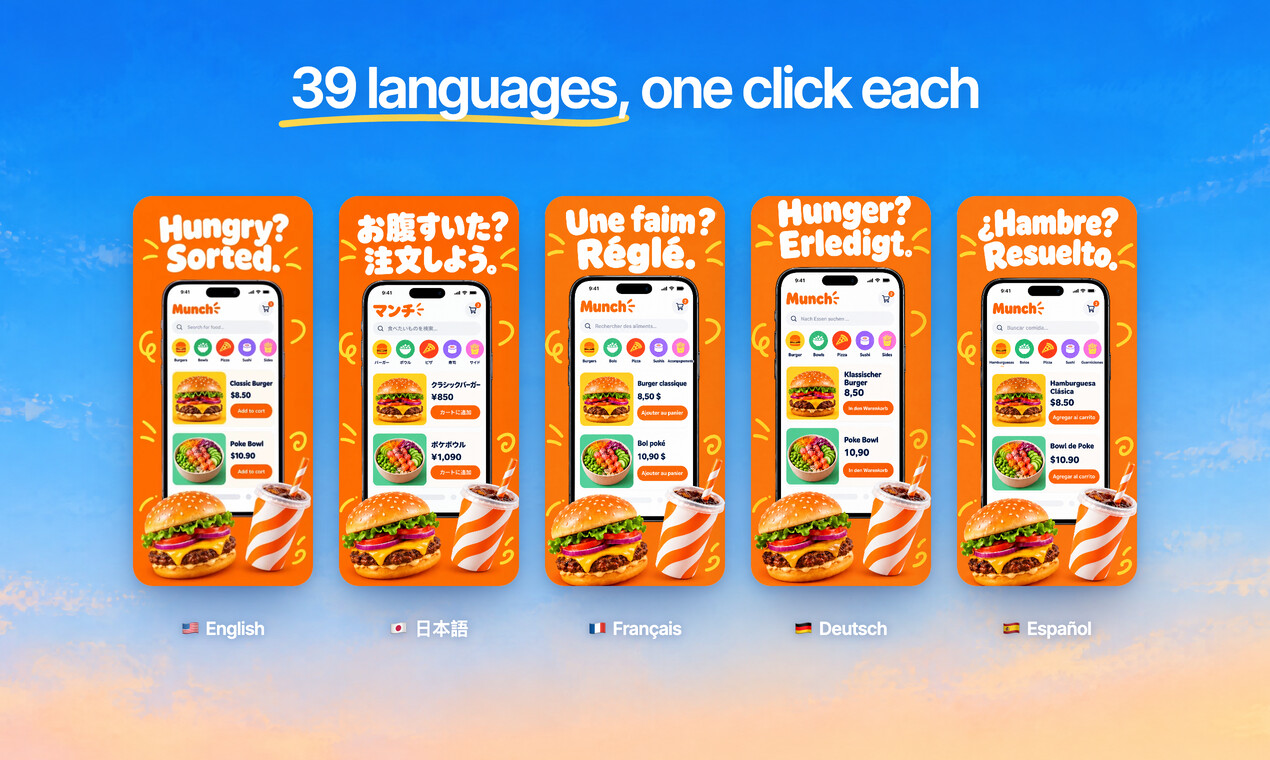
Translate every headline into 39 languages, and show your app in each one.
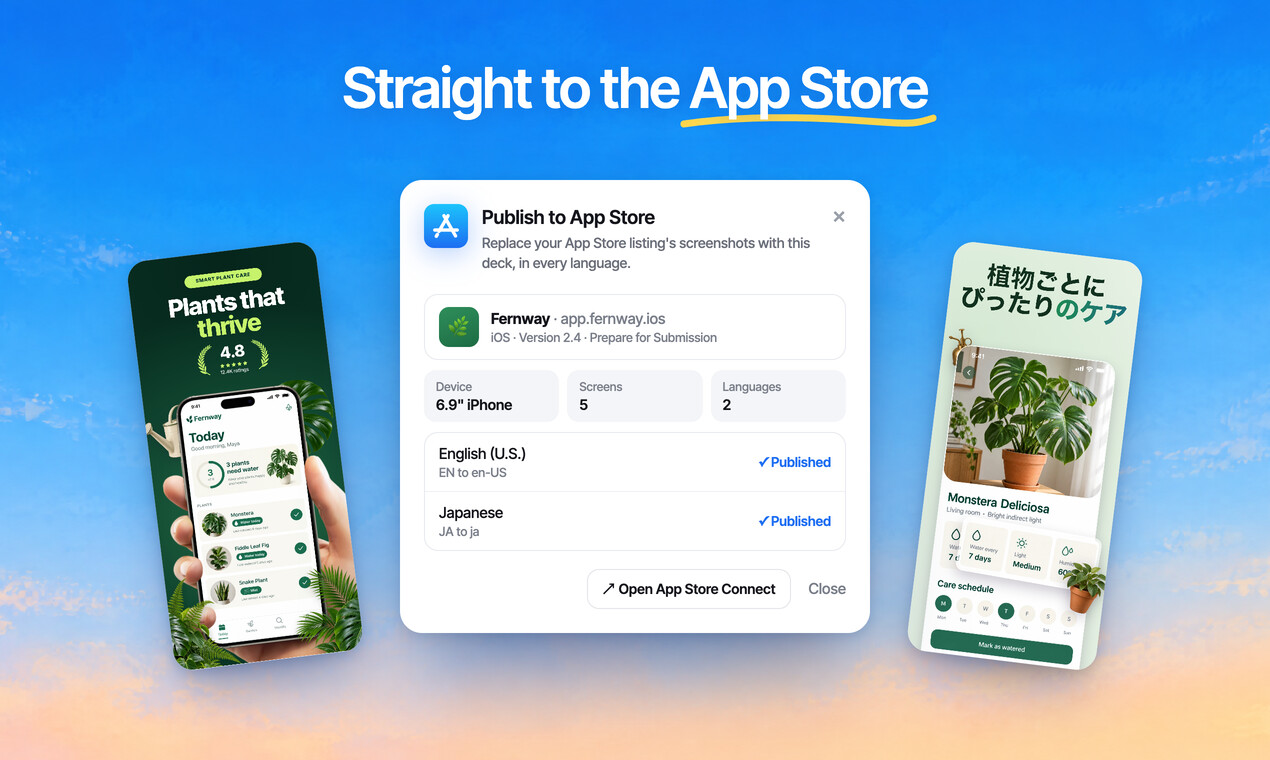
Publish the whole set to App Store Connect, every size and language, in one go.
Free to design. Pay only when you’re ready to ship.
Questions, answered
Is the iPad mockup generator free?
Designing is free, every mockup included, and no card is needed. Exports from a free account carry a small ScreenMake watermark; a paid plan removes it and adds publishing to App Store Connect.
Do I need iPad screenshots for the App Store?
Only if your app runs on iPad. Then App Store Connect requires at least one screenshot at the 13 inch size, 2064 × 2752 or 2048 × 2732.
Can I reuse my iPhone screenshots?
Yes. A finished iPhone set carries over to iPad without redesigning it: the layout adapts to the wider screen and your iPad captures go into the iPad frames.
Should my iPad screenshots show the iPhone app?
No. App Review checks that iPad screenshots show your app running on iPad, so use real iPad captures, not a stretched iPhone screen.
Can I show landscape?
Yes. Every iPad frame works in portrait and landscape, and exports come out at the matching landscape size.
Start with your own screens
Add a few captures of your app and see it in a designed set before your coffee gets cold.
Free to design. Pay only when you’re ready to ship.