34,000 elements
Icons, 3D objects, stickers, badges and shapes.
Show your app the way people will hold it. Real photographs of hands, real phones, and your own screen inside, lined up for you.
Free to design. Pay only when you’re ready to ship.
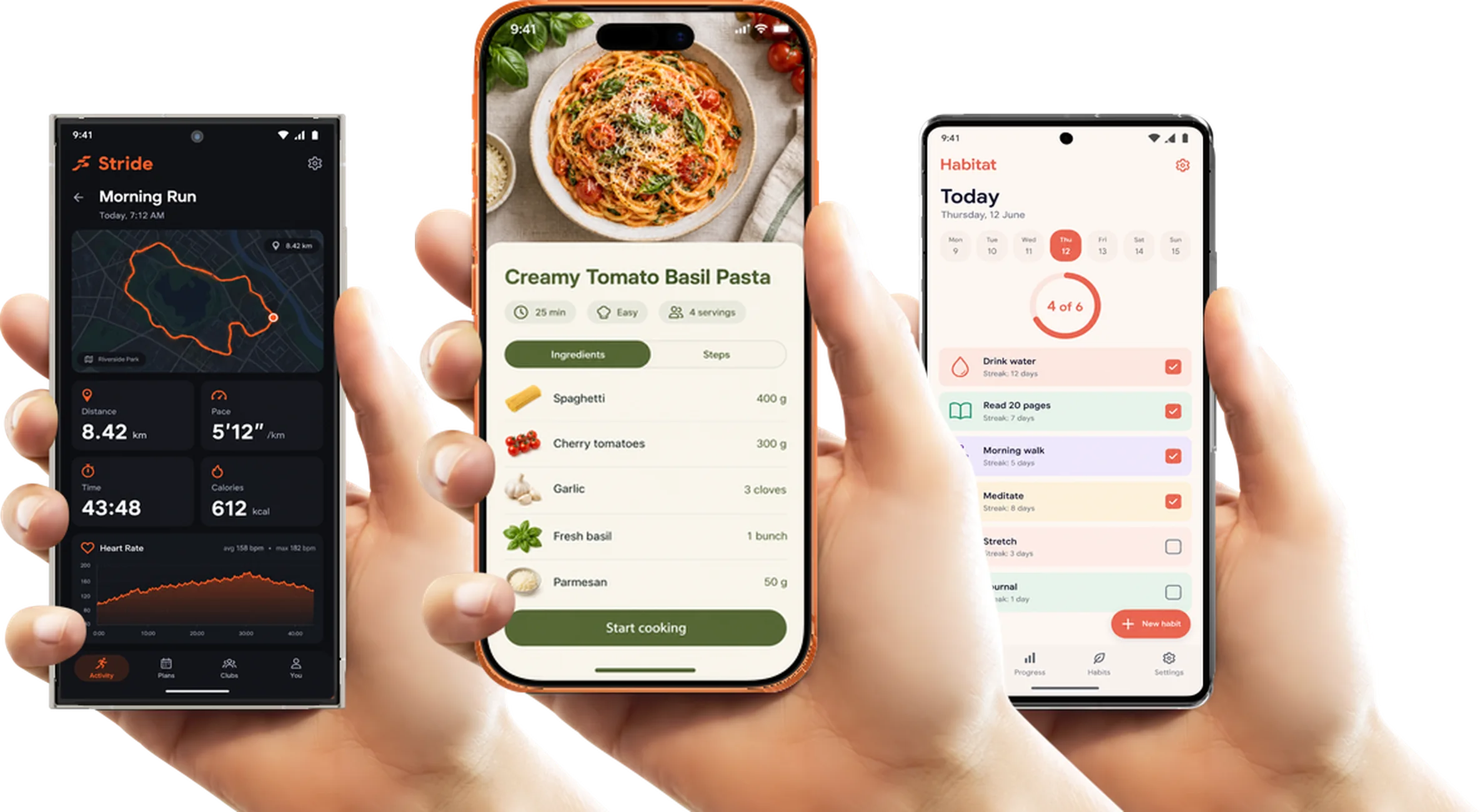
380+ device mockups · Every App Store and Google Play size · 39 languages
From iOS or Android, any size. ScreenMake keeps it sharp and fits it to the display.
iPhone, Pixel or Galaxy; one hand, two hands, or the phone alone.
Add a headline and a background, then export for the App Store or Google Play.
Photographed hands holding real phones, in different grips and skin tones.
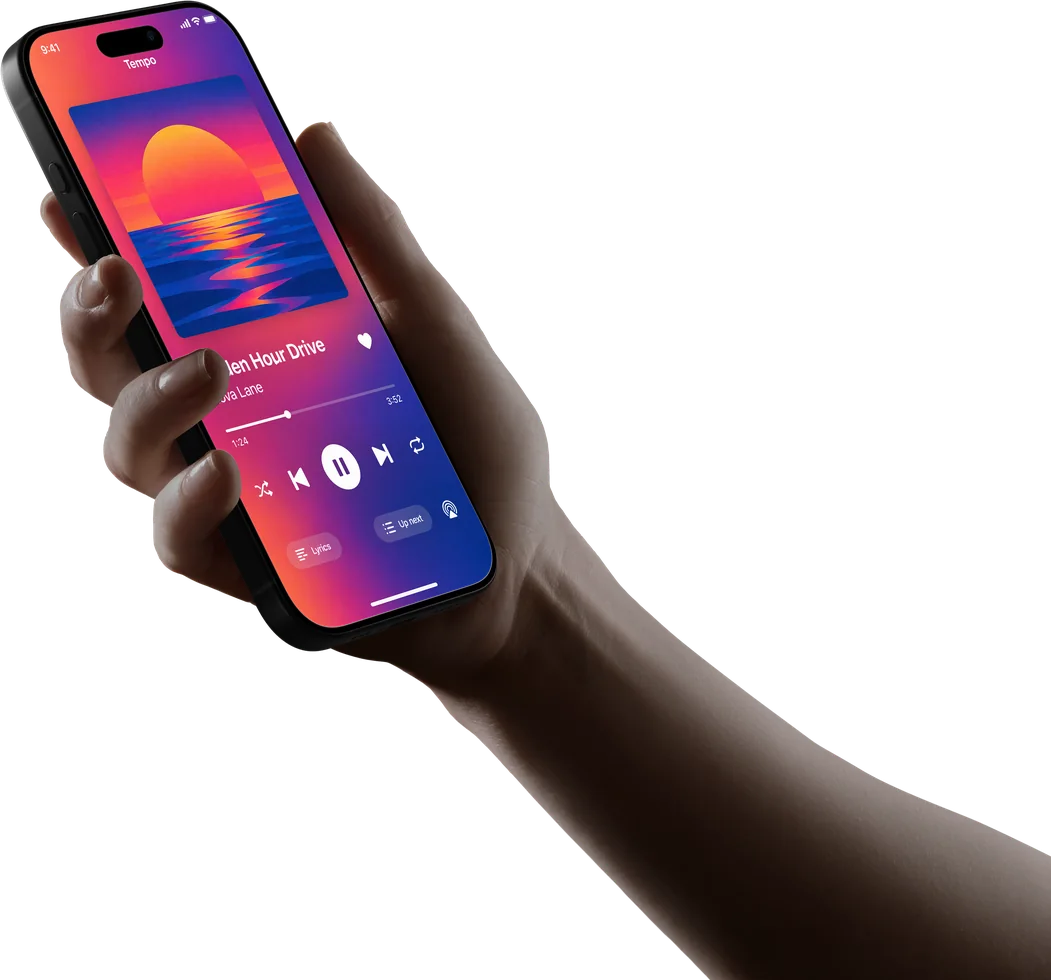
An iPhone 16 Pro held the way people really use it.
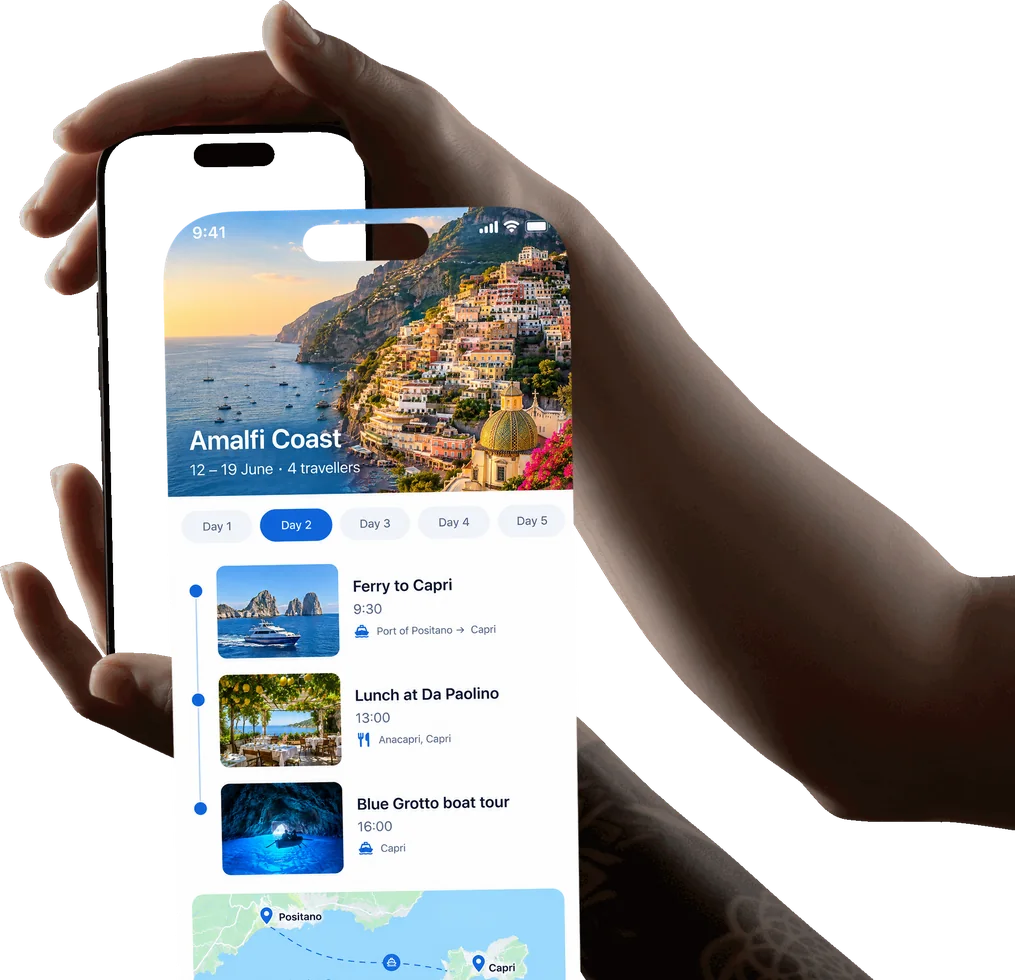
For games, maps and anything held close.
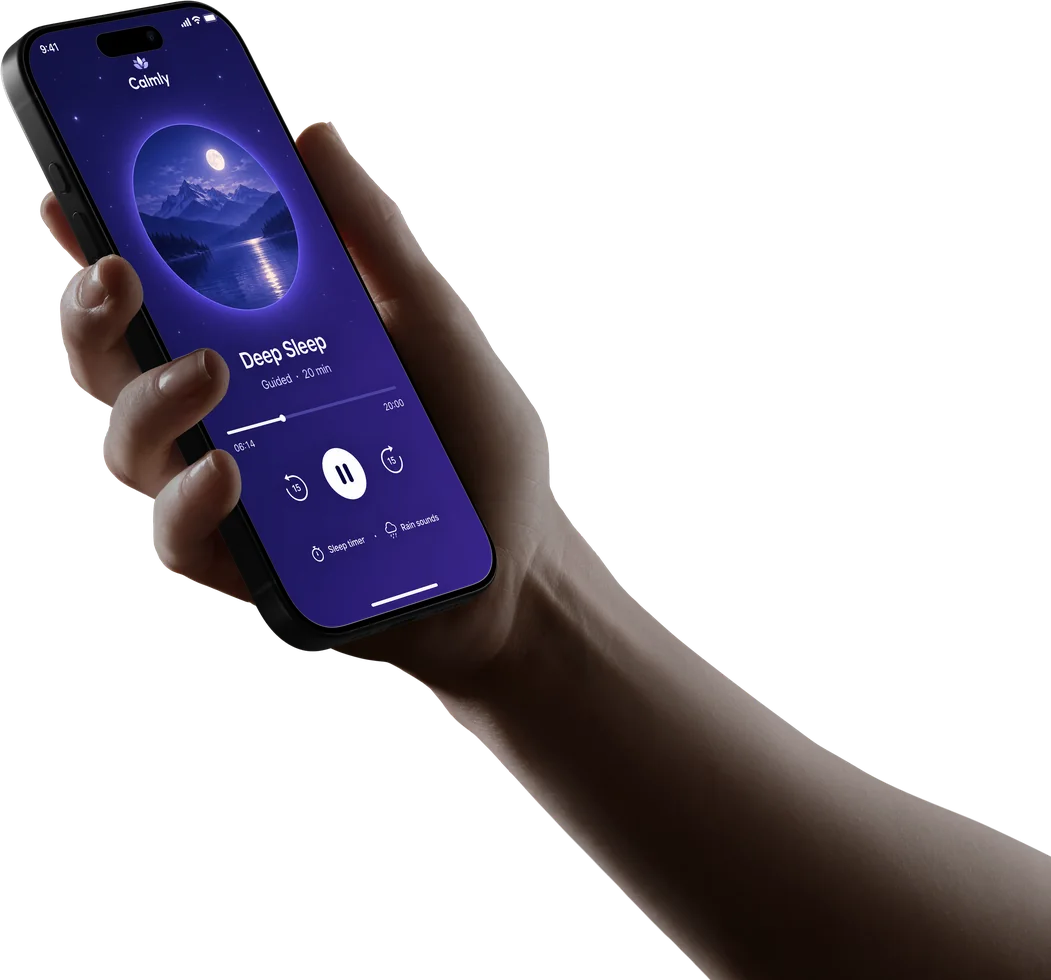
A softer, more personal feel.
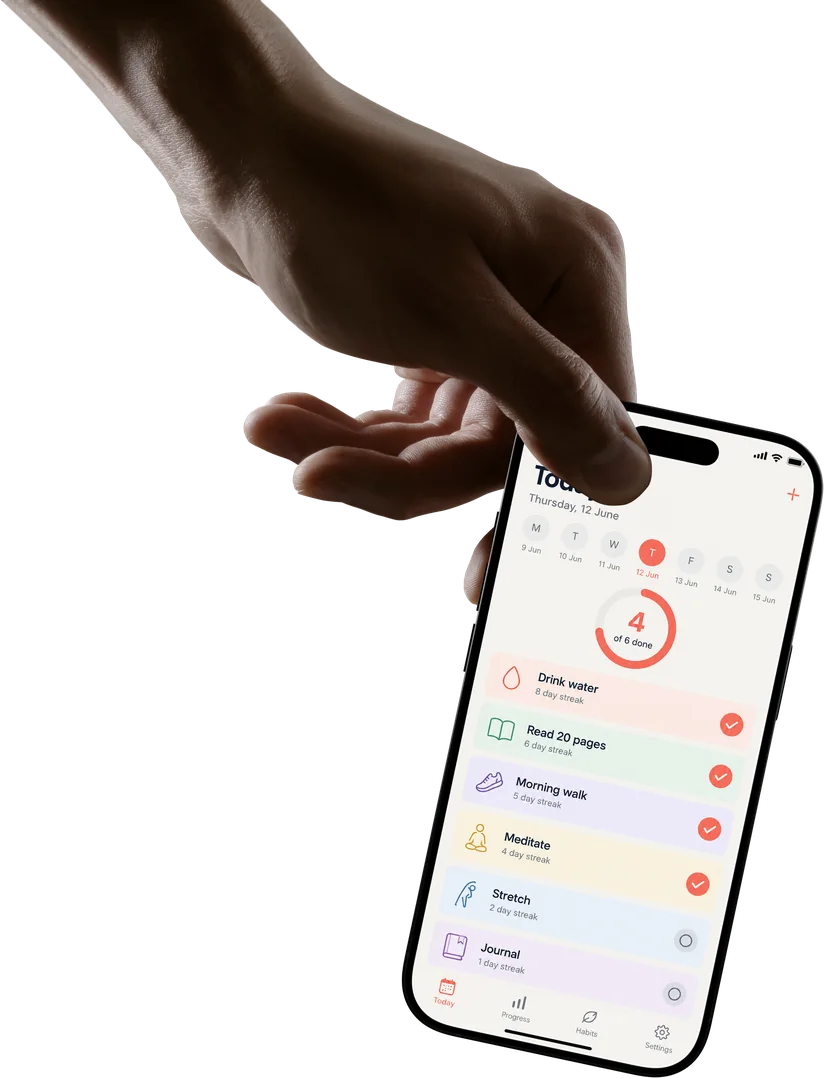
Clear and front on, the screen at its biggest.
ScreenMake is a full screenshot studio, so you don’t stop at one picture.
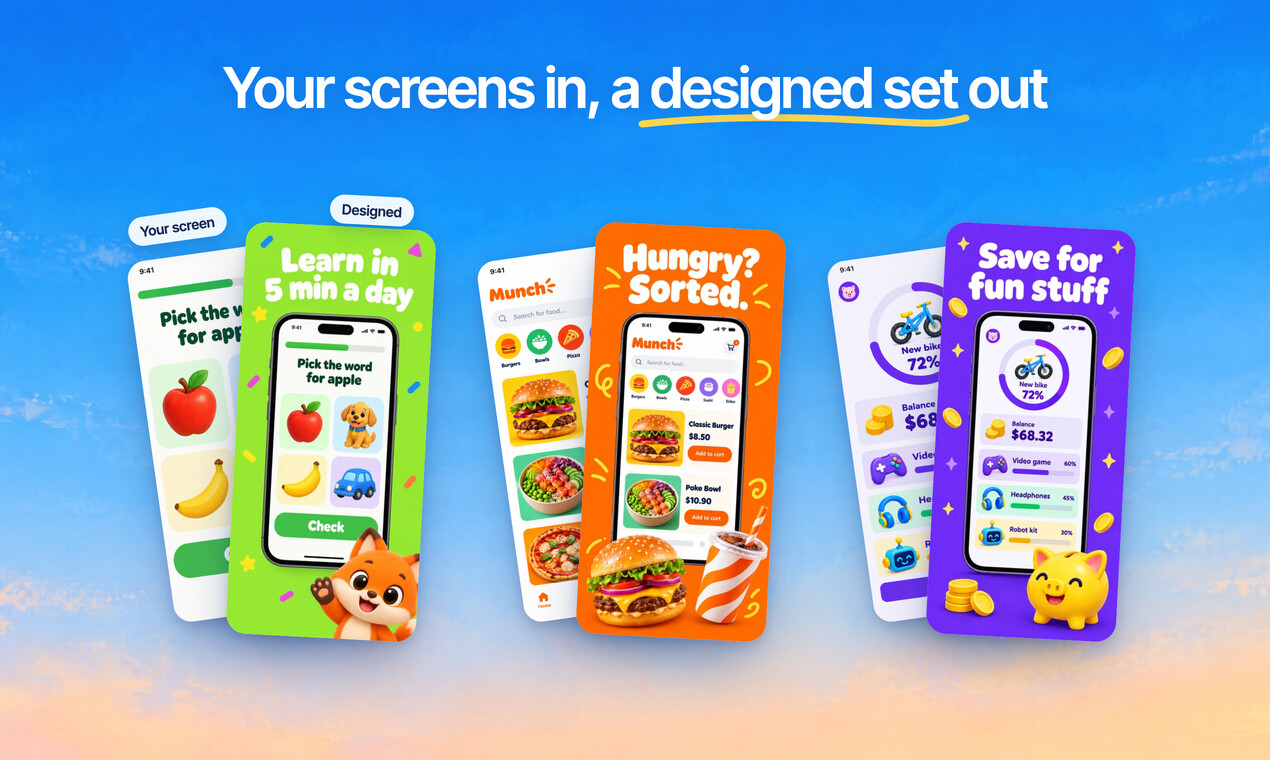
Quick Draft designs a full set of screenshots from your app’s screens, mockups and headlines included.
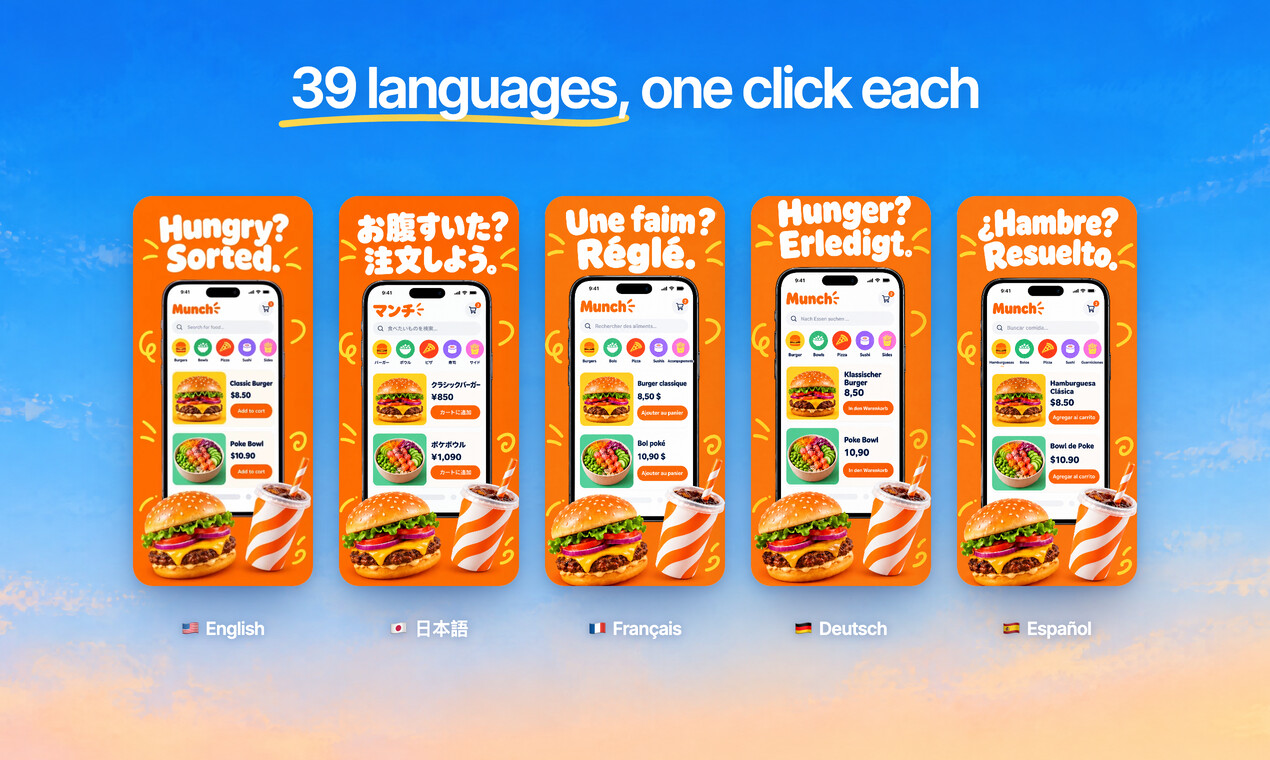
Translate every headline into 39 languages, and show your app in each one.
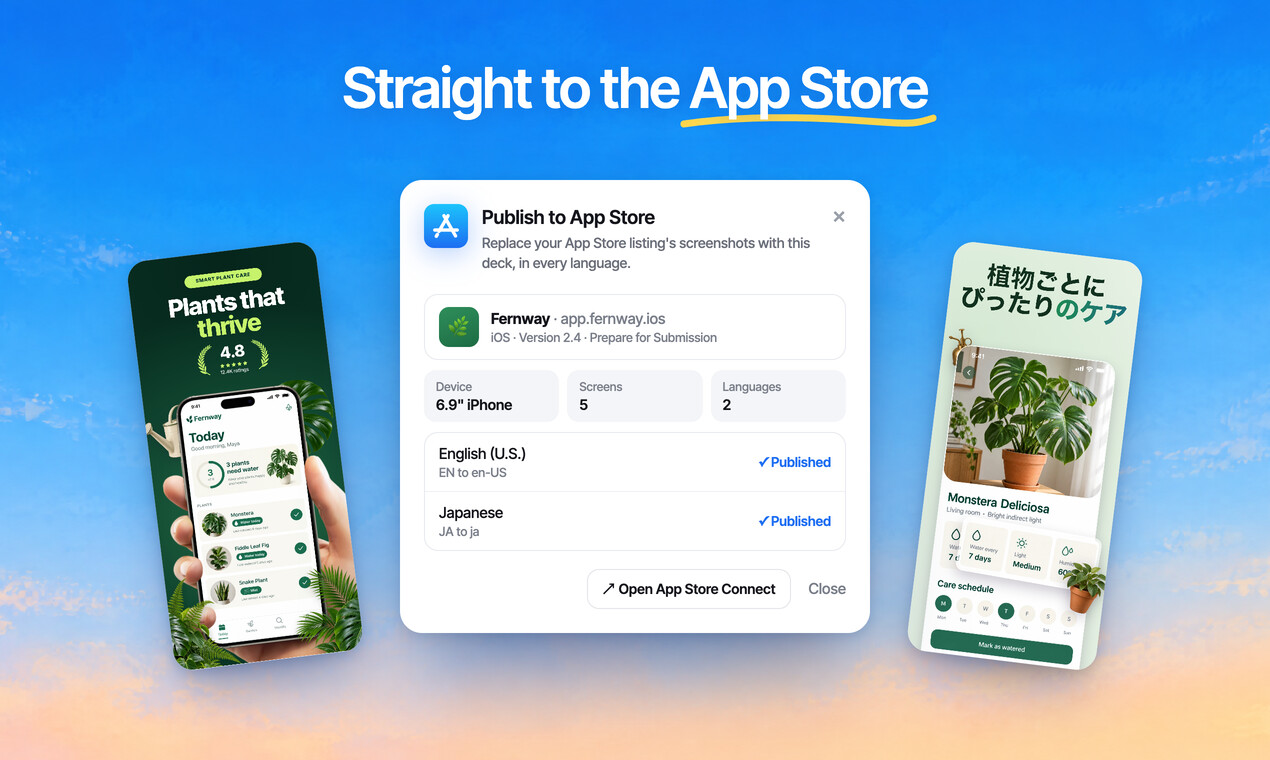
Publish the whole set to App Store Connect, every size and language, in one go.
Free to design. Pay only when you’re ready to ship.
Mockups, icons, 3D objects, photos and backgrounds, ready to drop in.
Icons, 3D objects, stickers, badges and shapes.
Flat, hand-held and 3D frames for phones, tablets and watches.
Stock photo search, gradients and animated shaders.
Not there? Describe it, and AI Mode makes it.
Designing is free, every mockup included, and no card is needed. Exports from a free account carry a small ScreenMake watermark; a paid plan removes it and adds publishing to App Store Connect.
iPhones from iPhone 8 to iPhone 17 Pro Max, Google Pixel 4, 5, 7 and 8, Samsung Galaxy S20 to S24 Ultra and Note, OnePlus, Huawei and Moto, flat, in a hand or in 3D.
Yes. They're photographs, not drawings, with the phone's real shape and shadows. Your screen is fitted into the display so it sits naturally in the hand.
Yes. Any capture works in any frame, and Android screens look right in a Pixel or a Galaxy. Exports come out at Google Play sizes too.
Yes. Most people start with one mockup and end up with the full set: duplicate the screen, swap the capture and the headline, and every screen stays consistent.
Add a few captures of your app and see it in a designed set before your coffee gets cold.
Free to design. Pay only when you’re ready to ship.