Feature graphics that stop the scroll
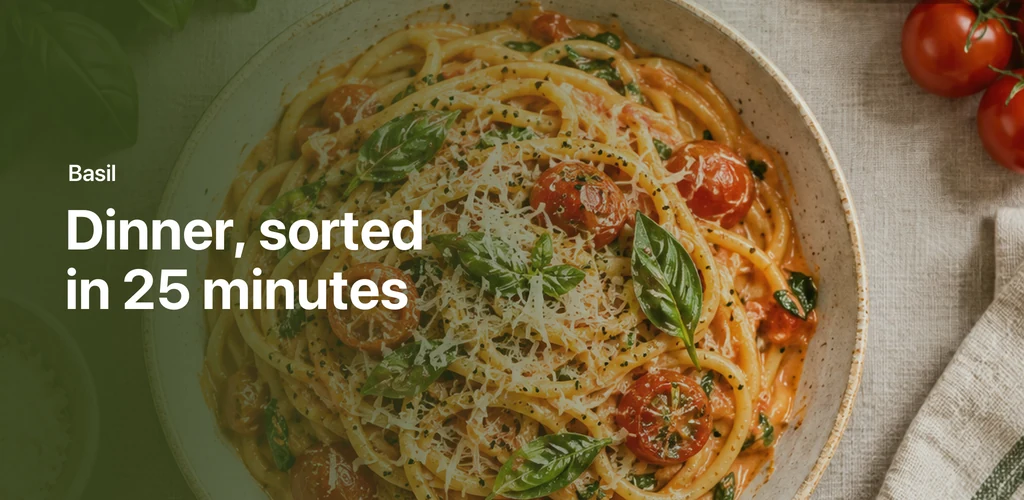
The feature graphic is the wide banner at the top of your Google Play listing. Make one at exactly 1024 × 500, with your app's artwork and a headline people can read at a glance.
Free to design. Pay only when you’re ready to ship.


380+ device mockups · Every App Store and Google Play size · 39 languages
How to make a Google Play feature graphic
Open the feature graphic
Choose Google Play and the Feature graphic device: the canvas is 1024 × 500 already.
Add artwork and a headline
A photo, your app's colours or an illustration, and one short line. Keep the key parts away from the edges.
Export as PNG or JPEG
Exactly 1024 × 500 with no transparency, ready for the Play Console.
Then finish the whole listing
ScreenMake is a full screenshot studio, so you don’t stop at one picture.
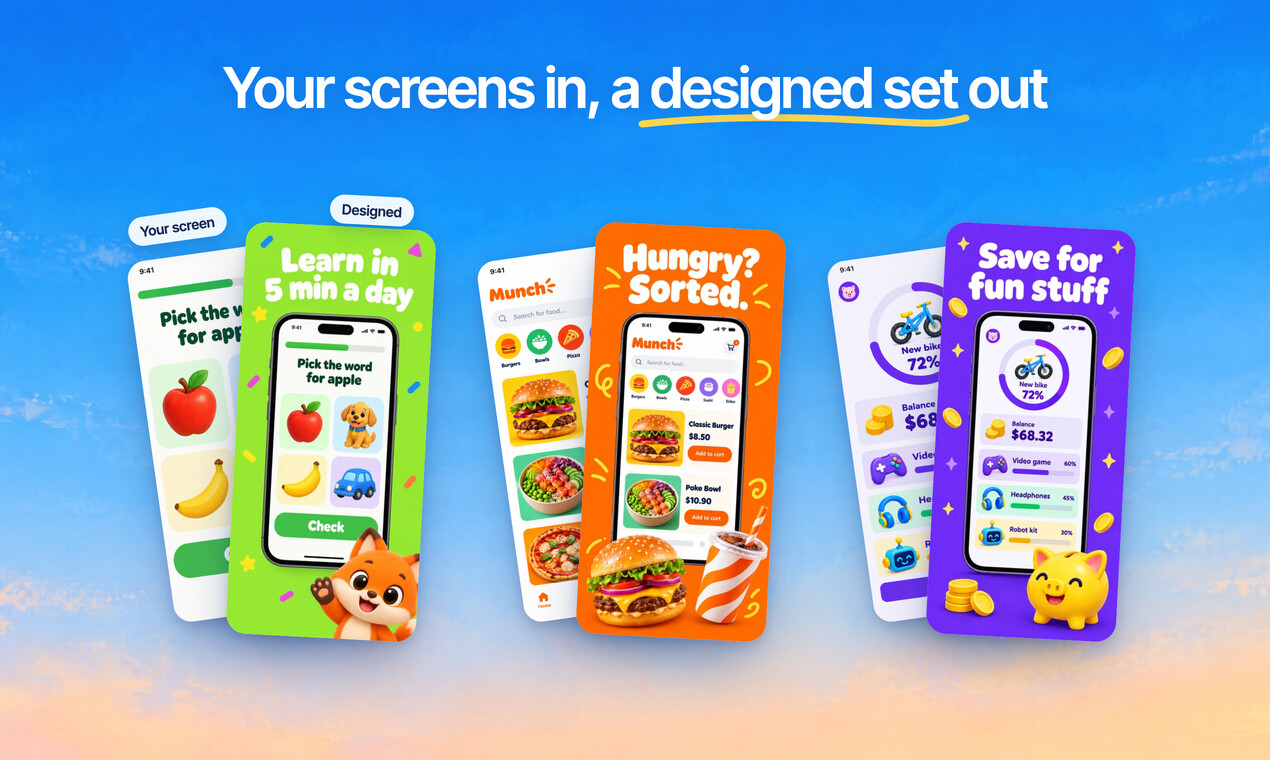
Quick Draft designs a full set of screenshots from your app’s screens, mockups and headlines included.
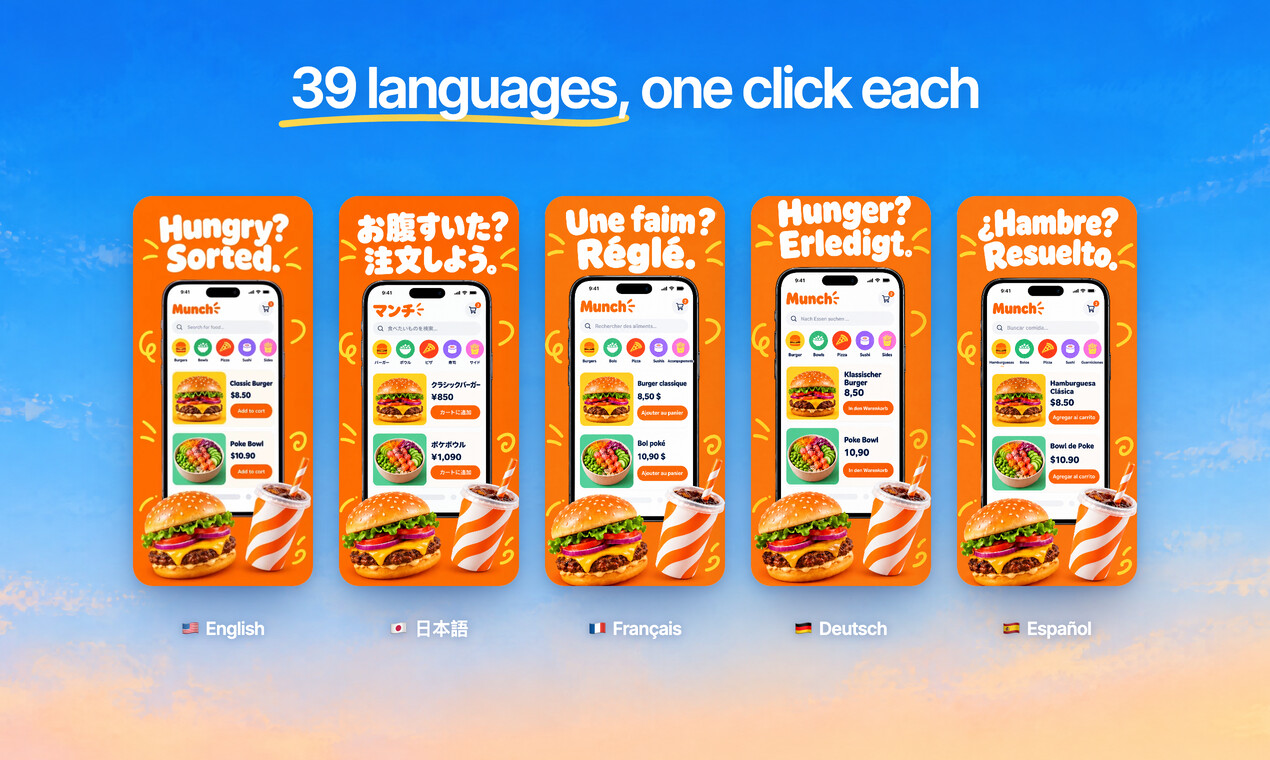
Translate every headline into 39 languages, and show your app in each one.
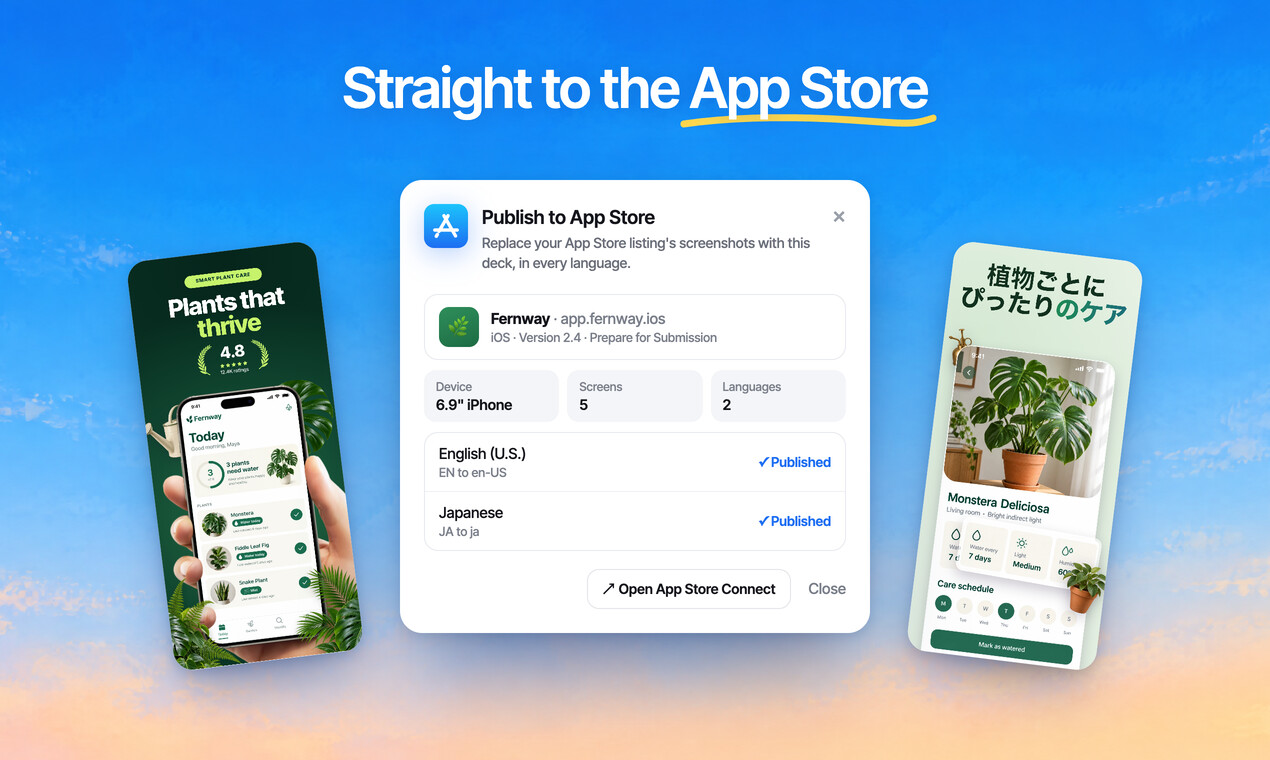
Publish the whole set to App Store Connect, every size and language, in one go.
Free to design. Pay only when you’re ready to ship.
Questions, answered
What size is a Google Play feature graphic?
Exactly 1024 × 500 pixels, as a JPEG or a 24 bit PNG with no transparency.
What is a feature graphic for?
It's the banner at the top of your store listing, and it appears behind your promo video. Google also uses it when it features your app.
Should it show a phone?
Google recommends leaving out device frames and Google Play badges, and avoiding plain white, black or dark grey backgrounds that blend into the store.
Do I need one?
You need a feature graphic to publish a promo video, and Google uses it to feature your app, so every listing should have one.
Is the feature graphic generator free?
Designing is free, every mockup included, and no card is needed. Exports from a free account carry a small ScreenMake watermark; a paid plan removes it and adds publishing to App Store Connect.
Start with your own screens
Add a few captures of your app and see it in a designed set before your coffee gets cold.
Free to design. Pay only when you’re ready to ship.